
사용 가이드
Travel Animator로 여행 영상을 완성하는 과정을 단계별로 안내합니다. 경로를 그리고 편집한 뒤 3D 모델과 지도 스타일을 선택하고, 각 플랫폼에 맞는 형식으로 내보내세요. 만들고 싶은 것이 정해져 있고 정확한 순서만 알고 싶다면 여기서 시작하세요.
현재 게시글은 영어로 제공됩니다.
사용 방법
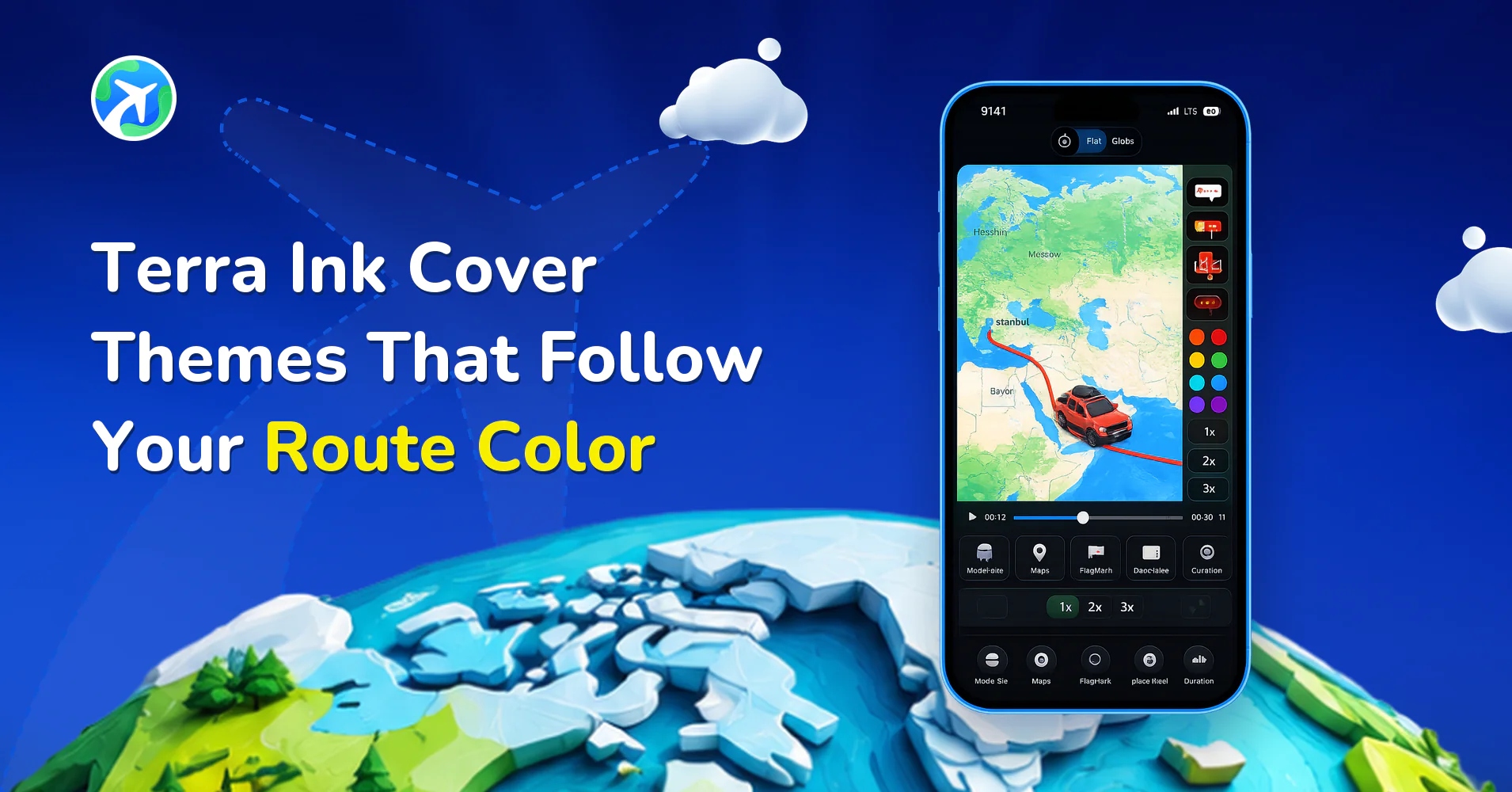
Terra Ink Cover Themes That Follow Your Route Color
사용 방법
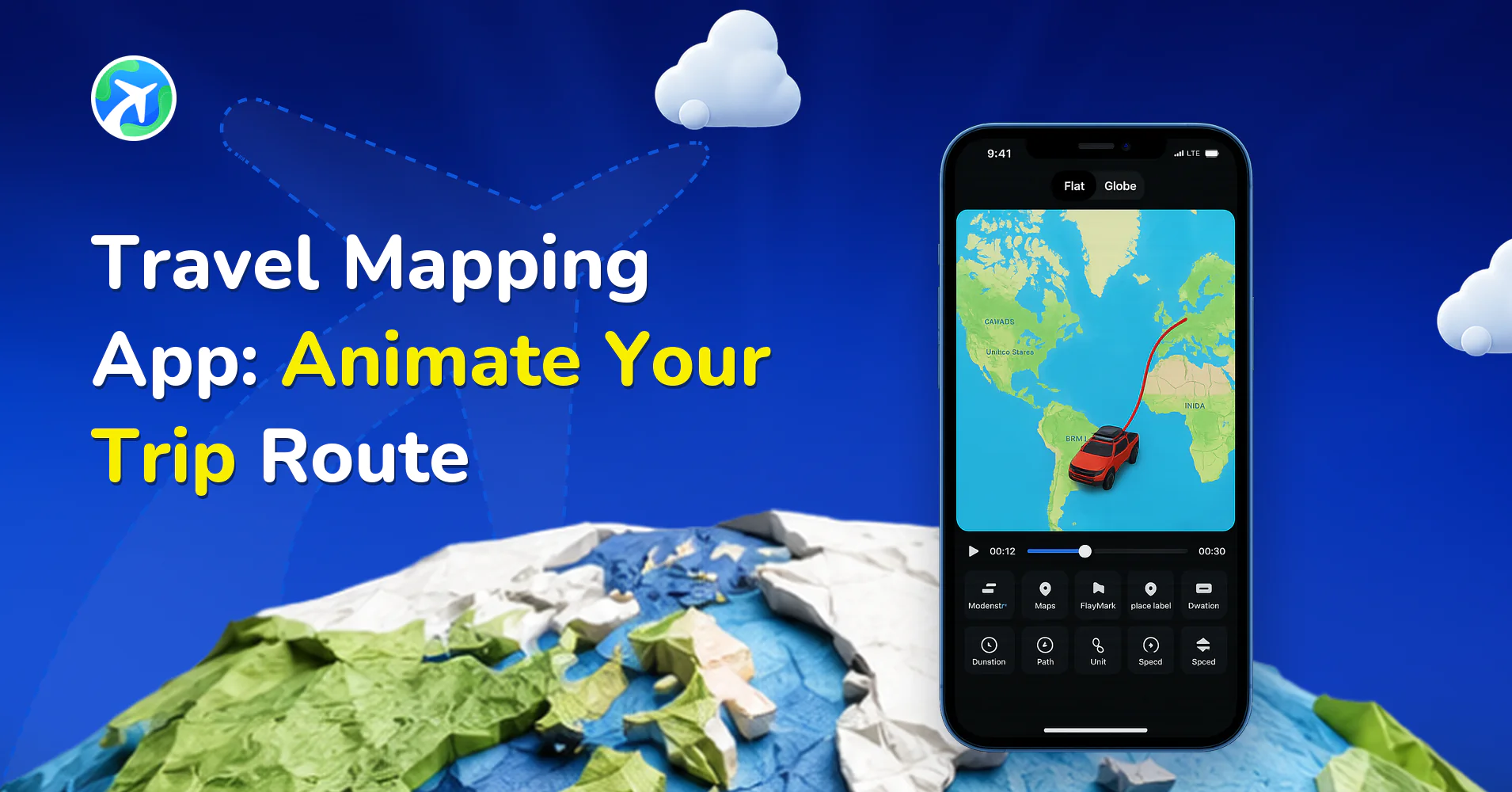
Travel Mapping App: Animate Your Trip Route
사용 방법
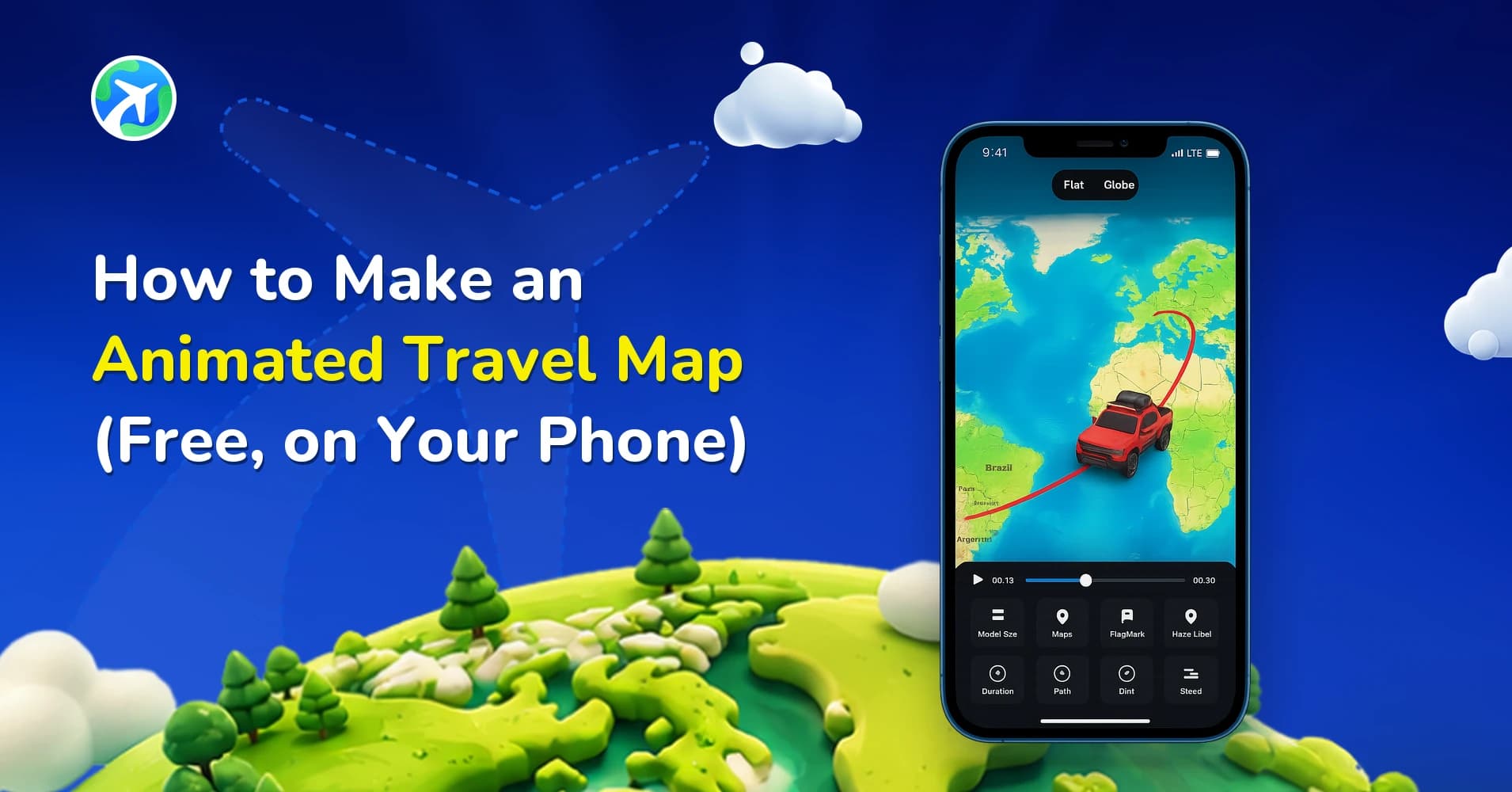
How to Make an Animated Travel Map (Free, on Your Phone)
사용 방법
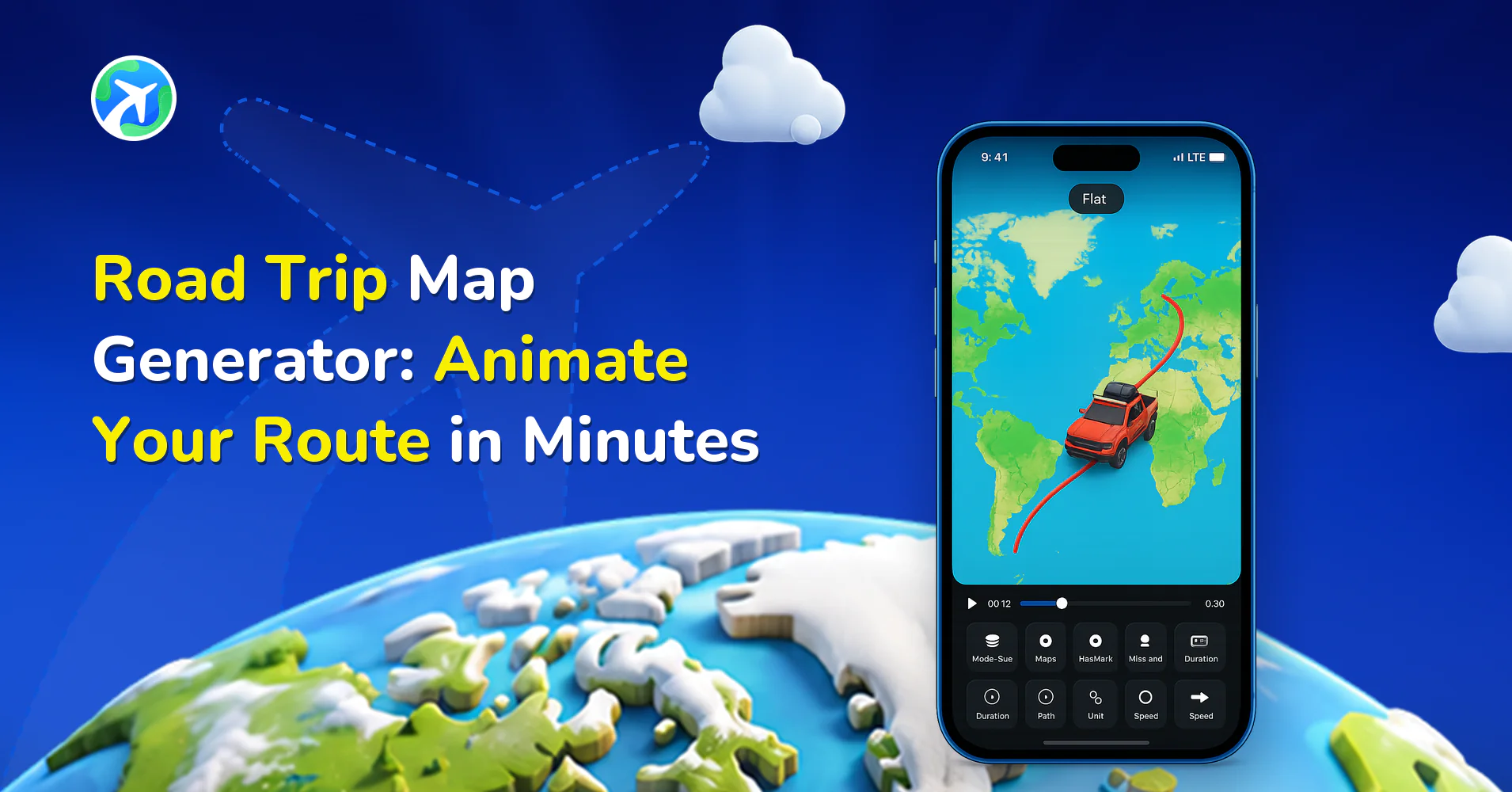
Road Trip Map Generator: Animate Your Route in Minutes
사용 방법
How to Plan a Trip with the Journey AI Route Assistant
사용 방법
How to Install the Travel Animator MCP Server : 2026 Guide
사용 방법
How to Create a Flight Path Animation for Any Two Airports
사용 방법
How to Use TravelAnimator App: Step-by-Step App Guide (2026)
사용 방법
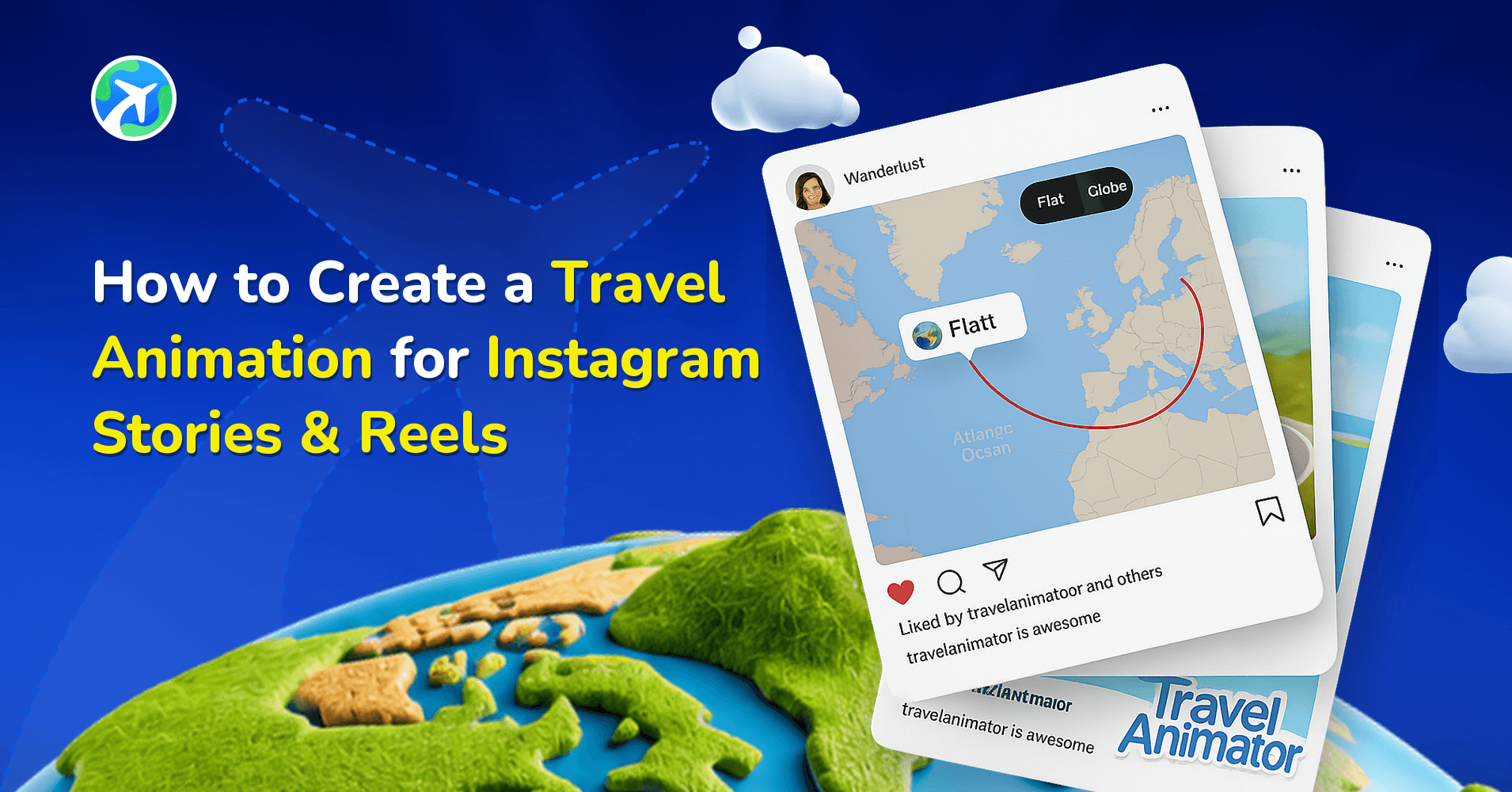
How to Create a Travel Animation for Instagram Stories & Reels

앱 기능
How to Participate in the #MadeUpCountry Creator Challenge
앱 기능
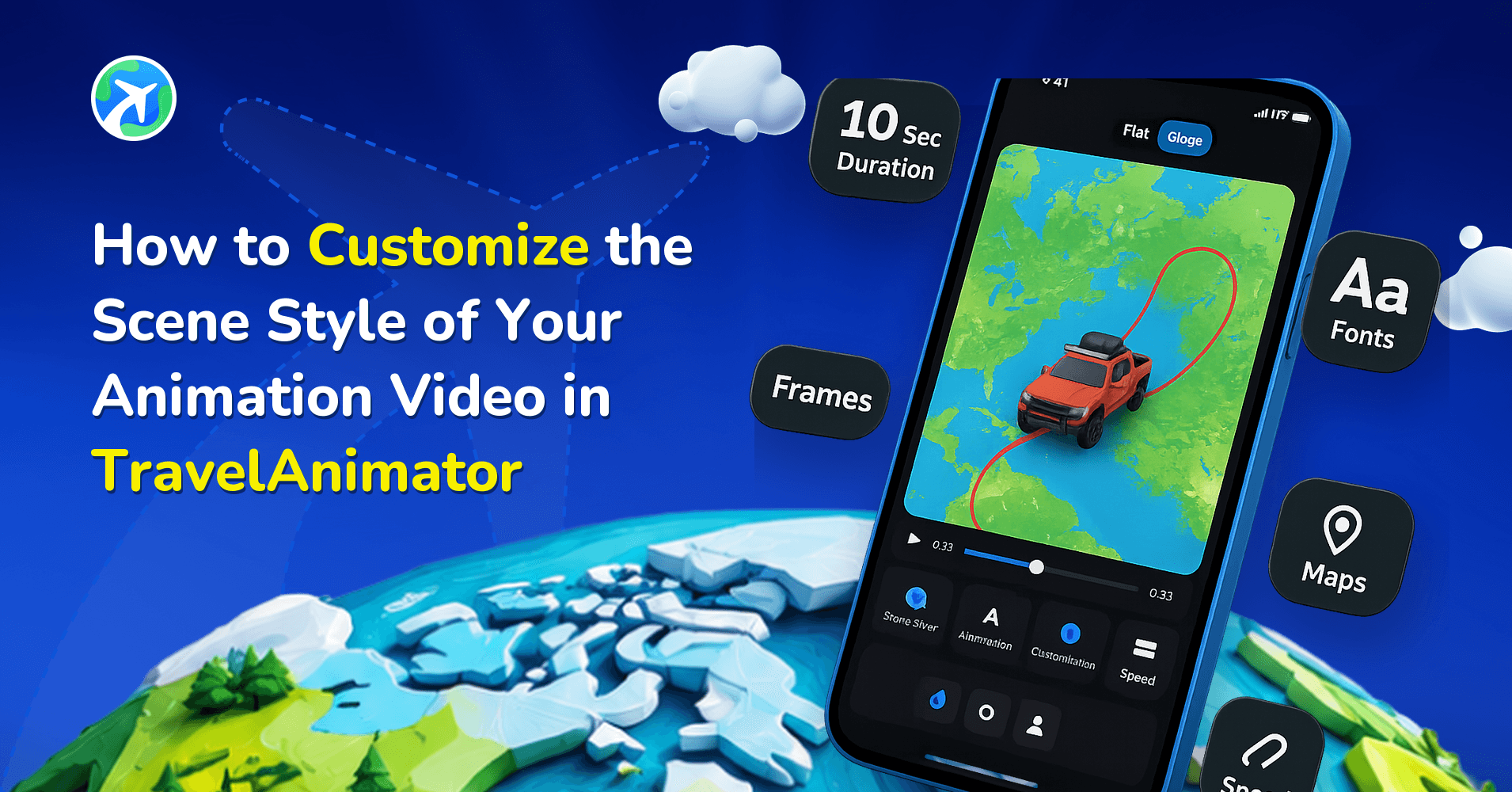
How to Customize Your Animation’s Scene Style in TravelAnimator
사용 방법
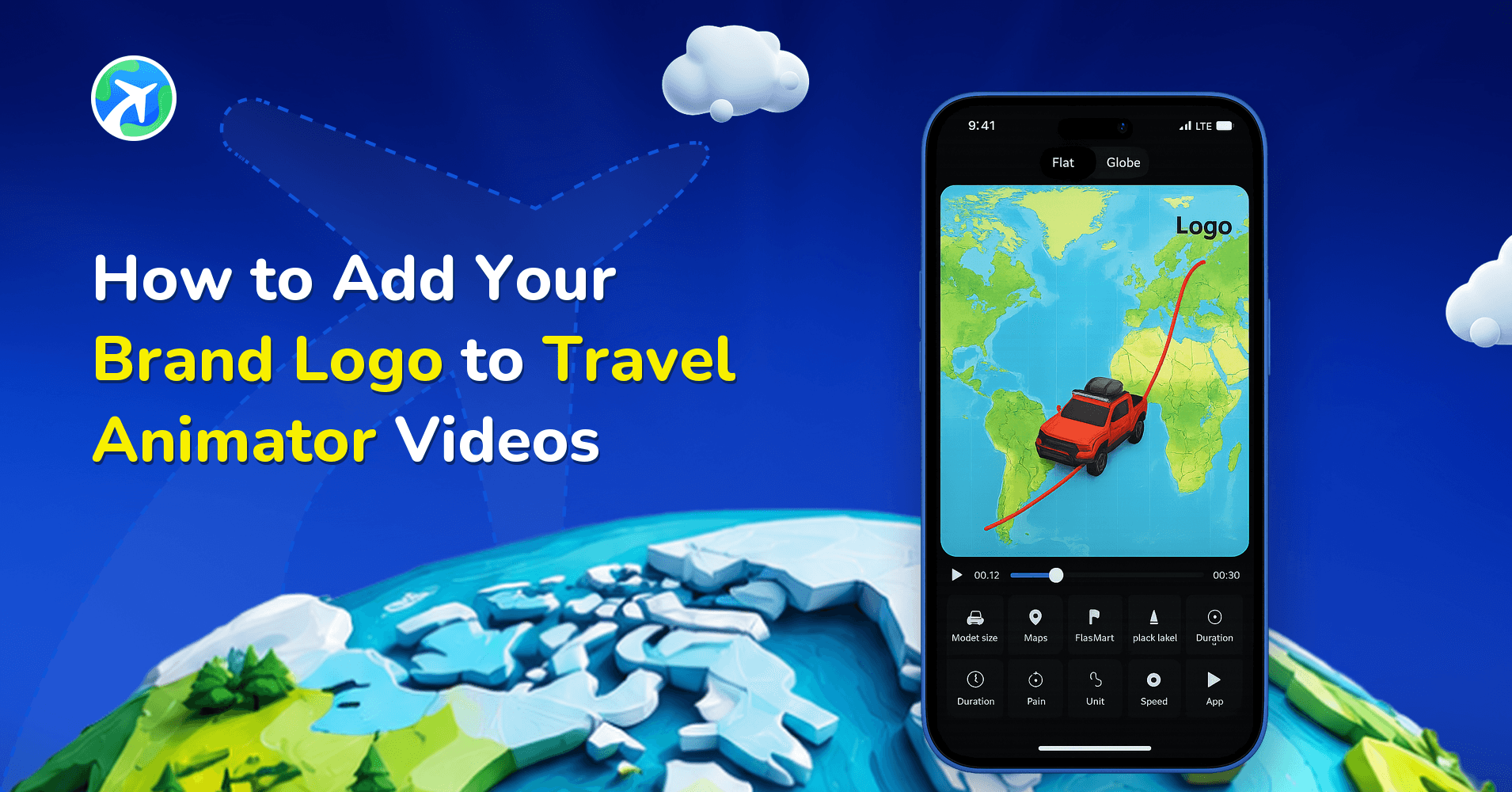
How to Add Your Brand Logo to Travel Animator Videos
사용 방법
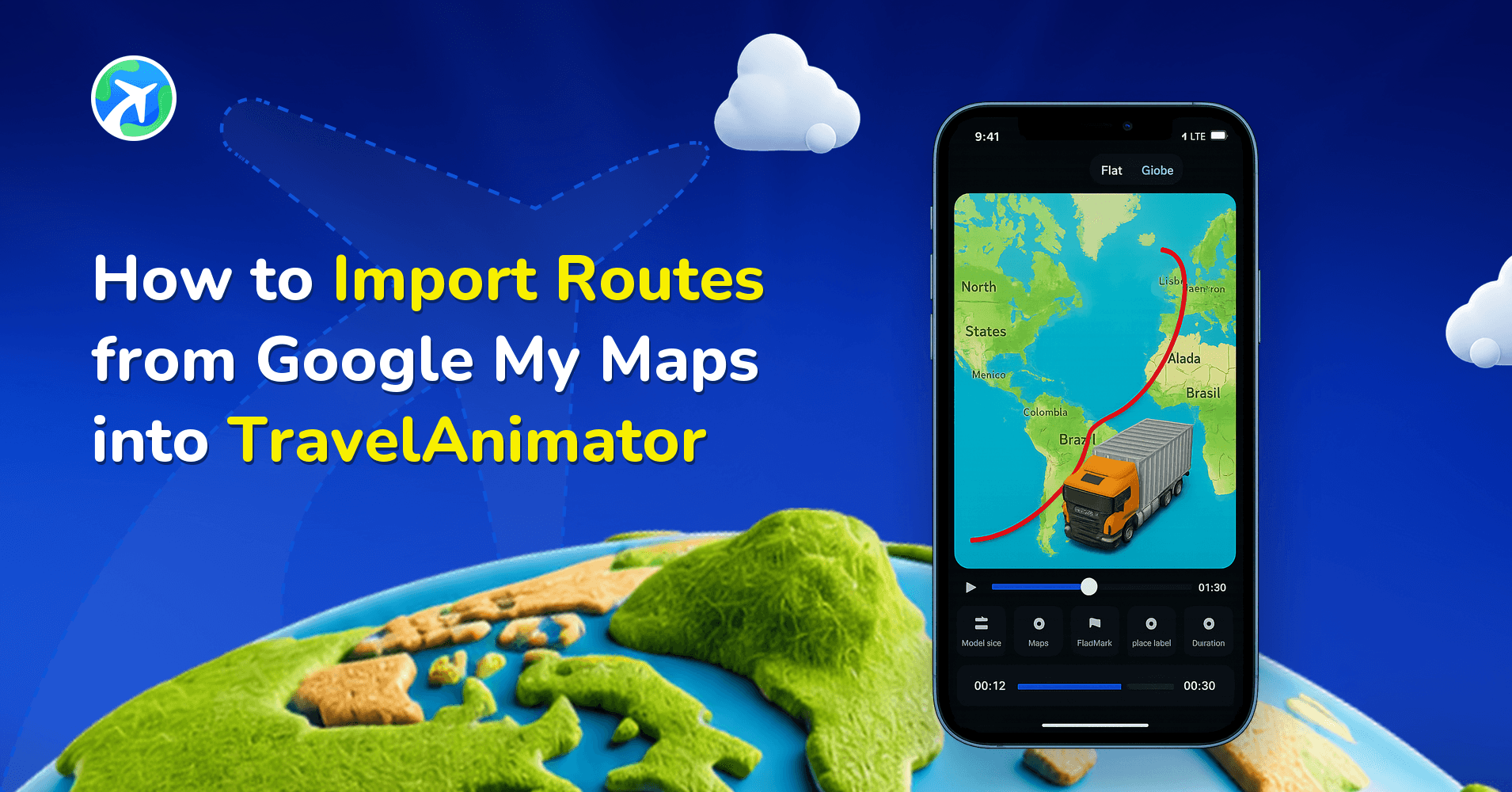
How to Import Routes from Google My Maps into Travel Animator
앱 기능
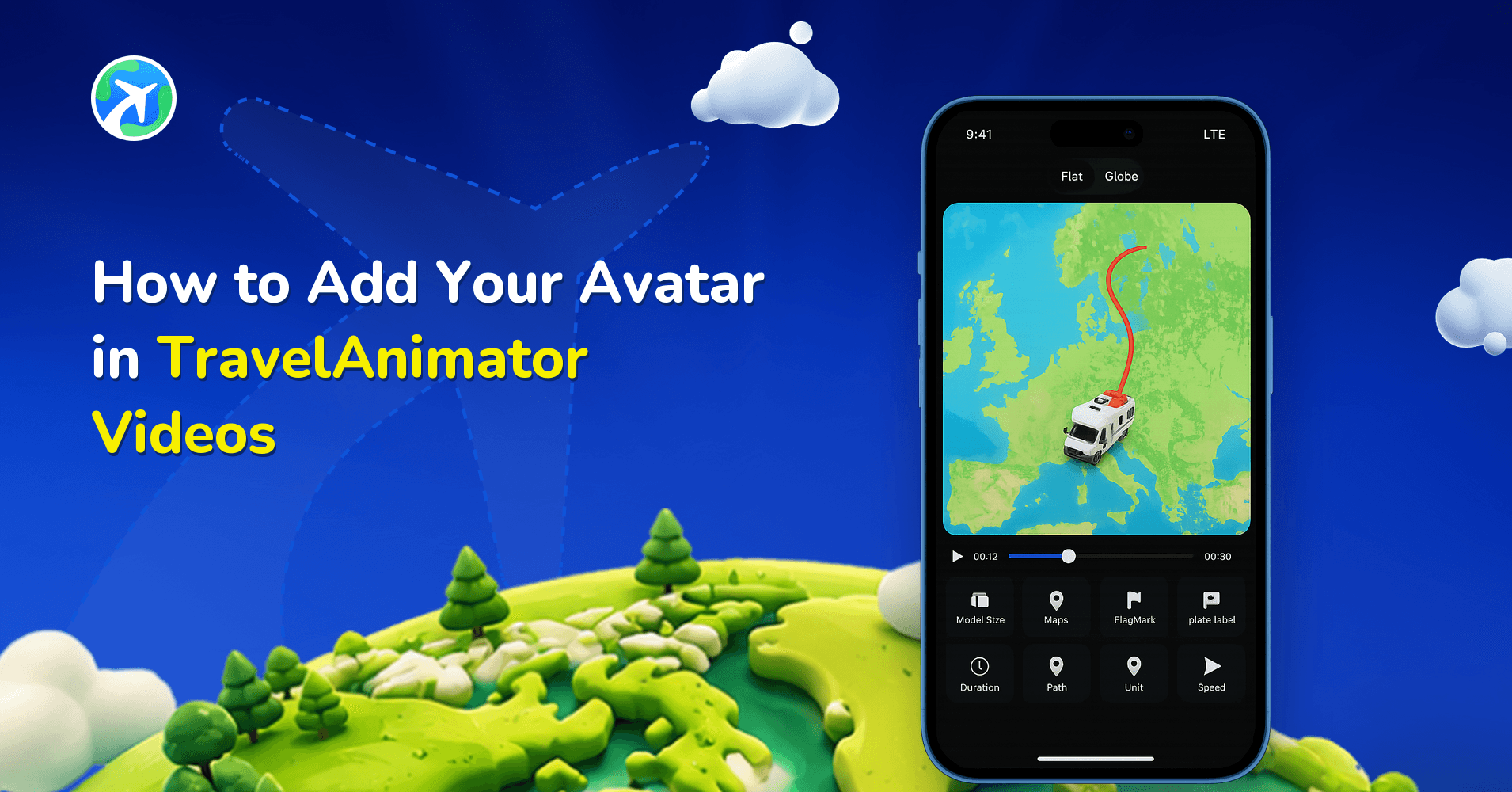
How to Add Your Avatar in TravelAnimator Videos
앱 기능
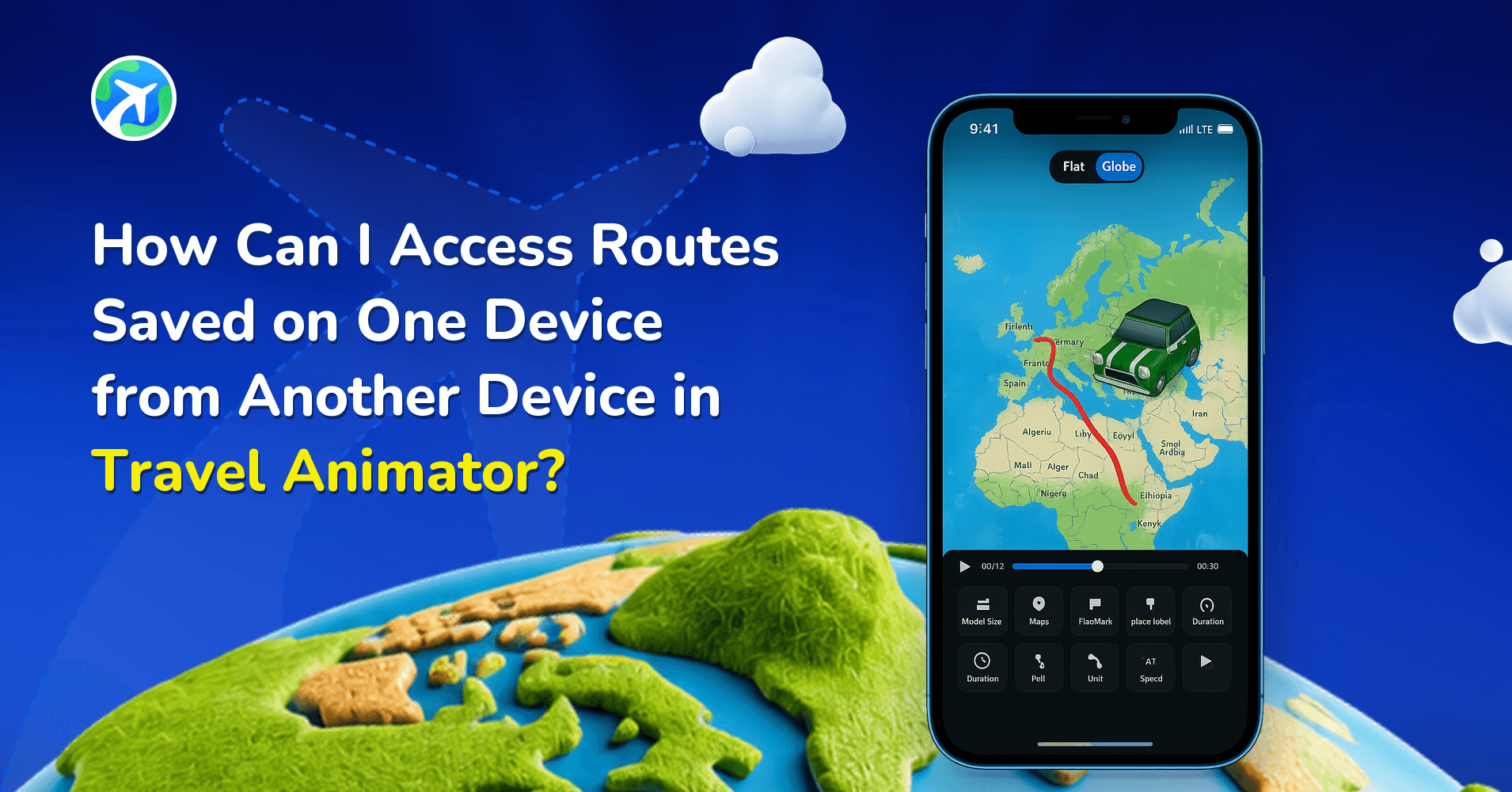
How to Access Saved Routes on Another Device in TravelAnimator
앱 기능
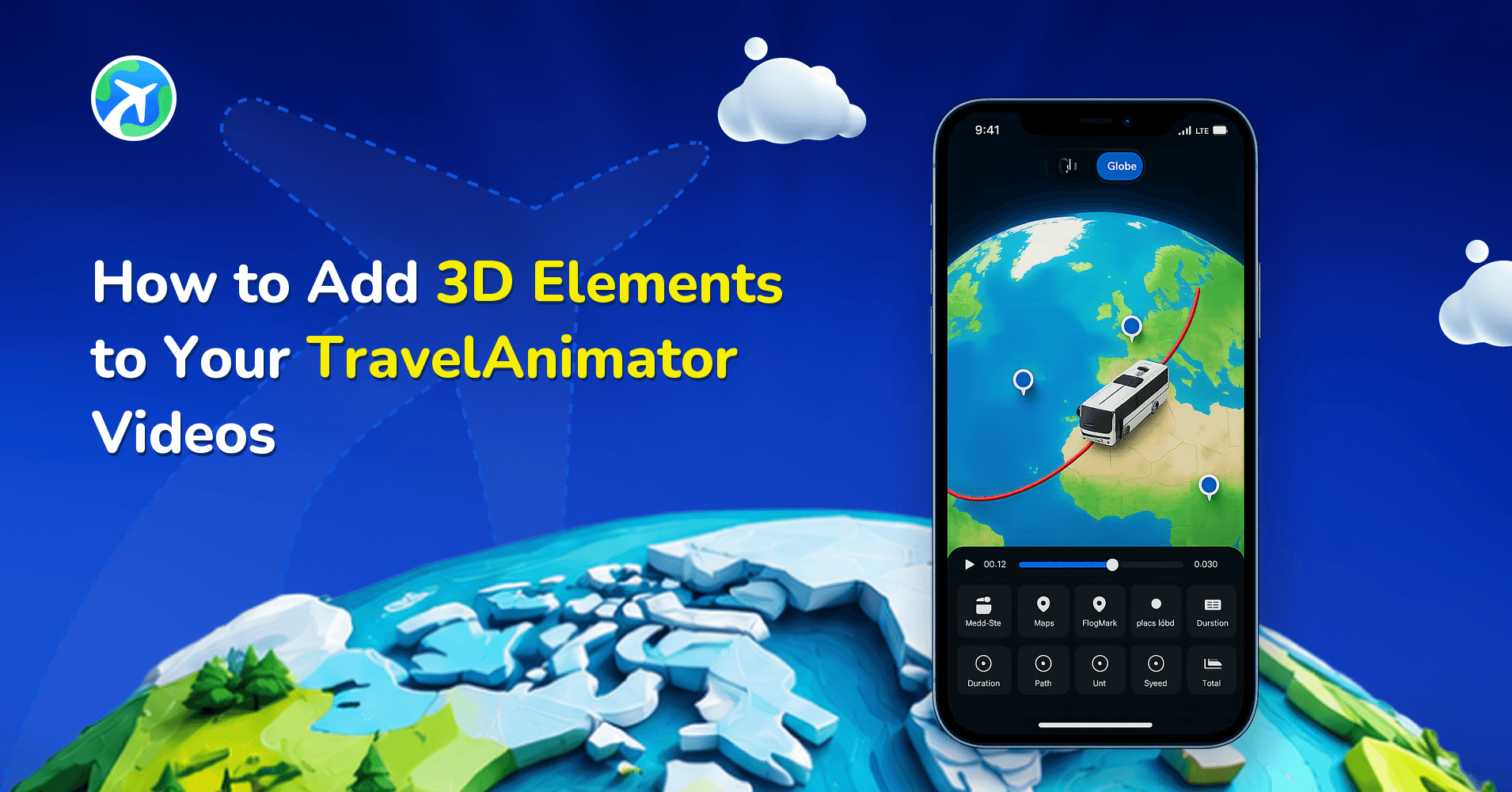
How to Add 3D Elements to Your TravelAnimator Videos
앱 기능
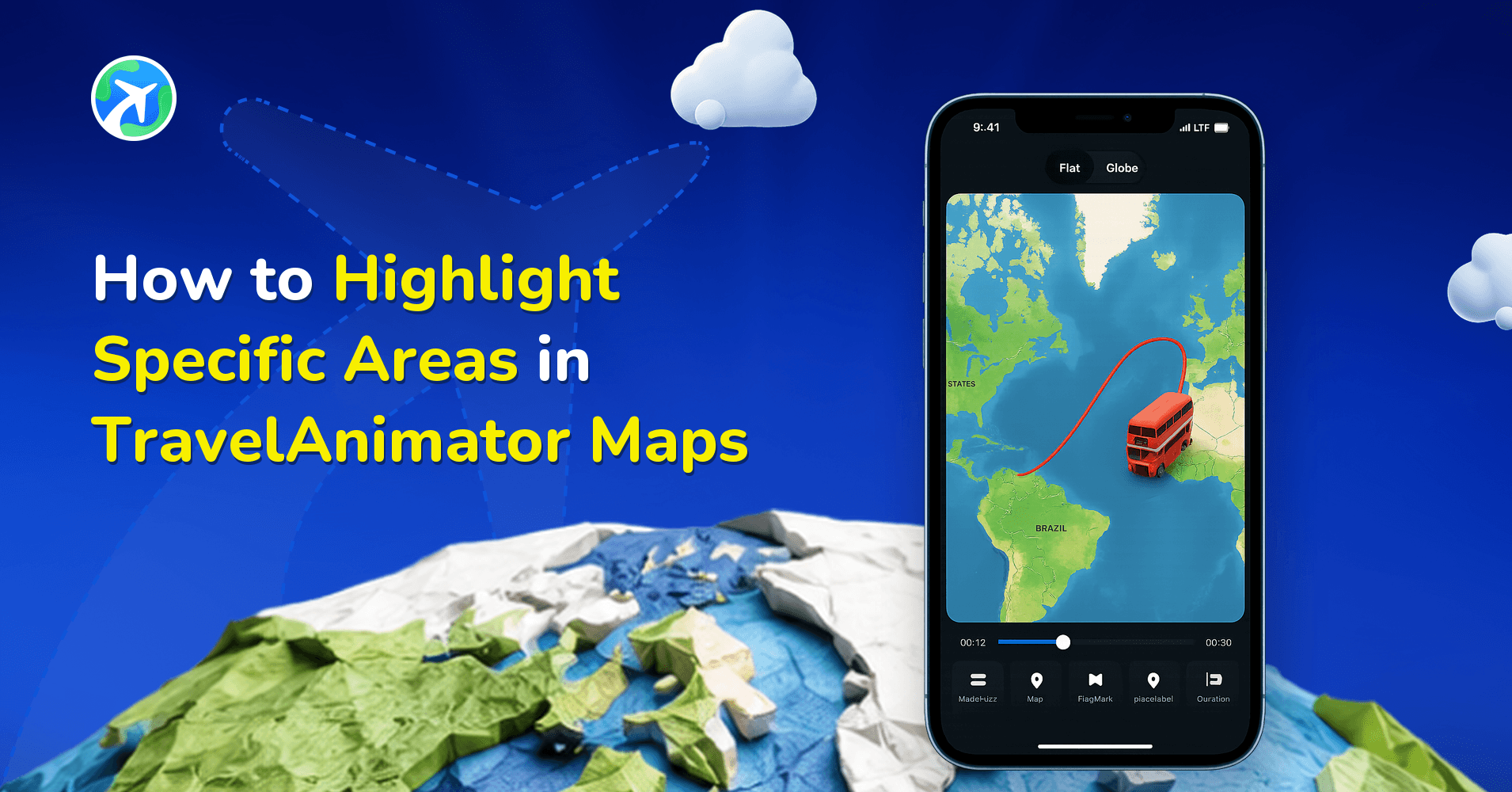
How to Highlight Specific Areas in TravelAnimator Maps
앱 기능
How to Add a Cover Image to Your TravelAnimator Video
앱 기능
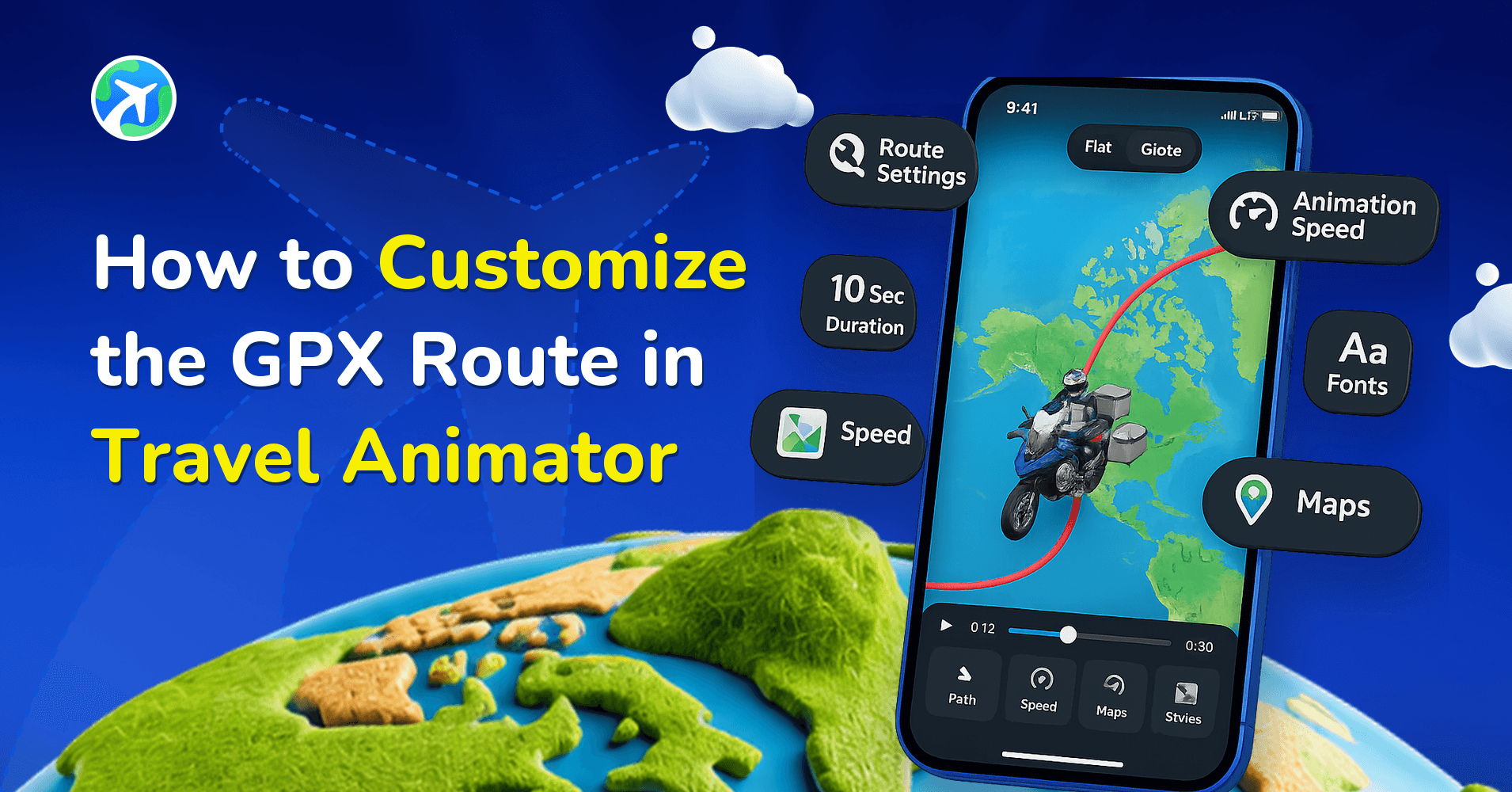
How to Customize the GPX Route in Travel Animator
앱 기능
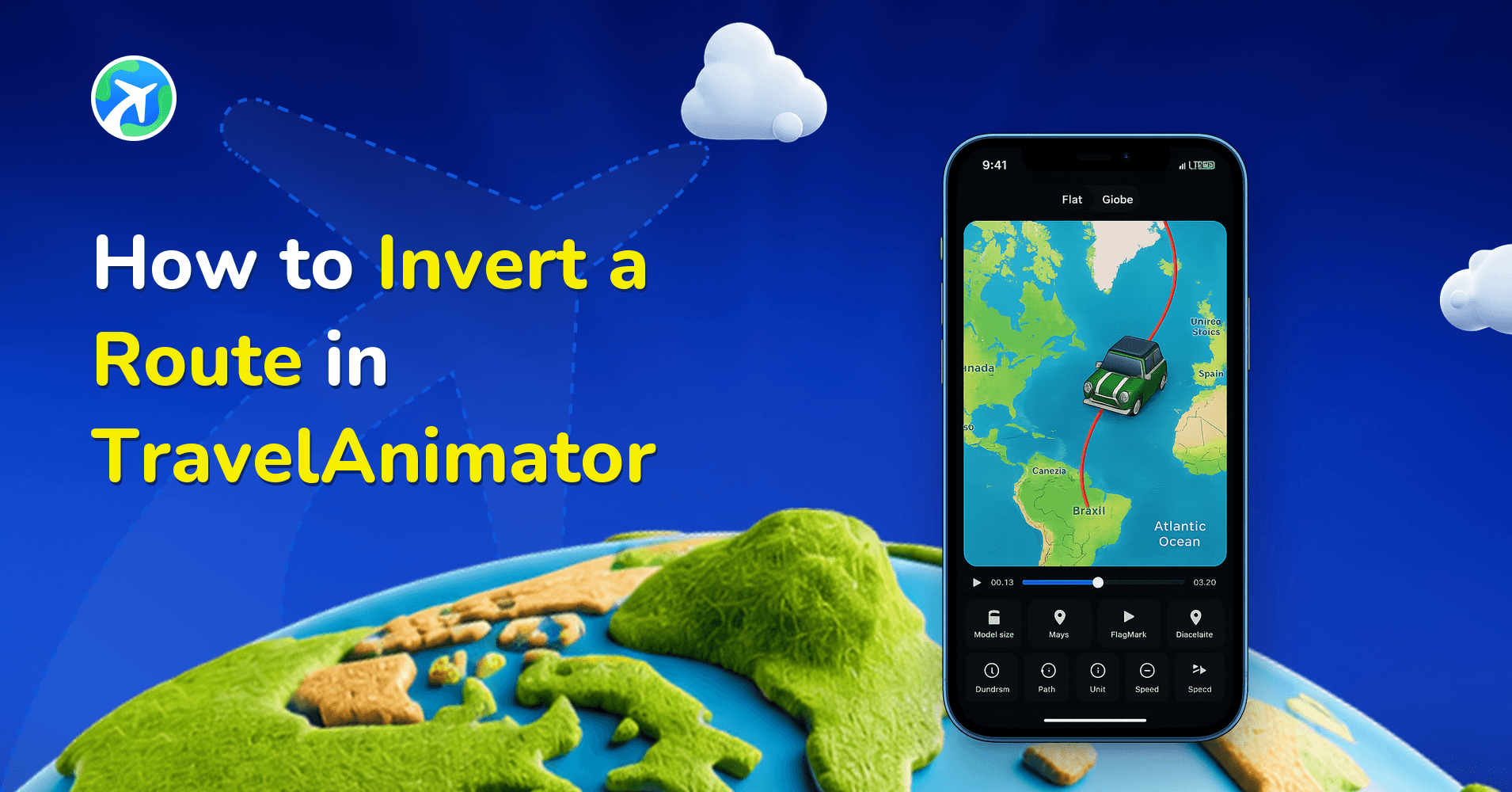
How to Invert a Route in TravelAnimator
사용 방법
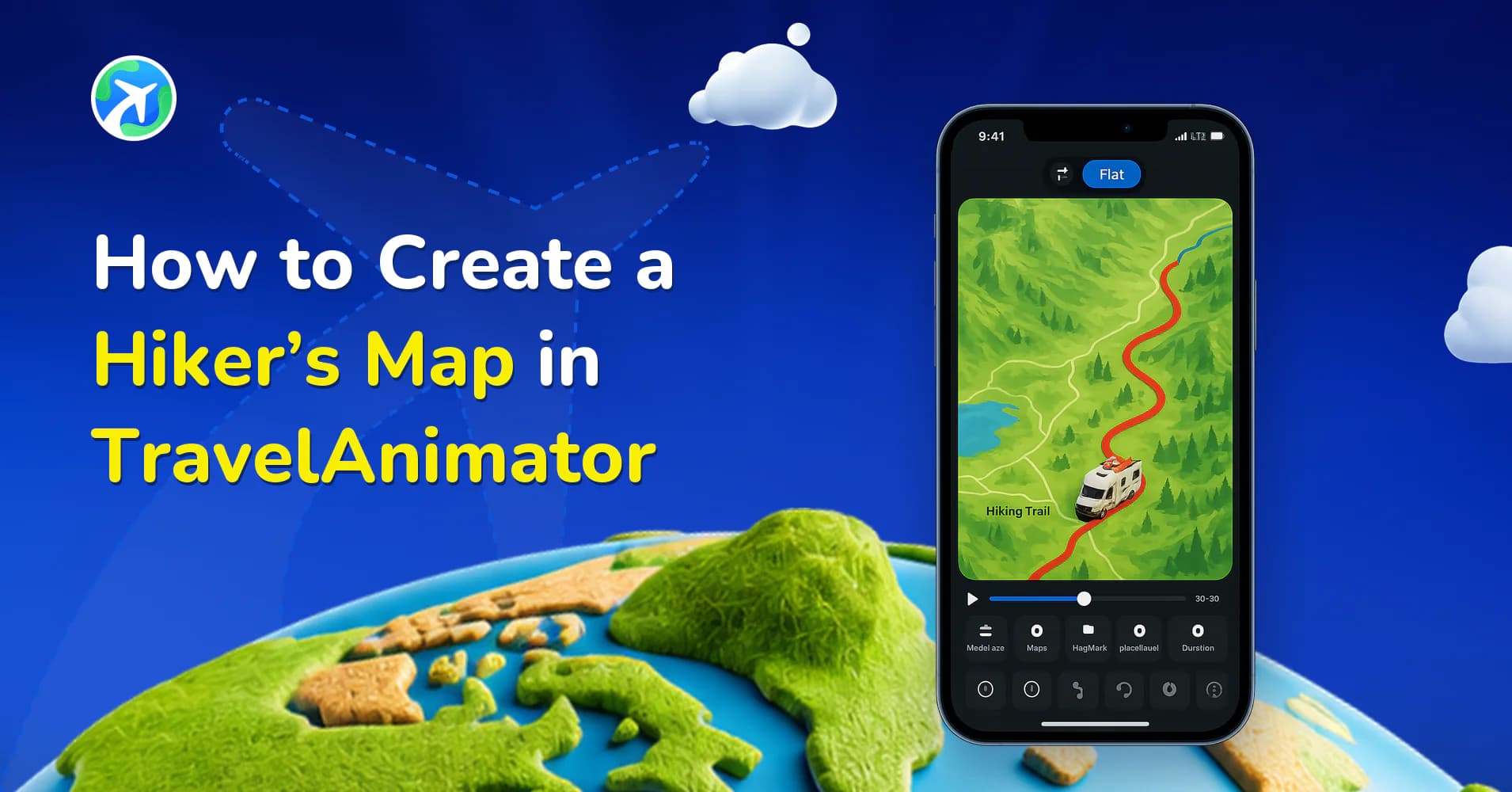
How to Create a Hiker’s Map in TravelAnimator
앱 기능
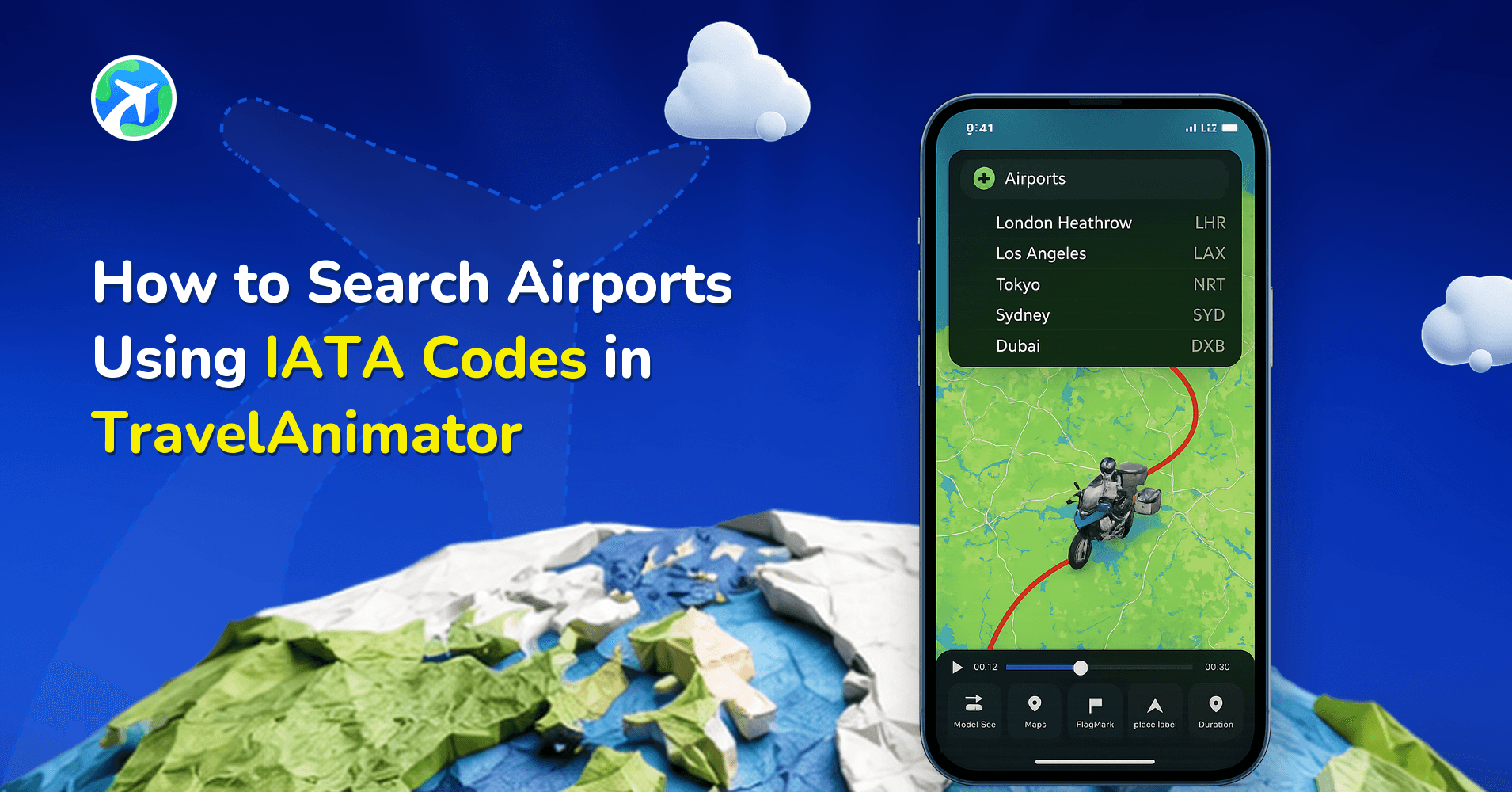
How to Search Airports Using IATA Codes in TravelAnimator
사용 방법
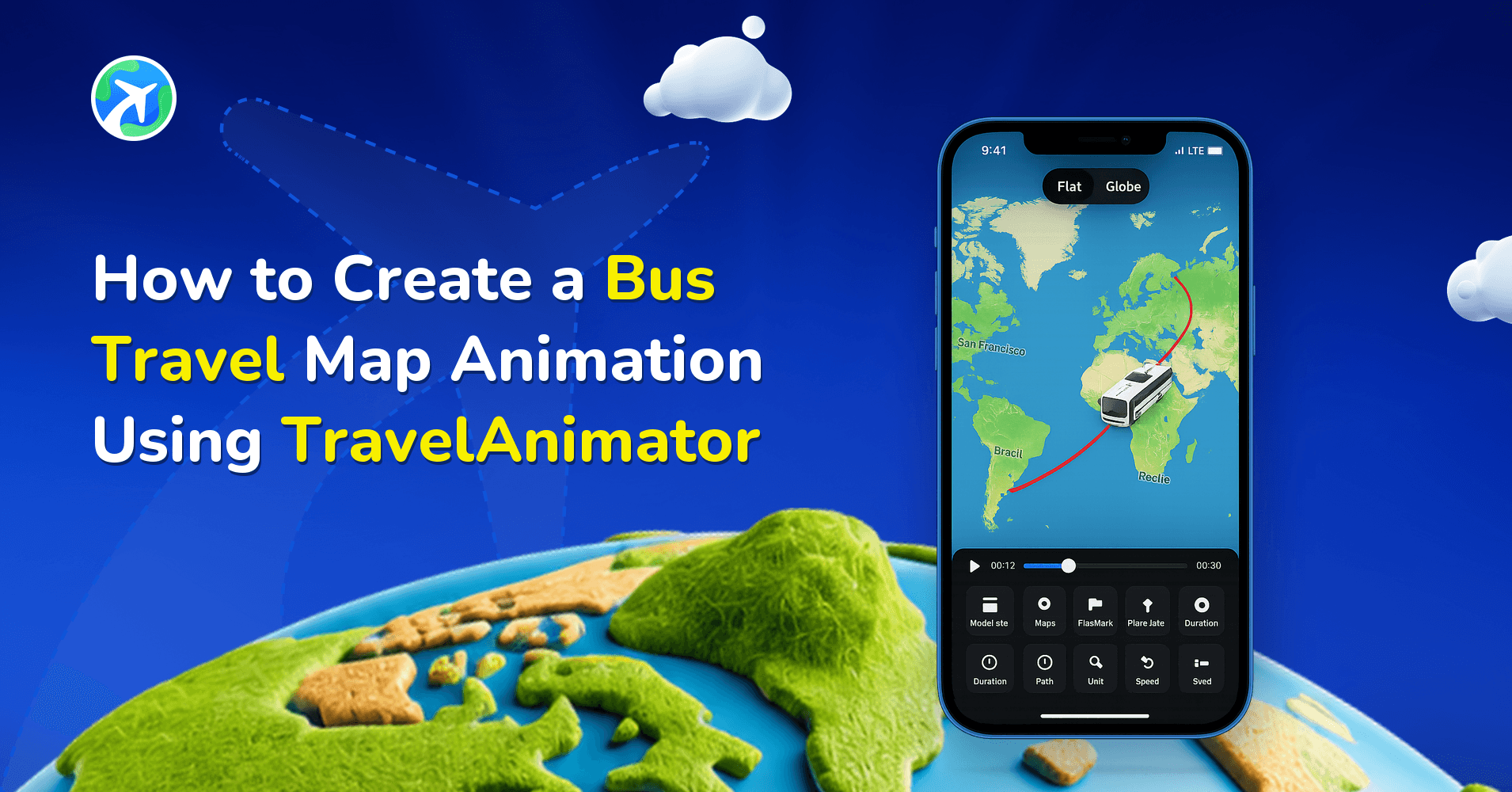
How to Create a Bus Travel Map Animation Using TravelAnimator
사용 방법
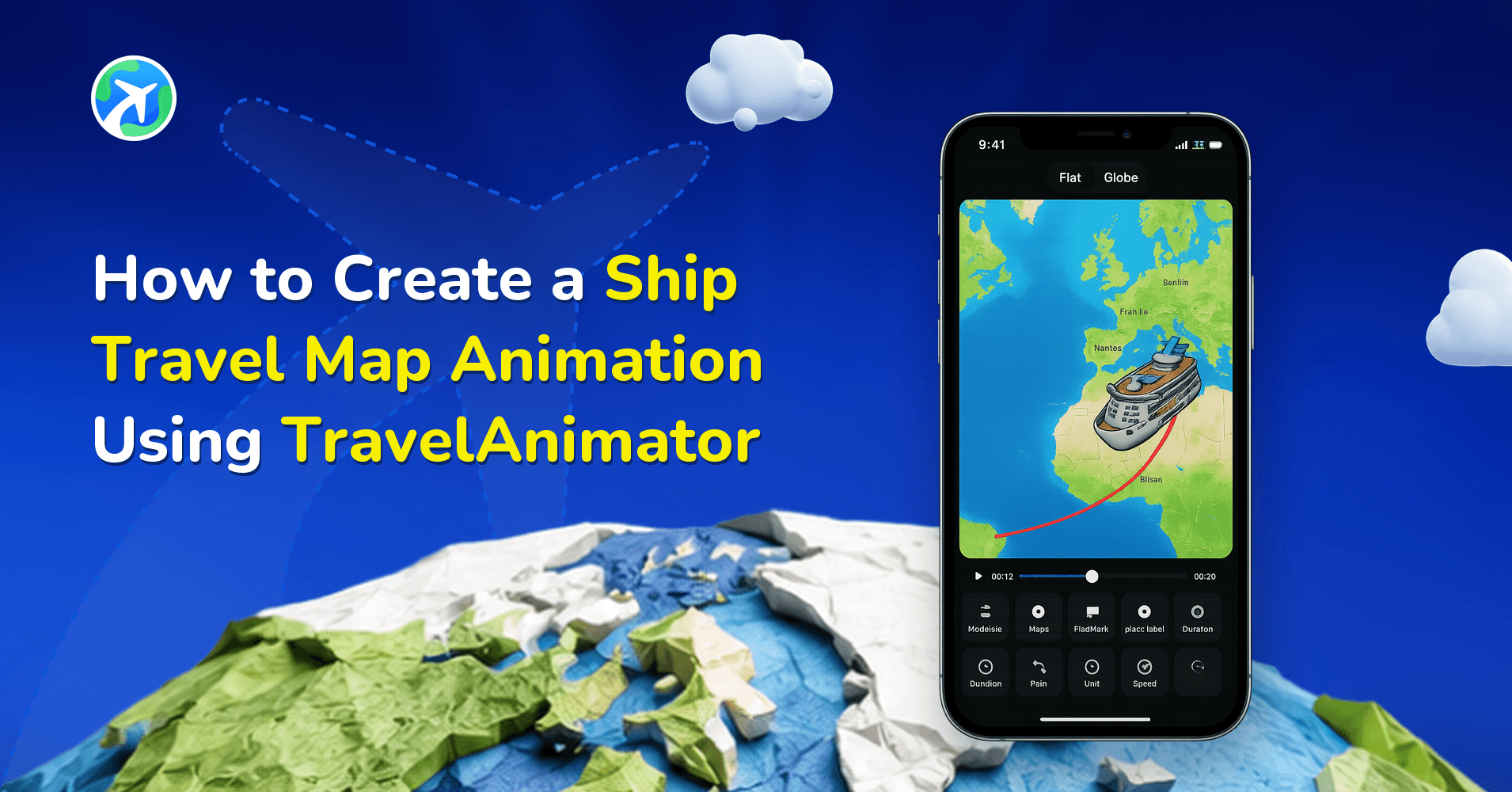
How to Create a Ship Travel Map Animation Using Travel Animator
사용 방법
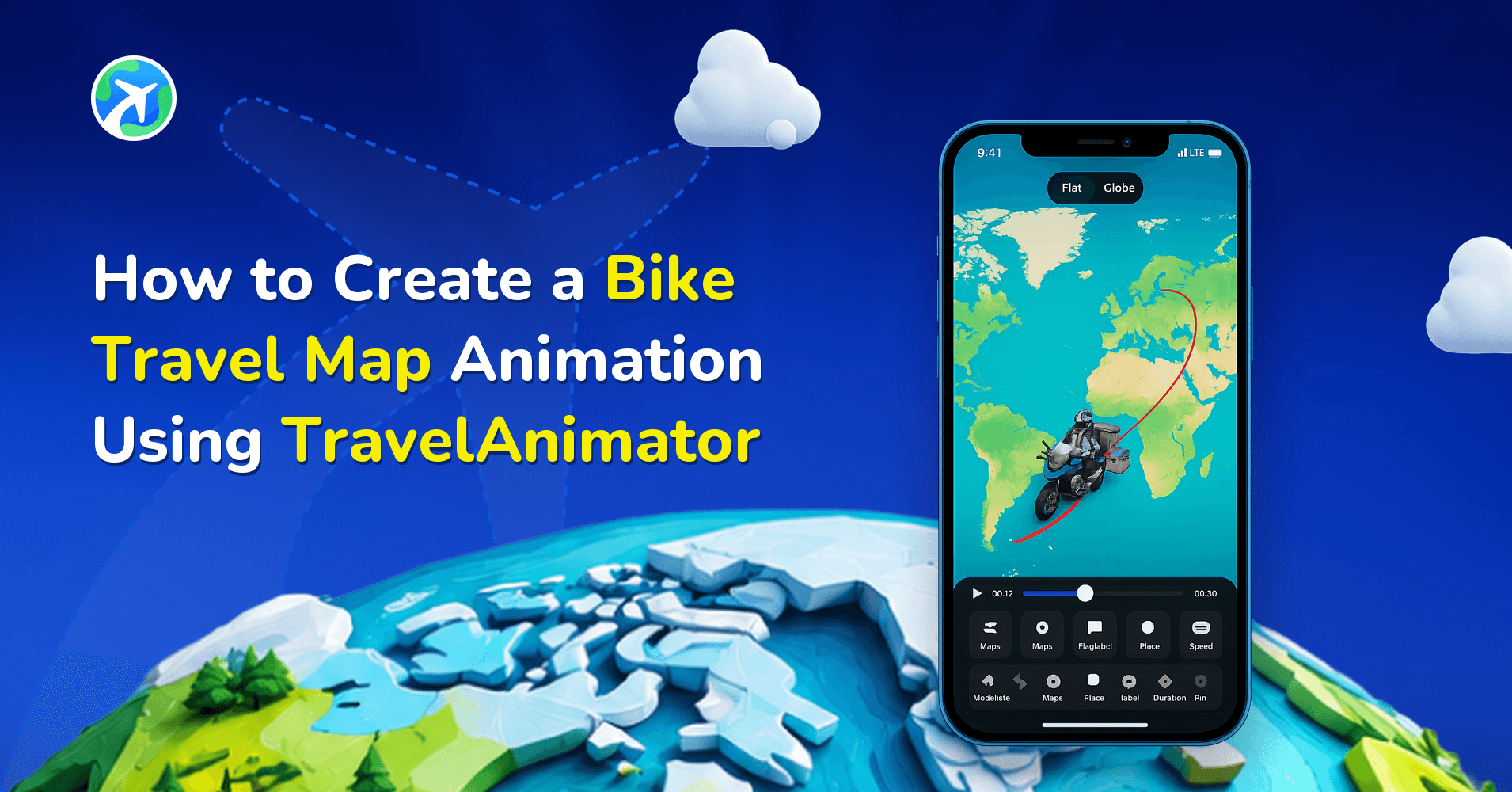
How to Create a Bike Travel Map Animation Using Travel Animator
사용 방법
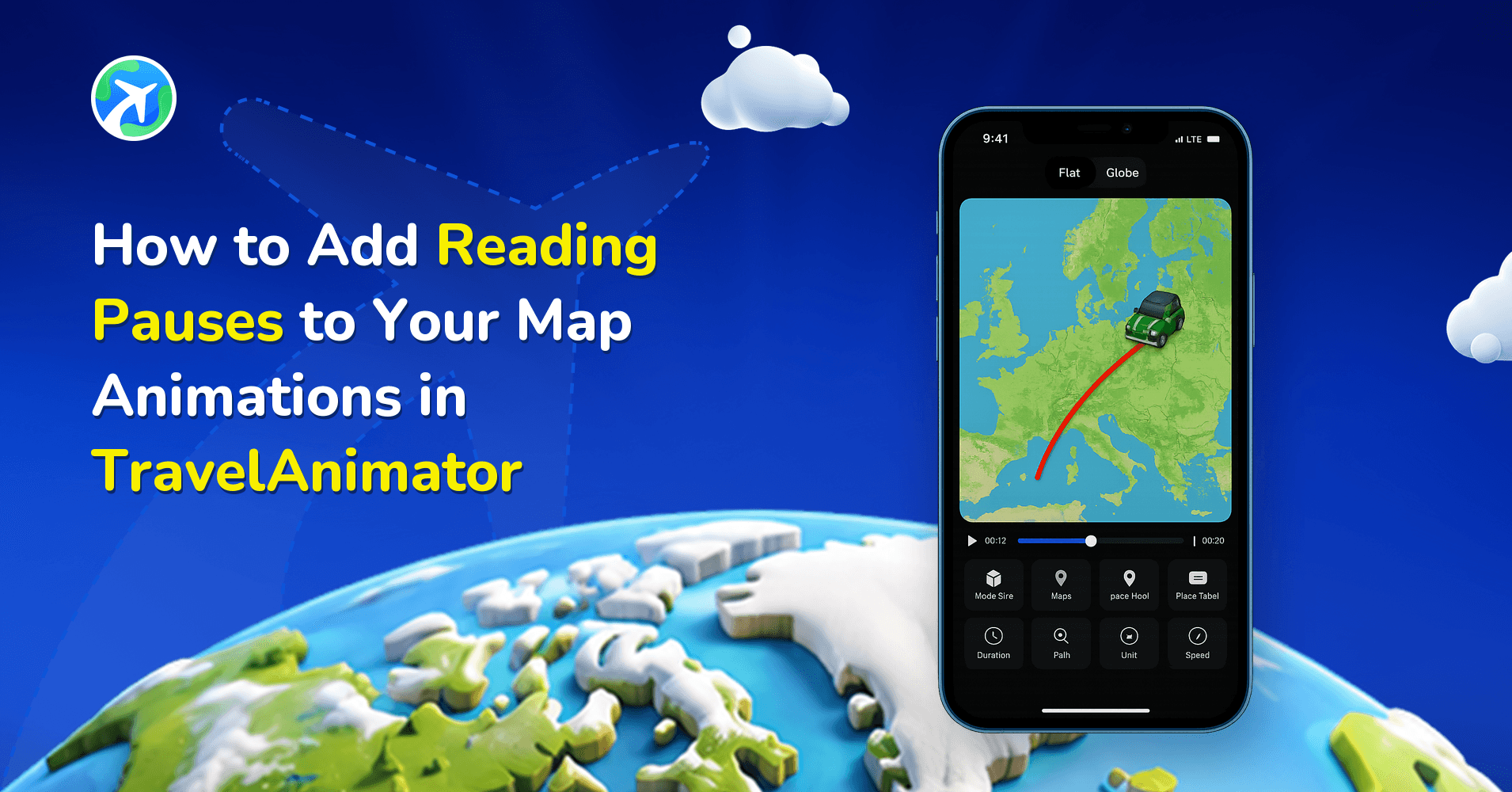
How to Add Reading Pauses to Your Map Animations in TravelAnimator
사용 방법
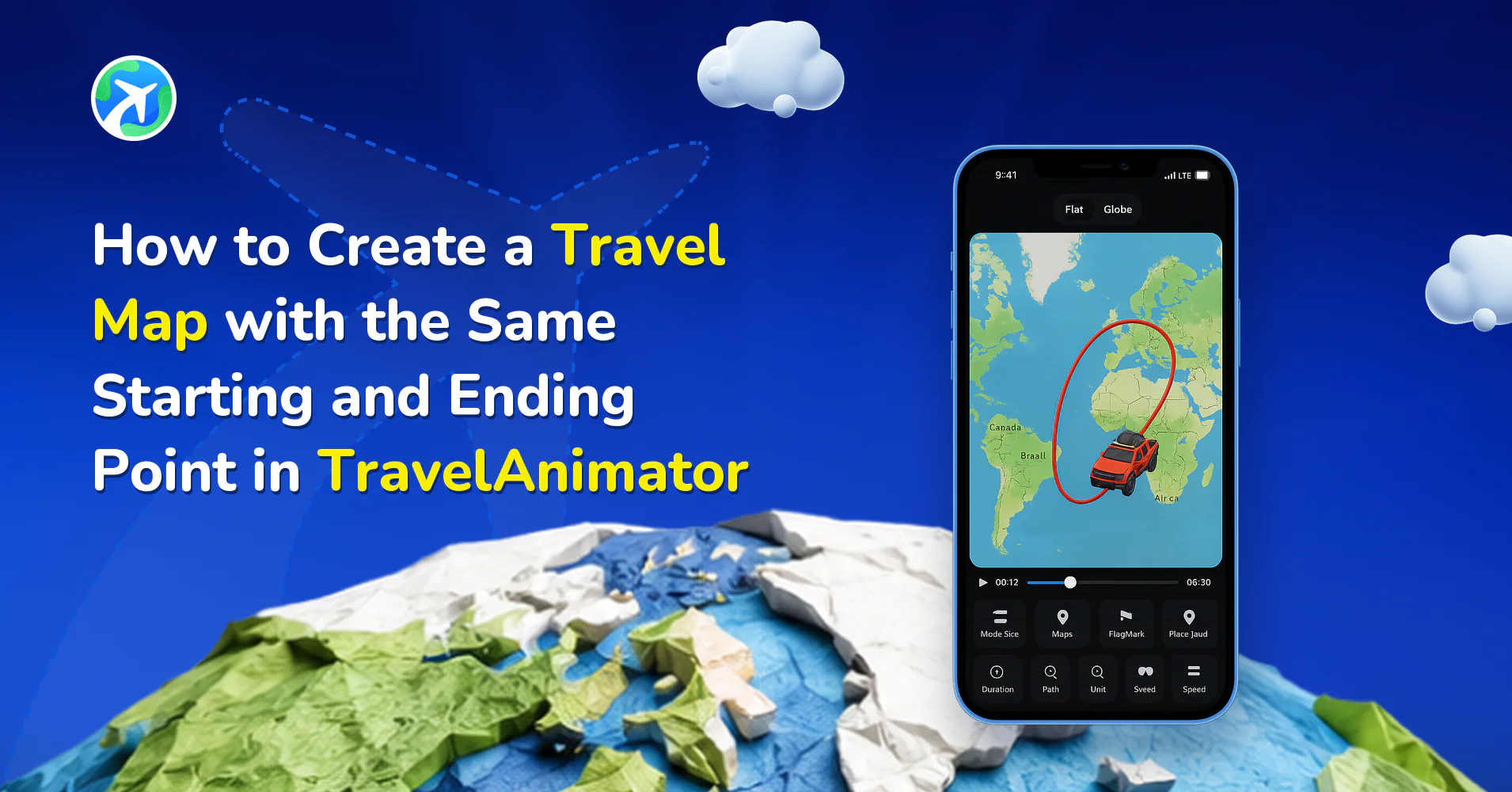
How to Create a Round-Trip Travel Map in TravelAnimator
사용 방법
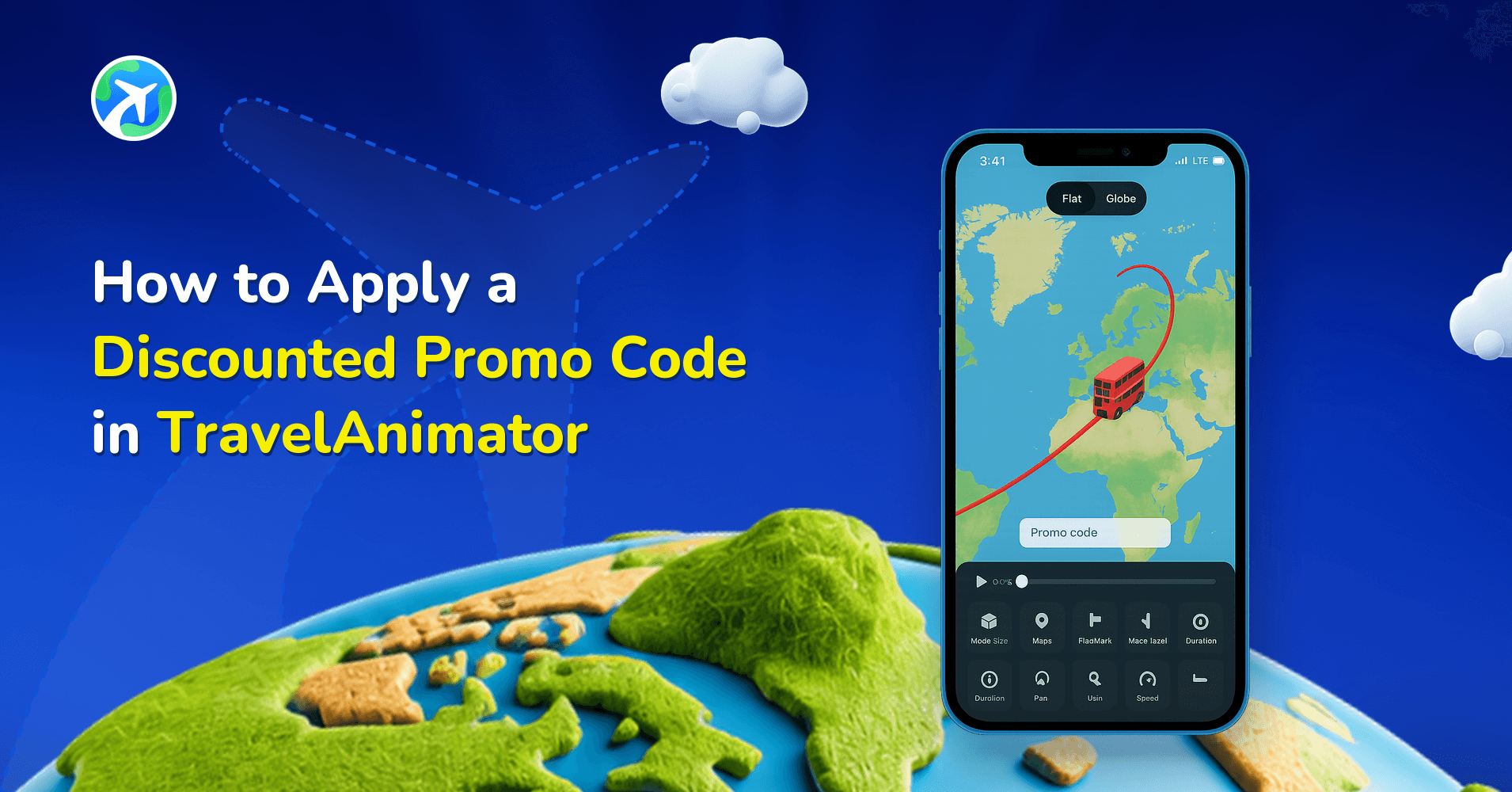
How to Apply a Discounted Promo Code in TravelAnimator
사용 방법
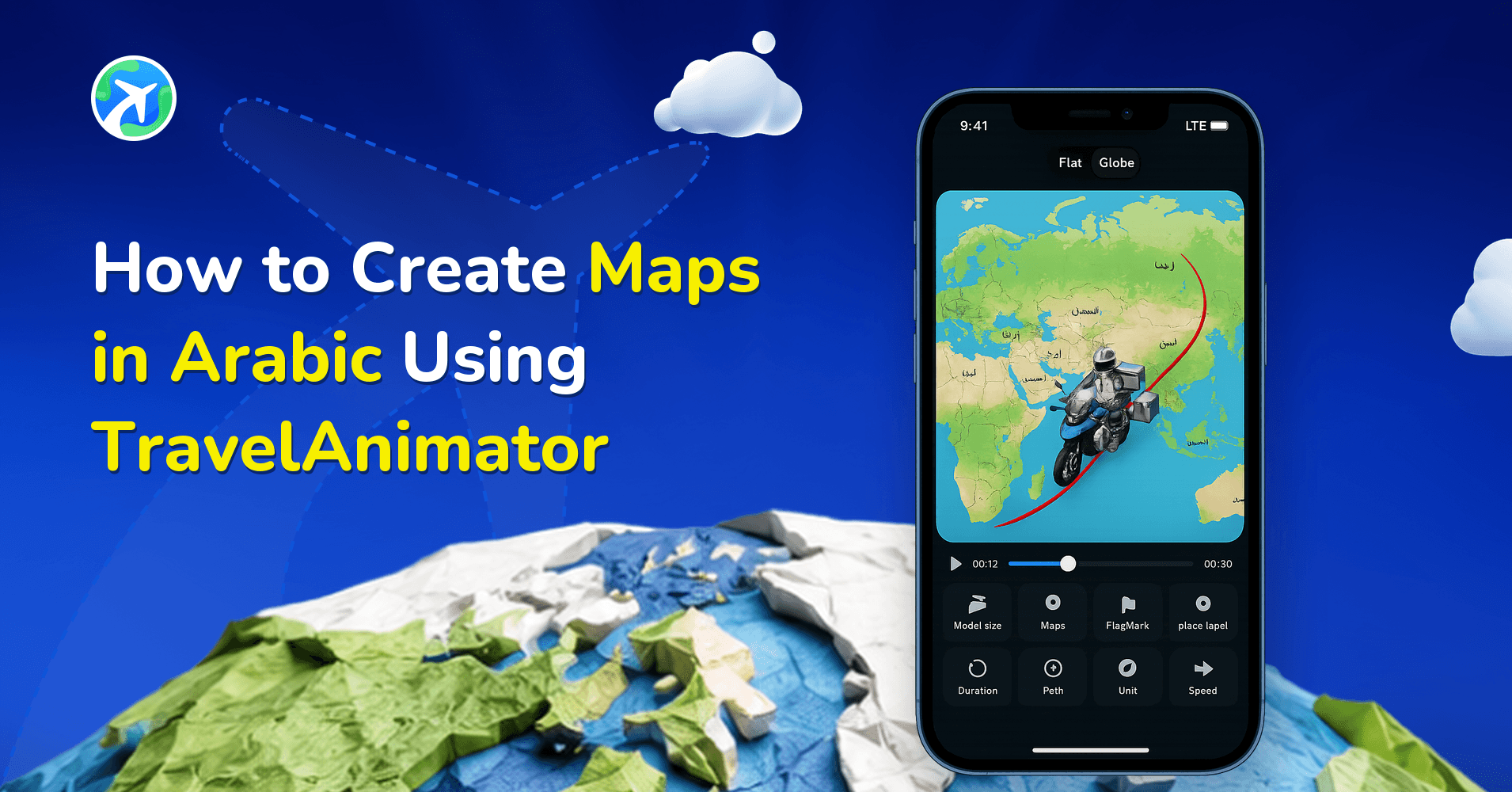
How to Create Maps in Arabic Using Travel Animator
사용 방법
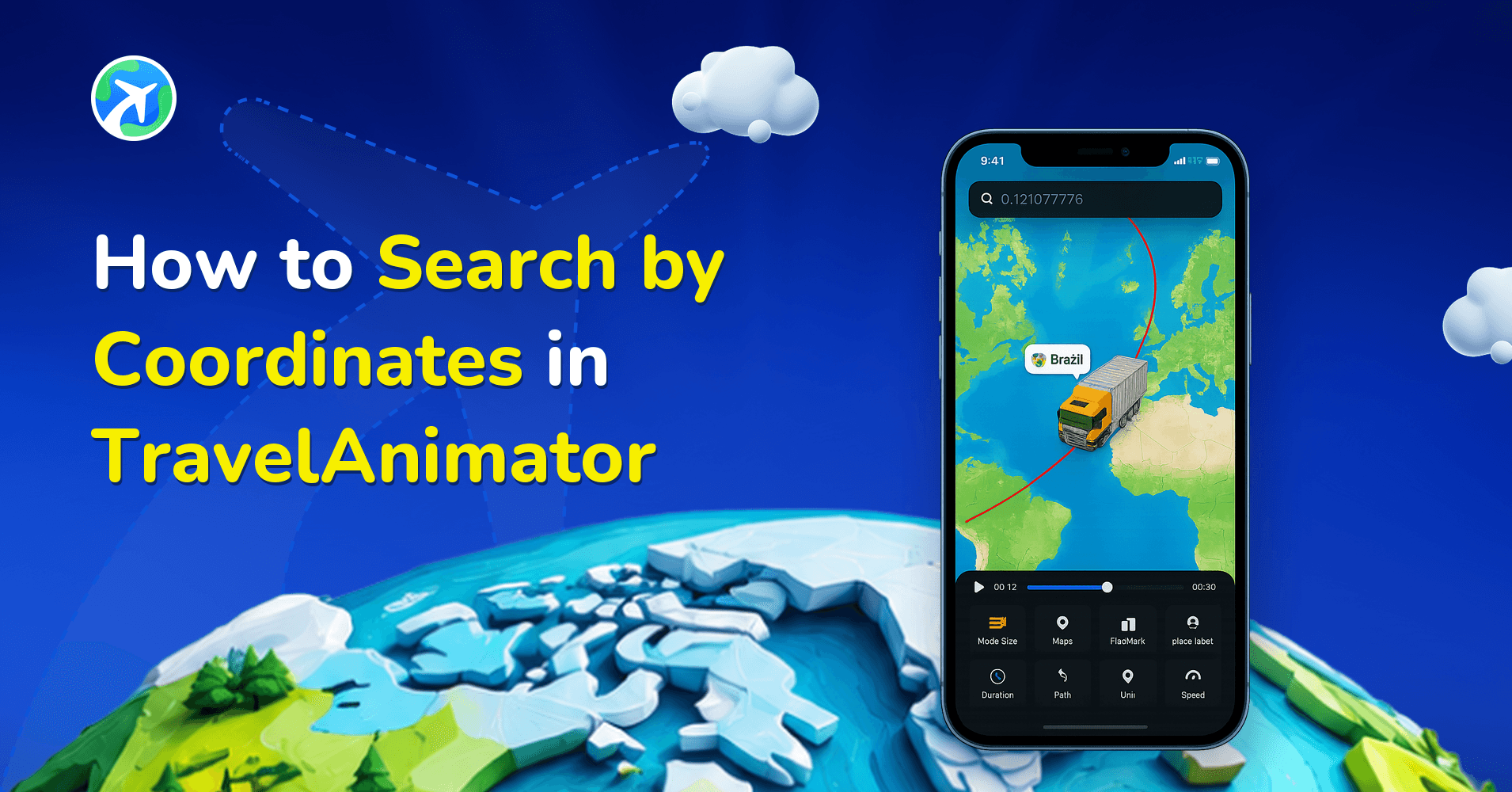
How to Search by Coordinates in TravelAnimator
사용 방법
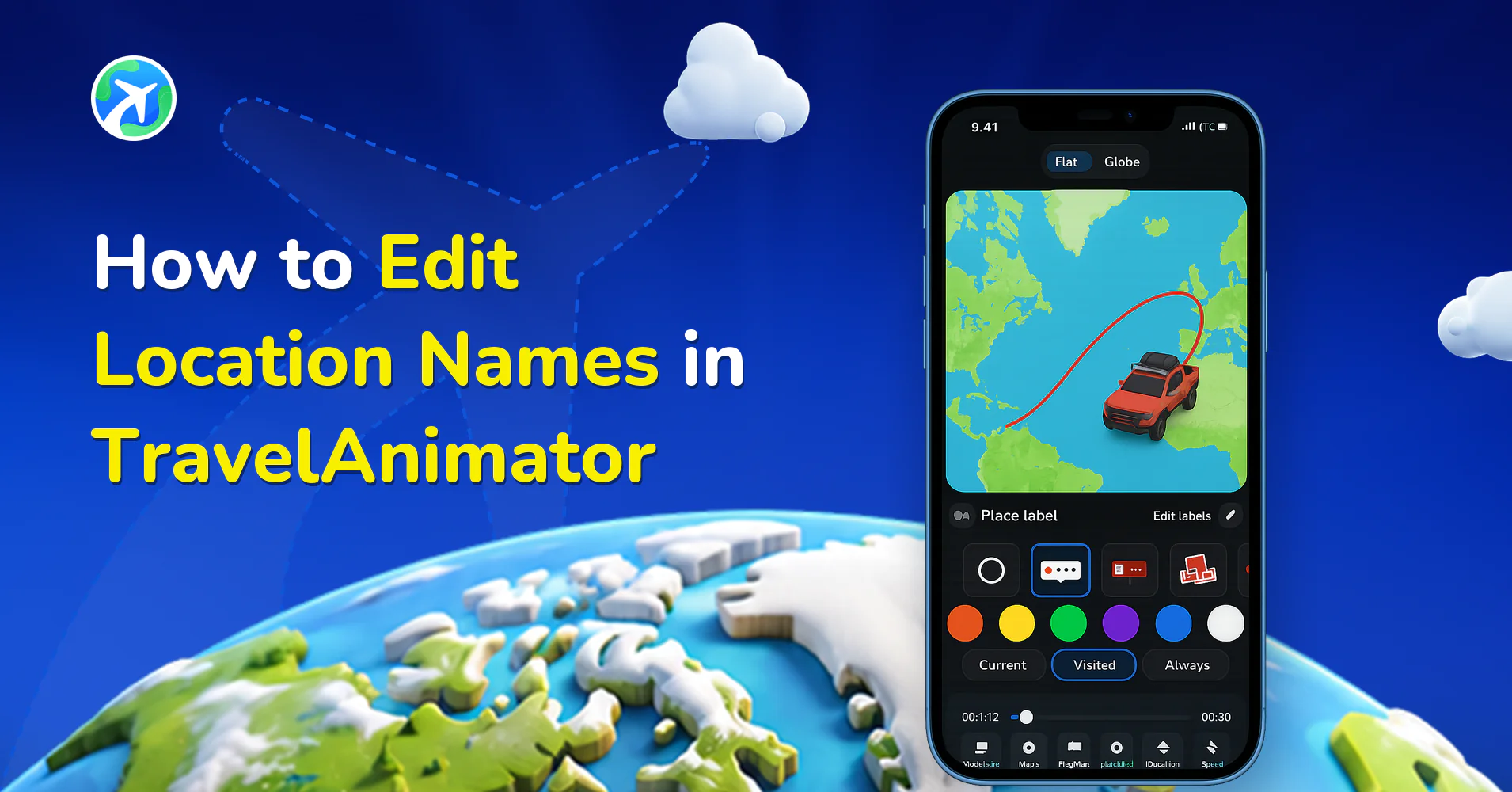
How to Edit Location Names in Travel Animator
사용 방법
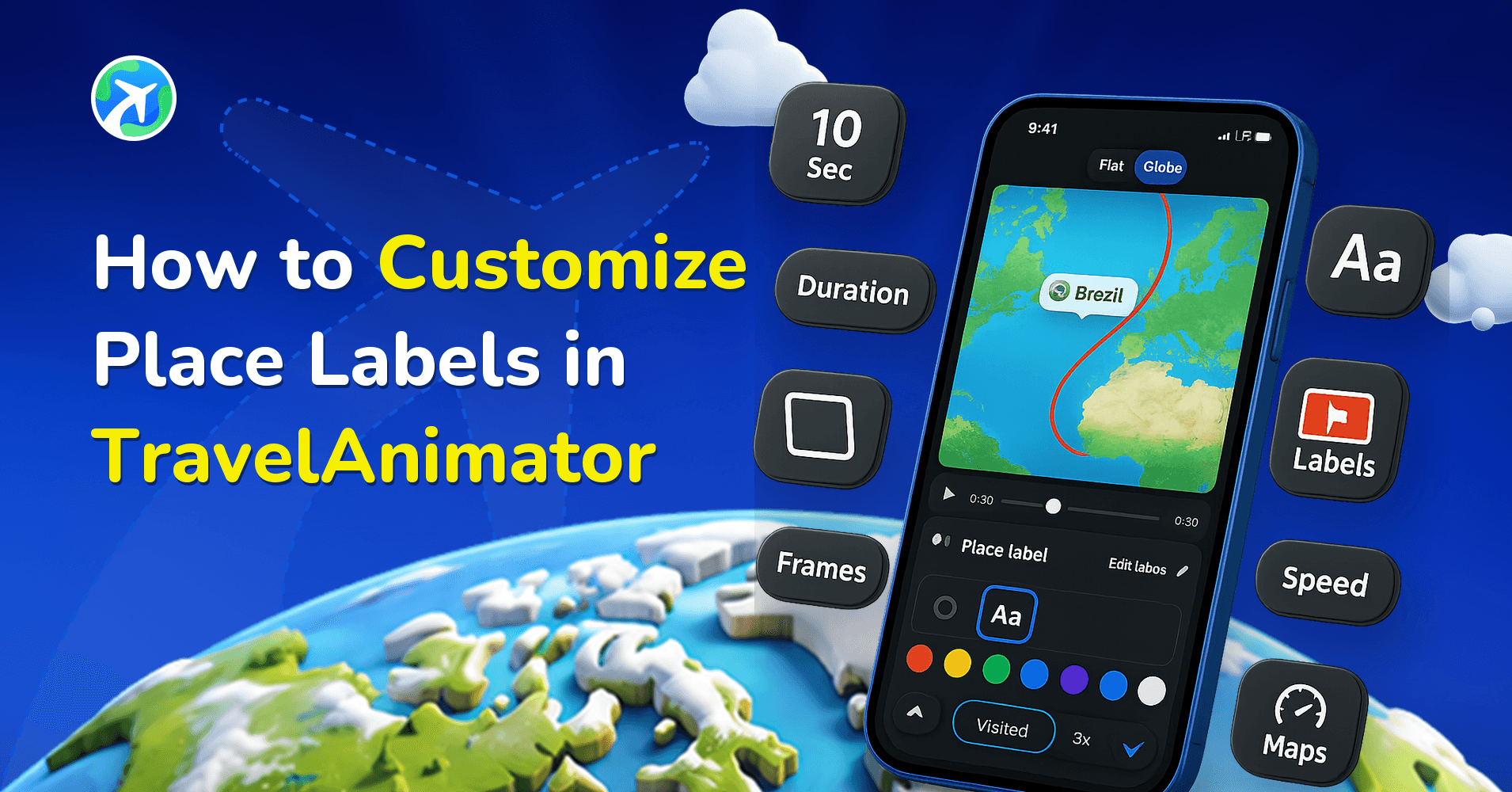
How to Customize Place Labels in TravelAnimator
사용 방법
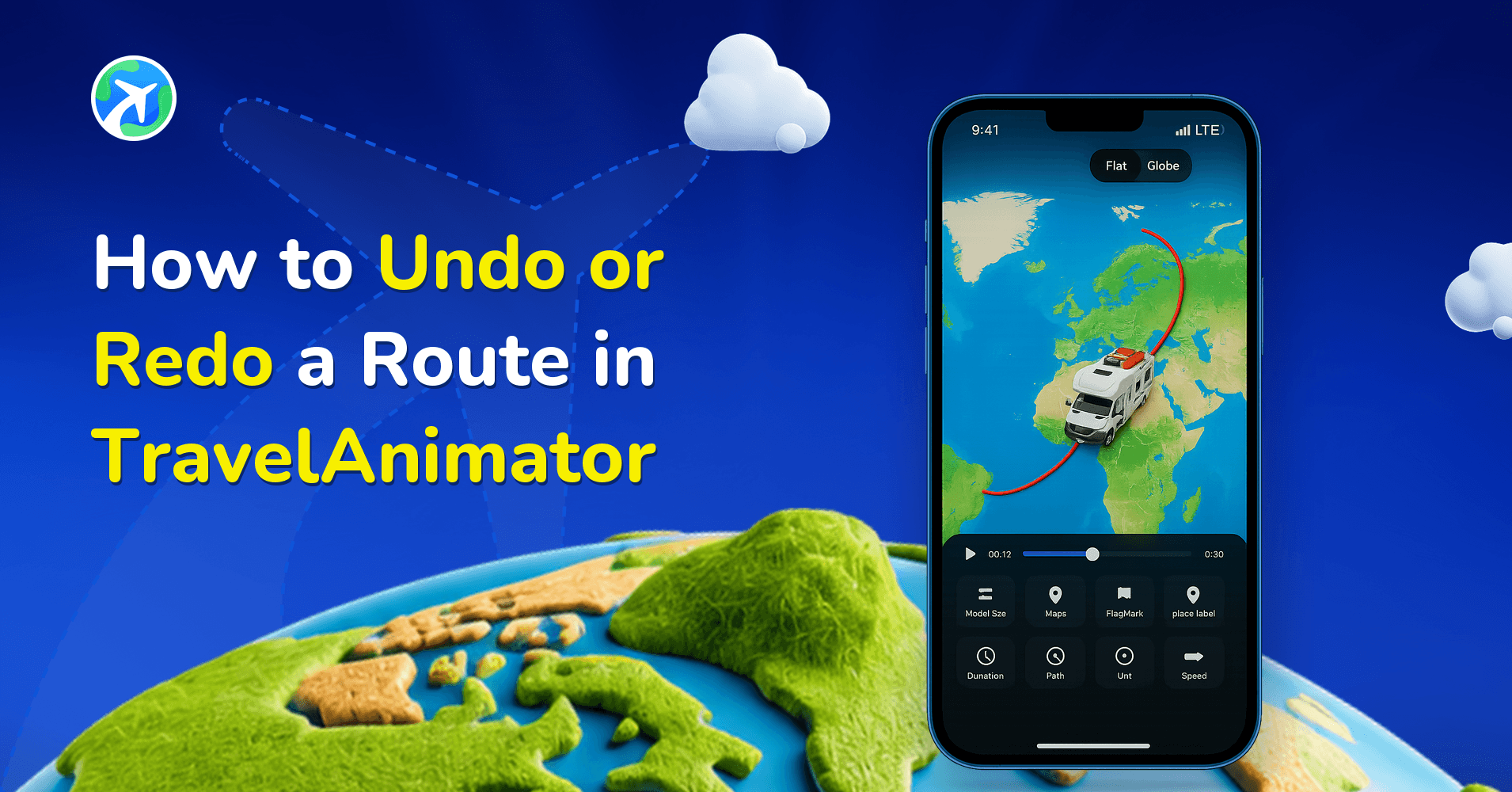
How to Undo or Redo a Route in TravelAnimator
사용 방법
How to Resize an Image in Travel Animator
사용 방법
How to Delete an Image in Travel Animator
사용 방법
How to Create a Stunning Travel Recap Map with Travel Animator
사용 방법
How to Import KML/KMZ files in TravelAnimator
사용 방법
How to Customize the Image in TravelAnimator
사용 방법
How to Customize Text in Travel Animator
사용 방법
How to Customize the Route Line in TravelAnimator
사용 방법
How to Easily Create Travel Animations Between Busy Schedules
사용 방법
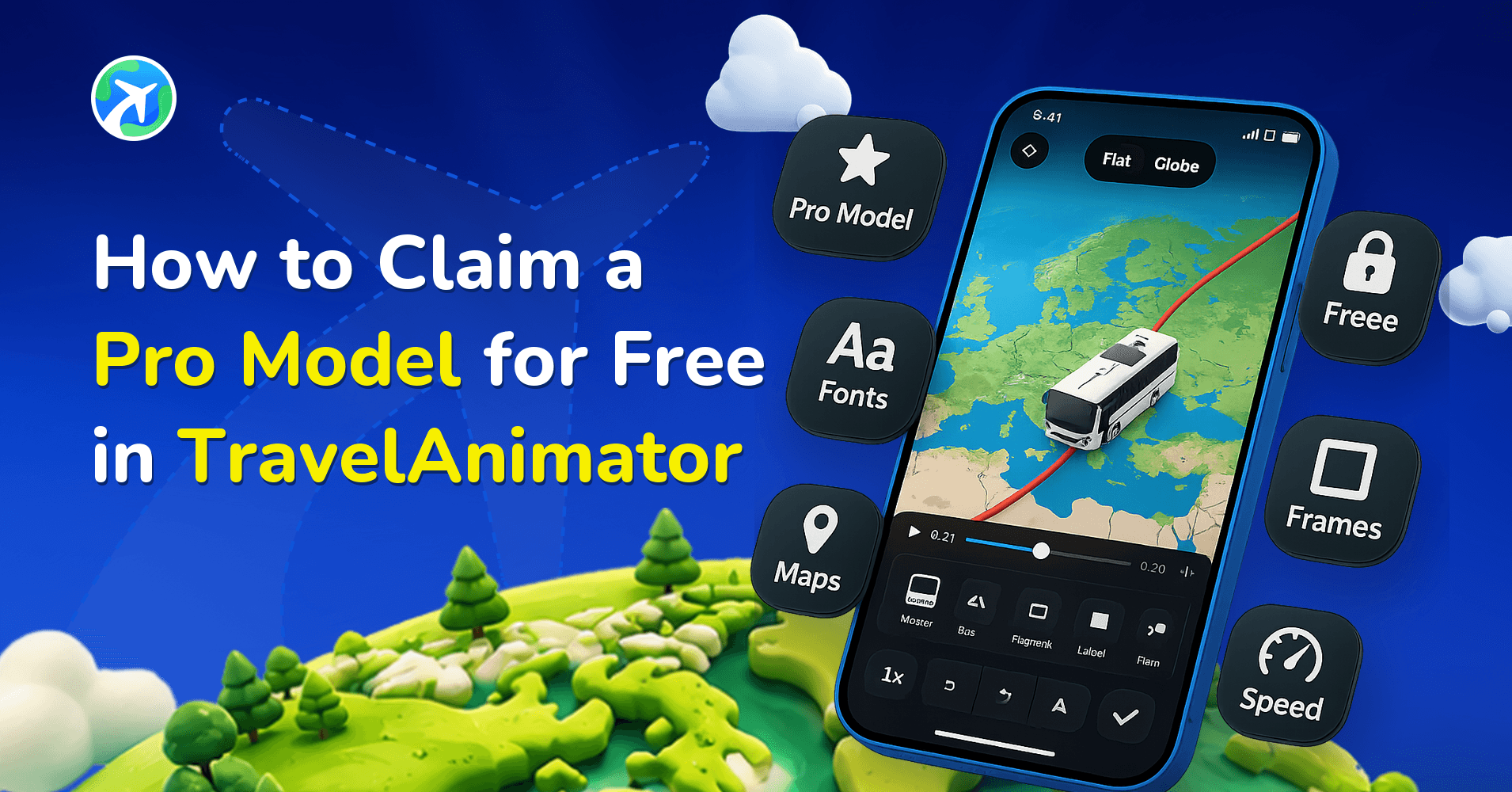
How to Claim a Pro Model for Free in TravelAnimator
사용 방법
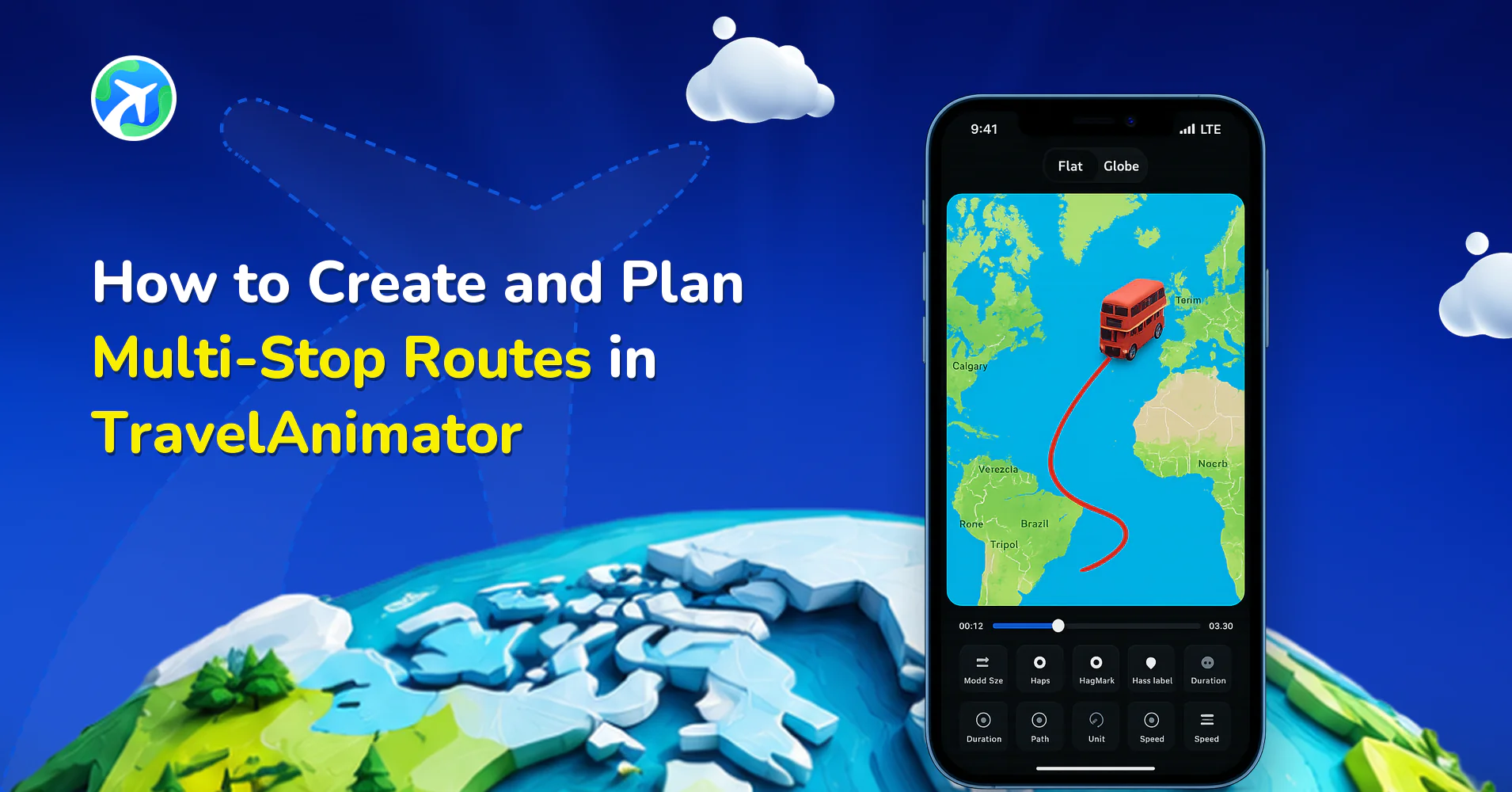
How to Create and Plan Multi-Stop Routes in TravelAnimator
사용 방법
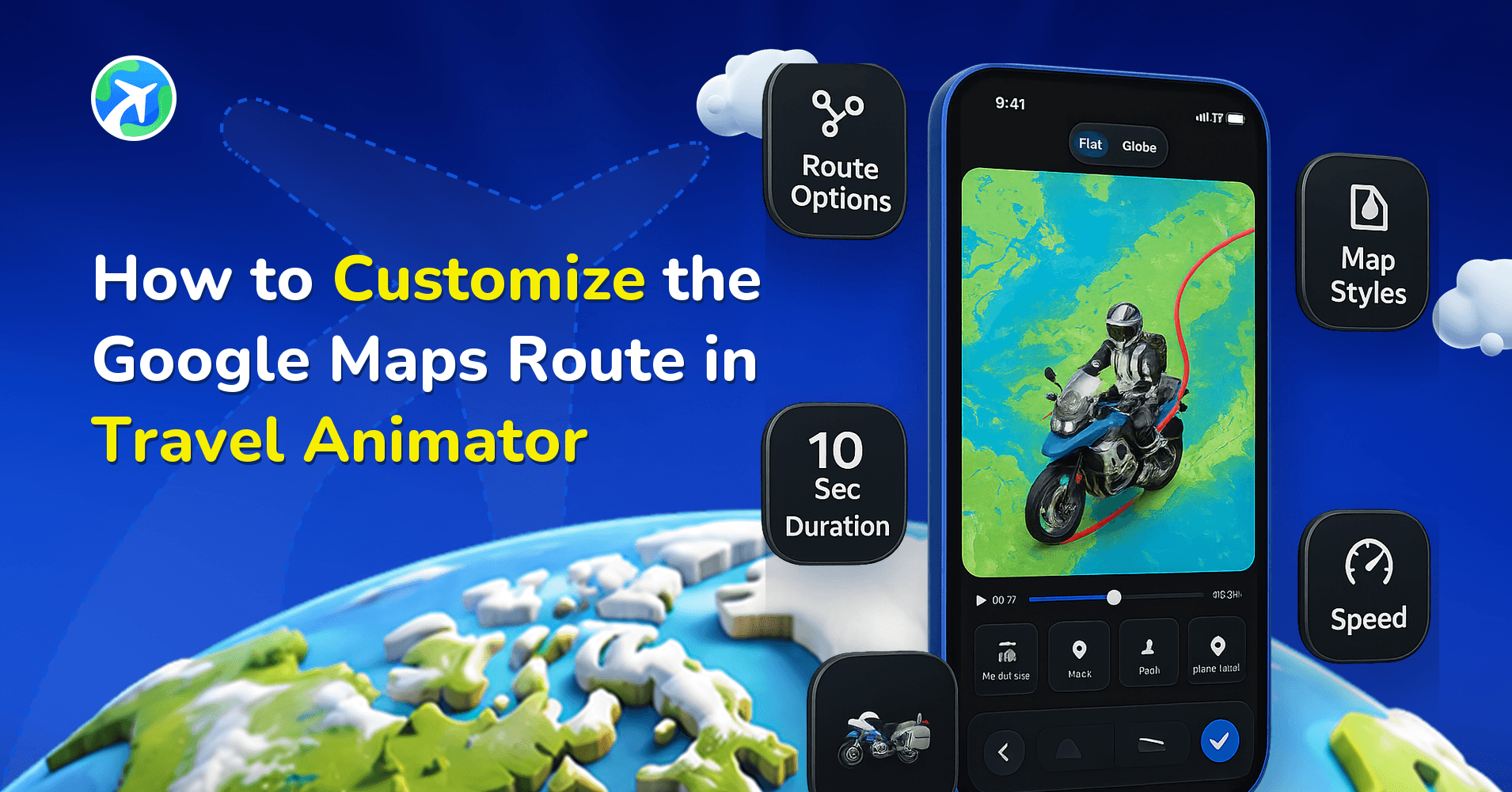
How to Customize the Google Maps Route in Travel Animator
사용 방법
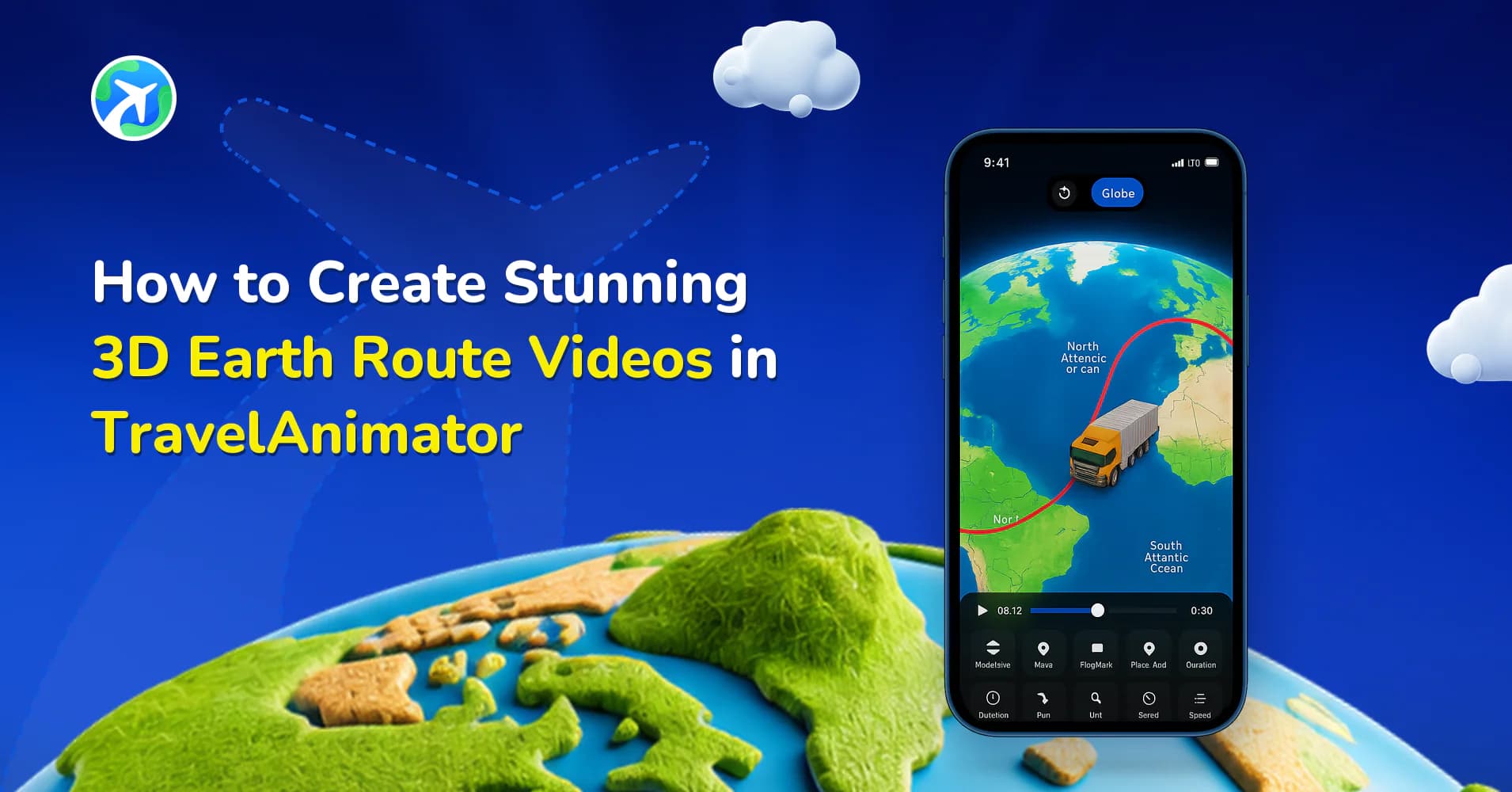
How to Create Stunning 3D Earth Route Videos in TravelAnimator
사용 방법
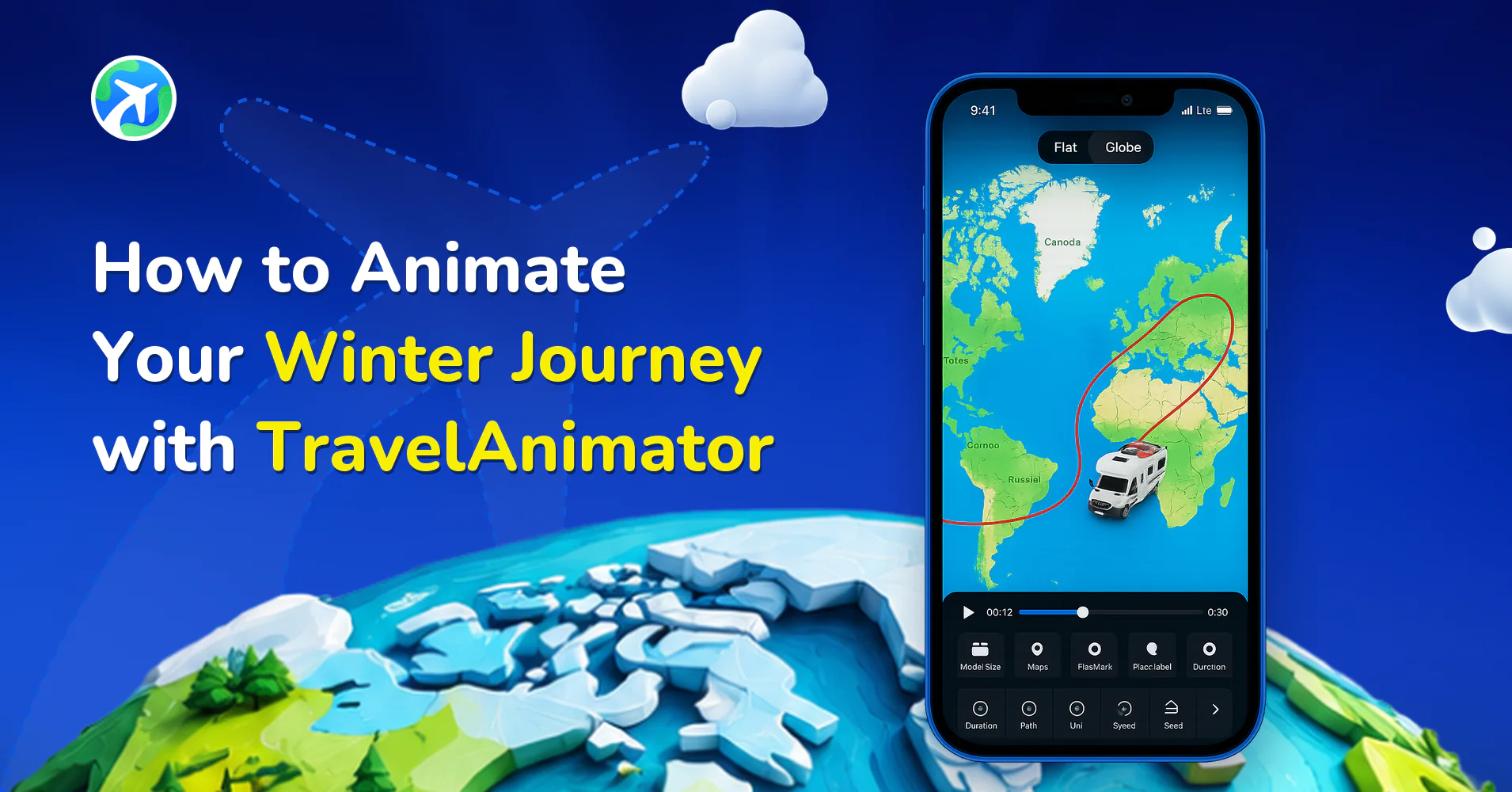
How to Animate Your Winter Journey with TravelAnimator
사용 방법
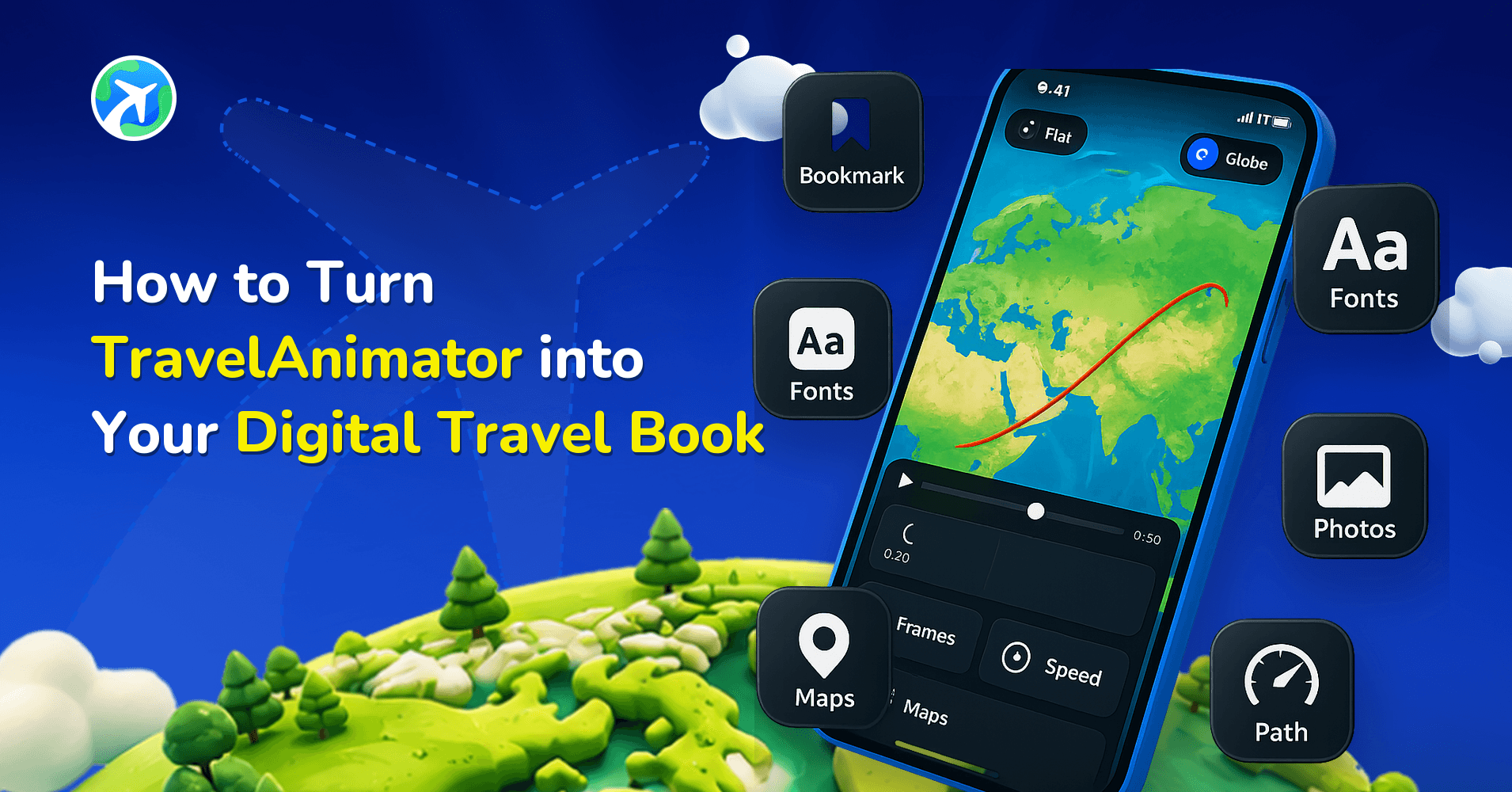
How to Turn TravelAnimator into Your Digital Travel Book
사용 방법
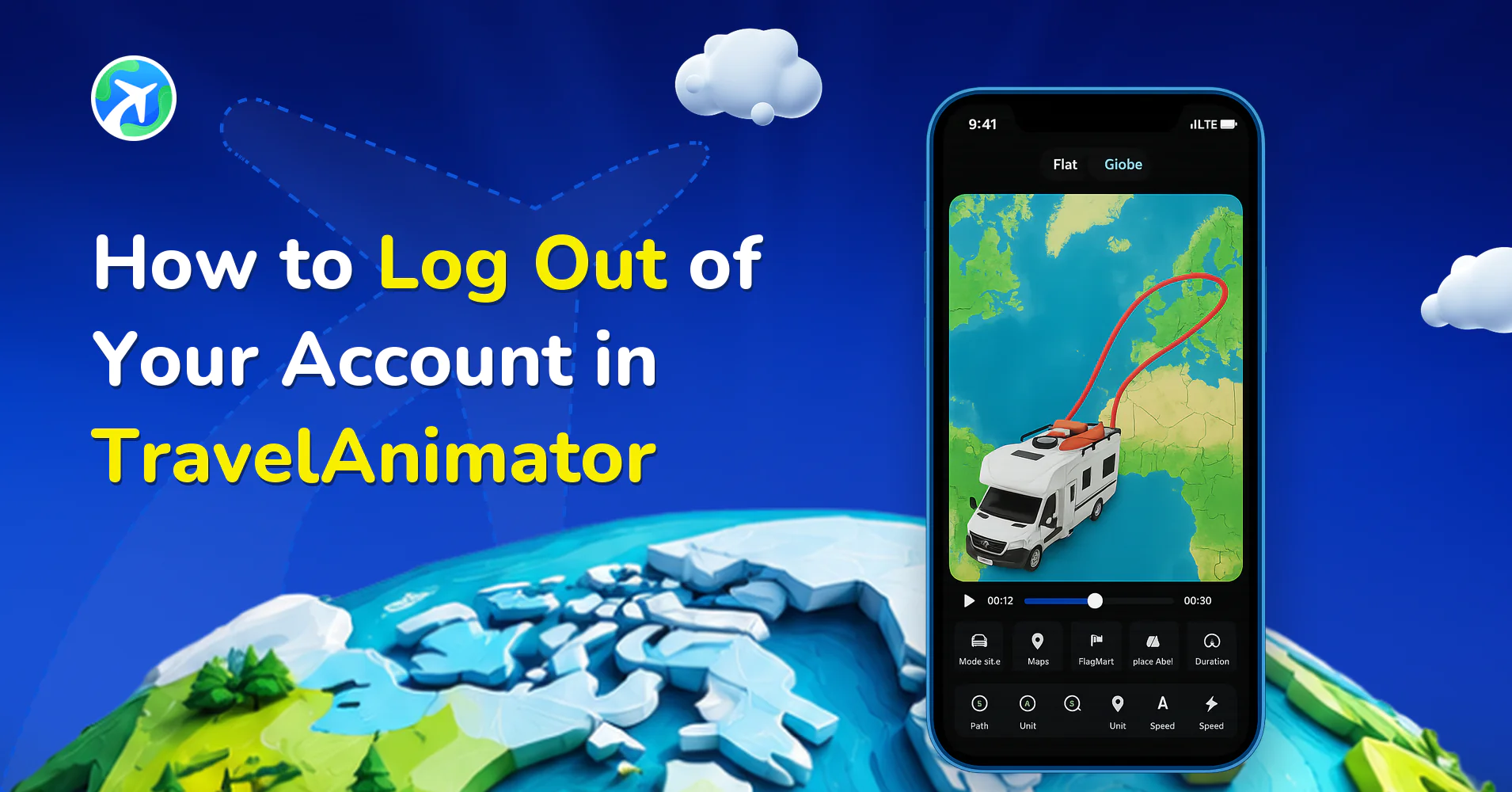
How to Log Out of Your Account in TravelAnimator
사용 방법
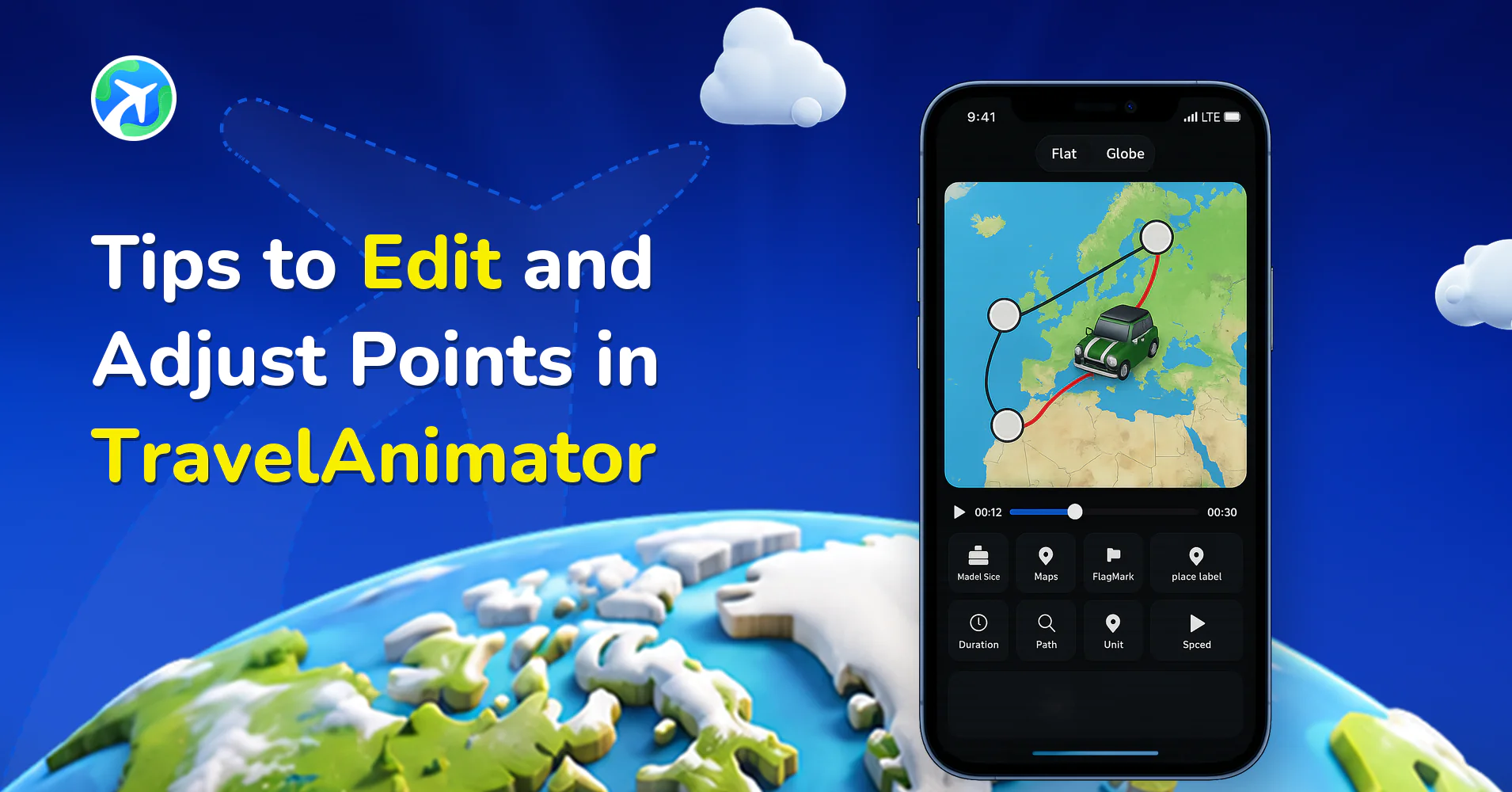
Tips to Edit and Adjust Points in TravelAnimator
사용 방법
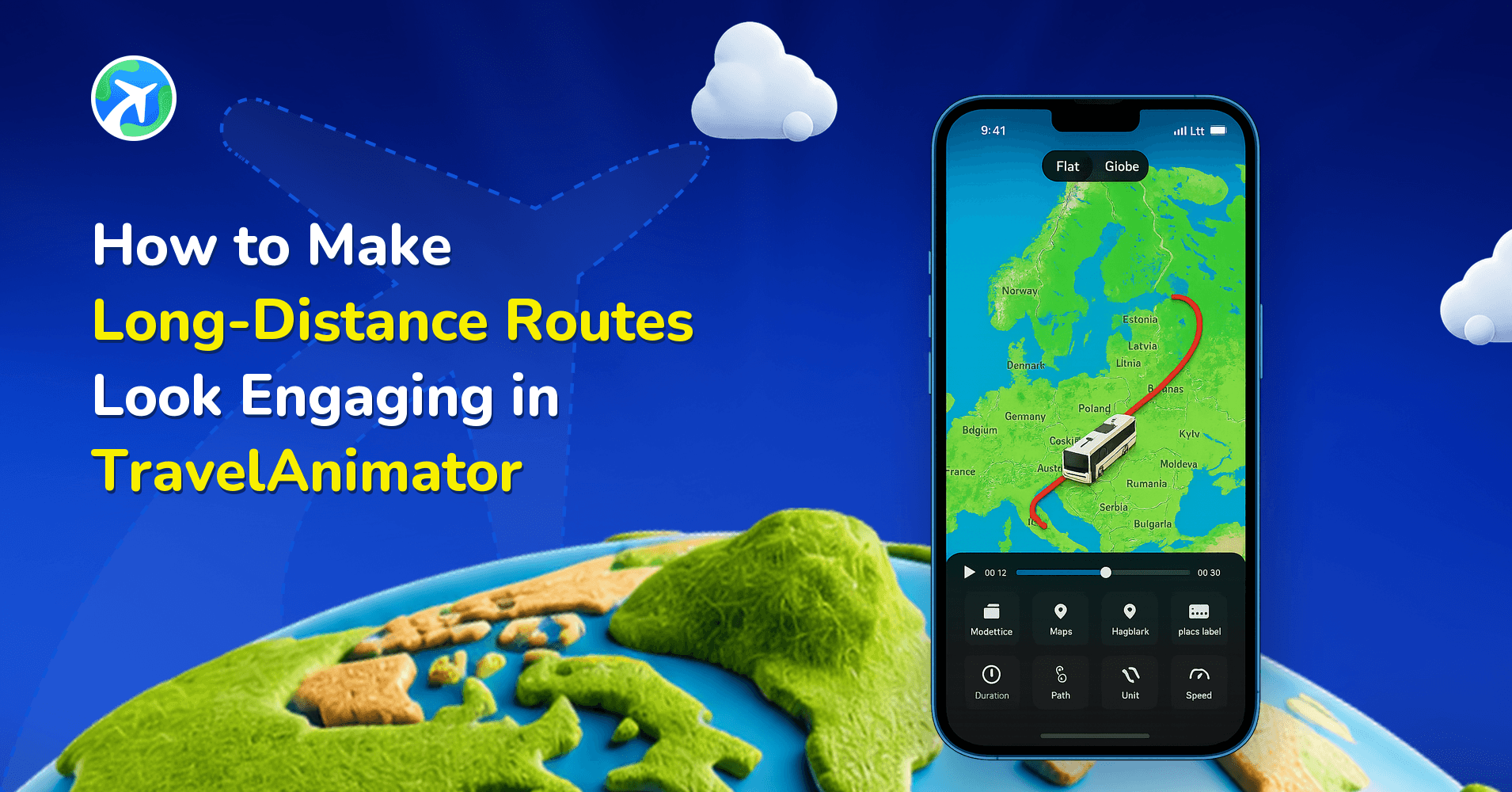
How to Make Long-Distance Routes Look Engaging in TravelAnimator
사용 방법
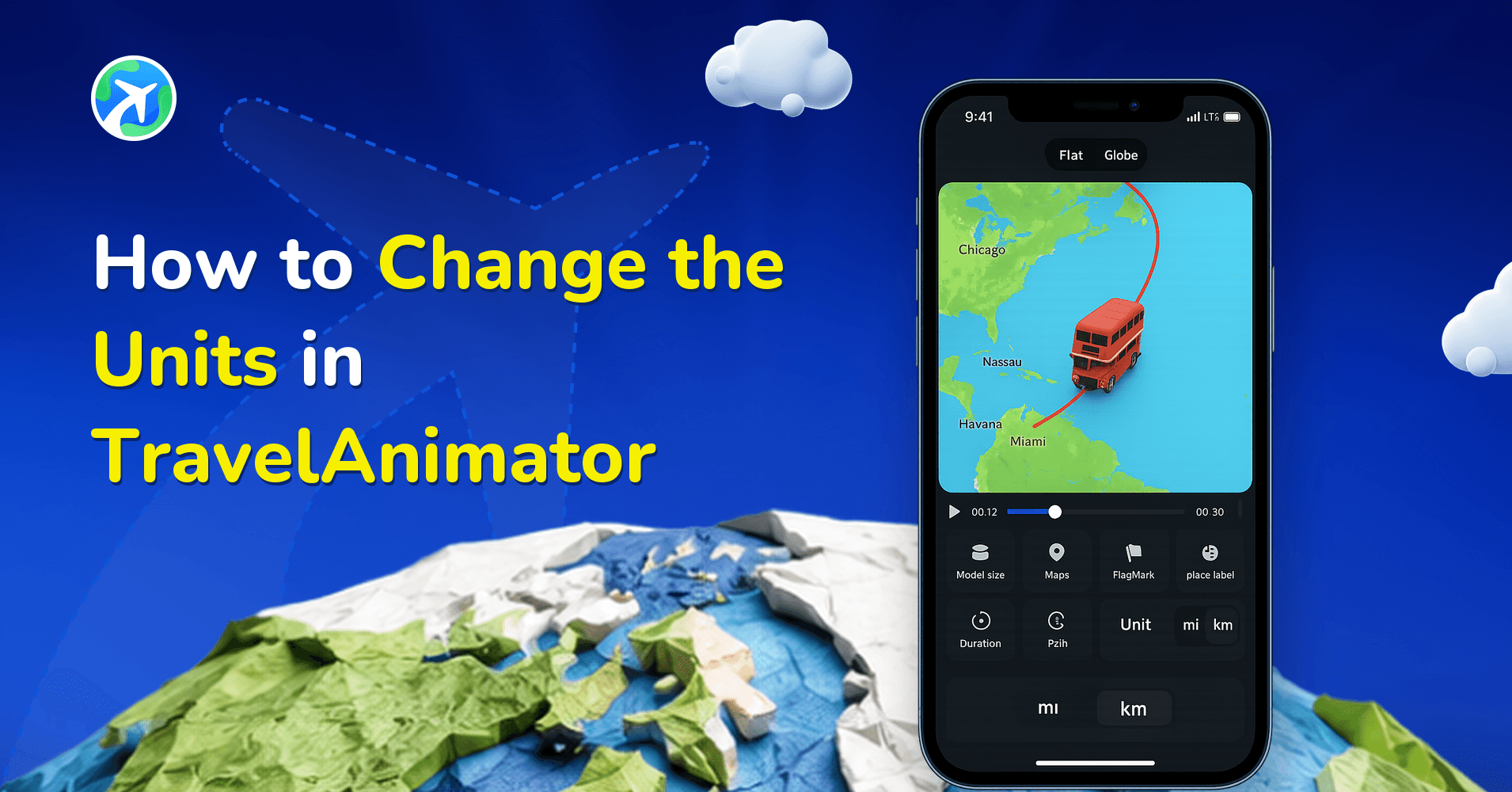
How to Change the Units in TravelAnimator
사용 방법
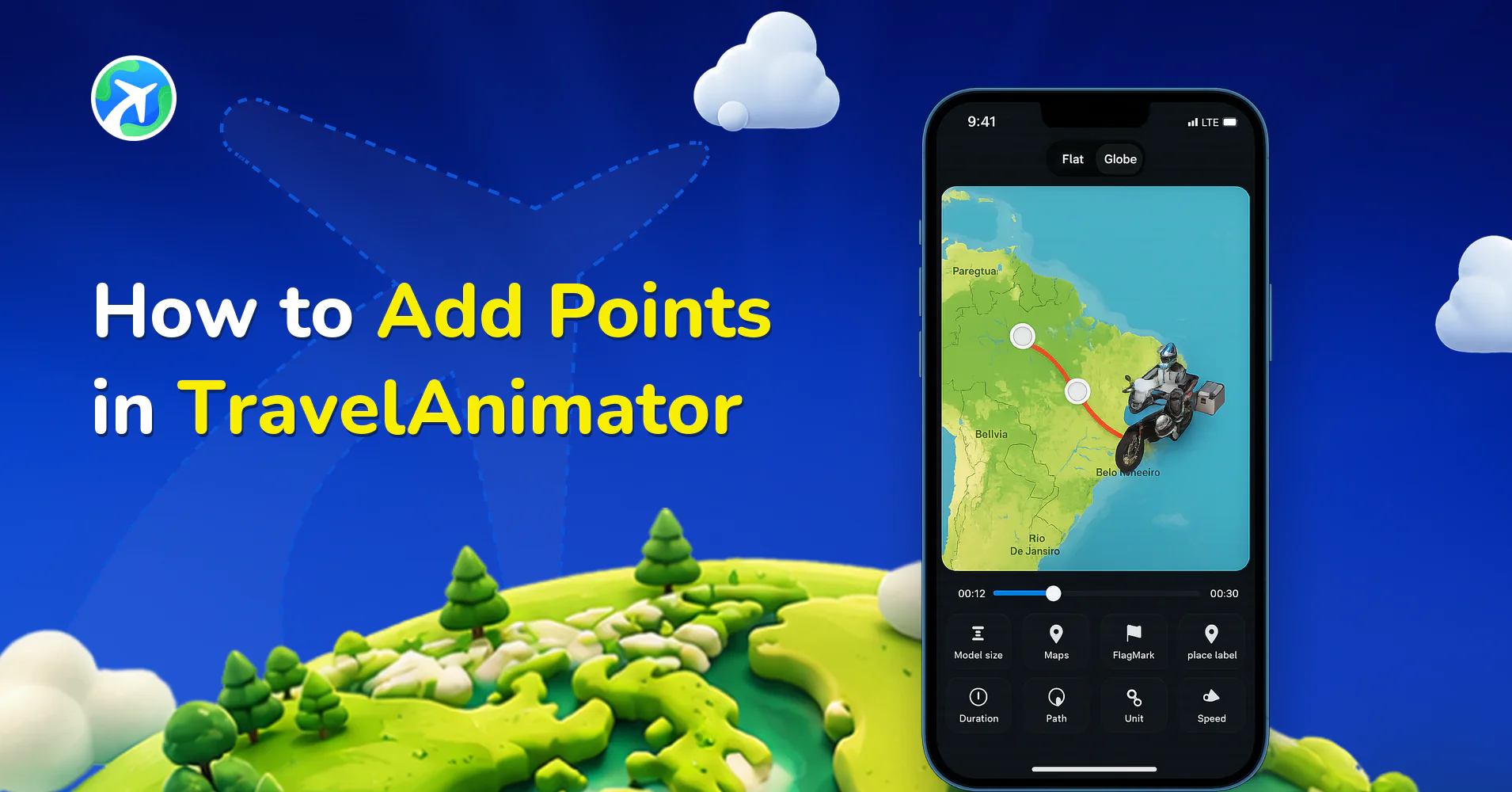
How to Add Points in TravelAnimator
사용 방법
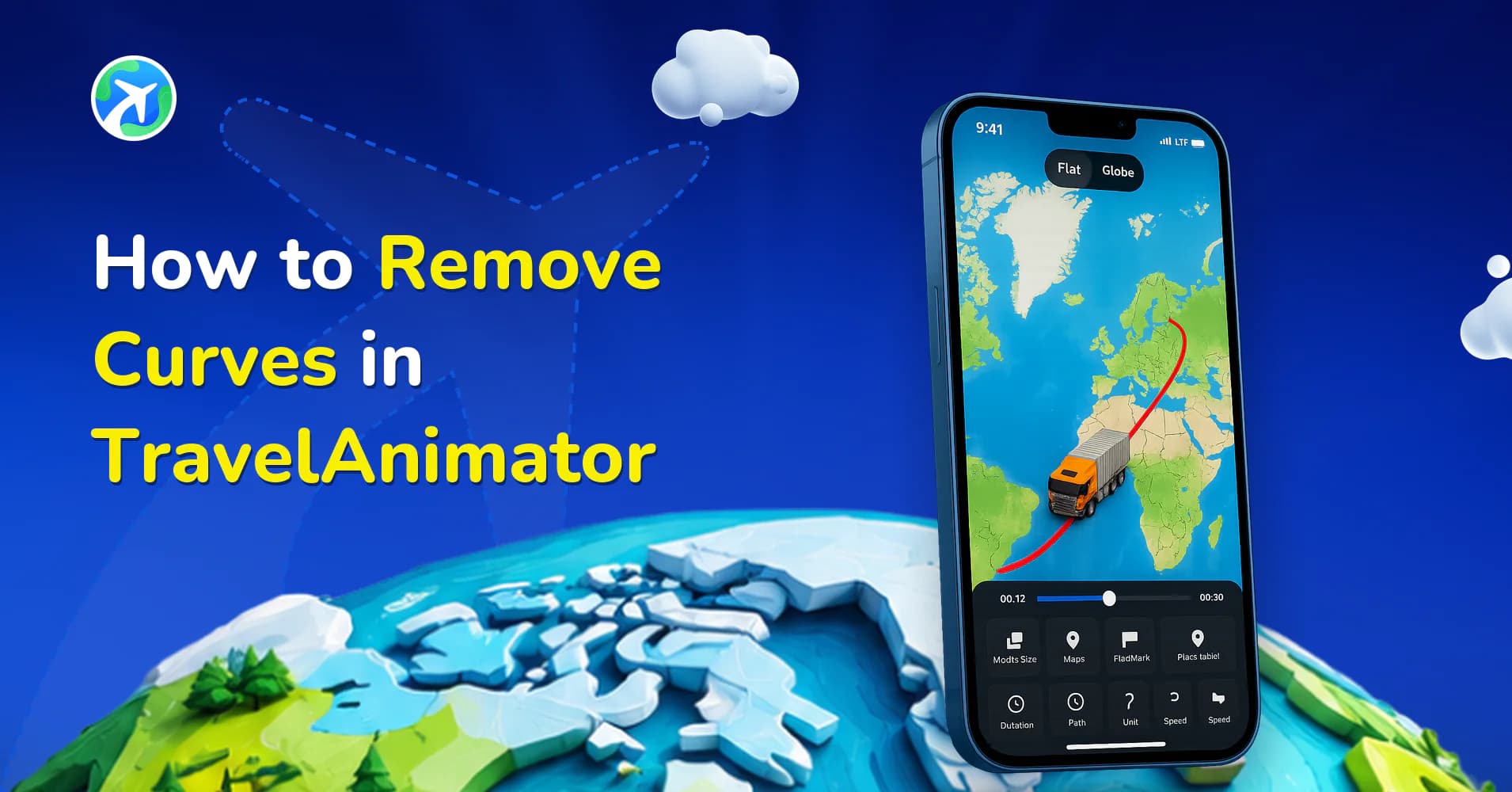
How to Remove Curves in TravelAnimator
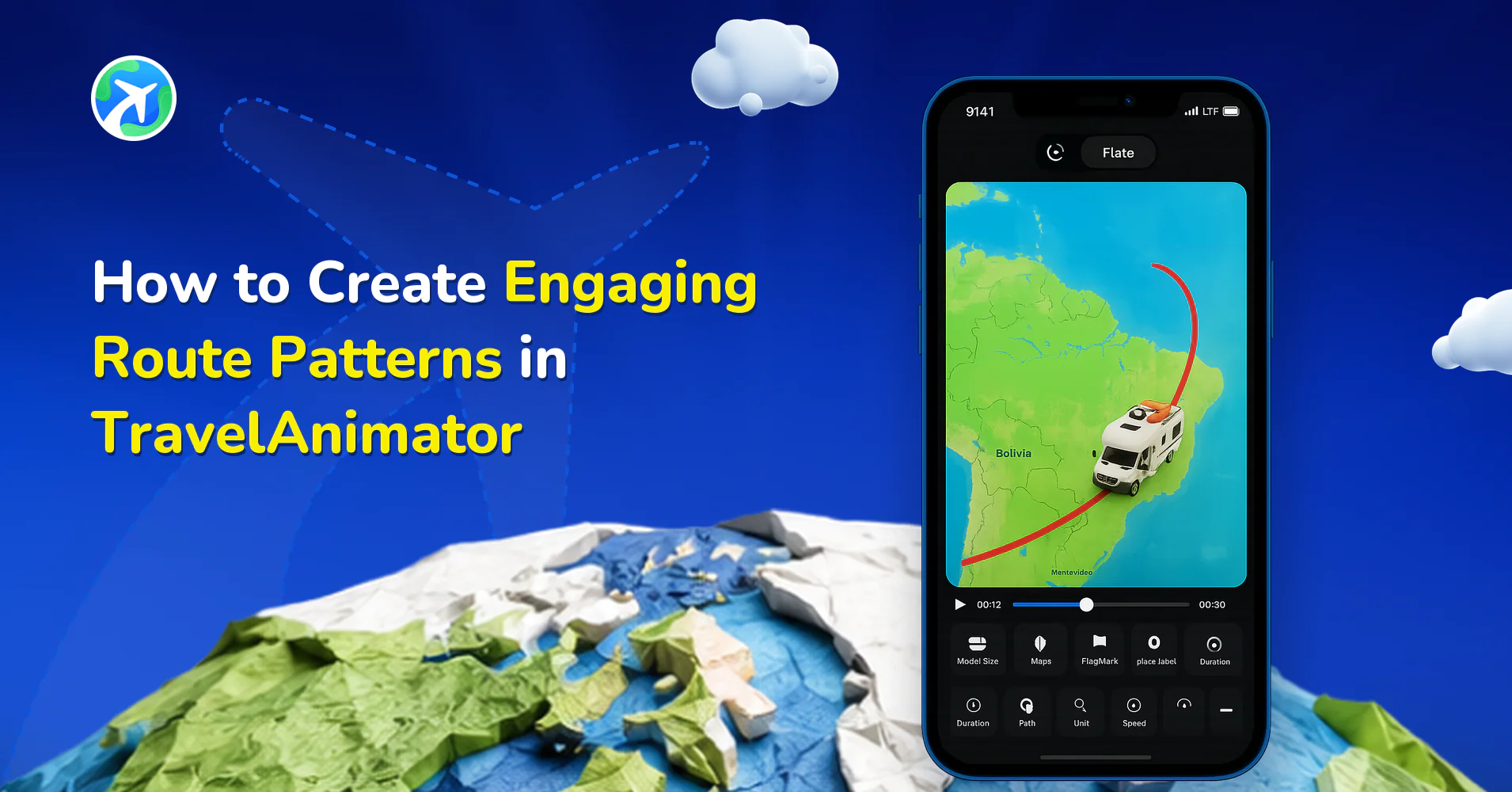
사용 방법
How to Create Engaging Route Patterns in TravelAnimator
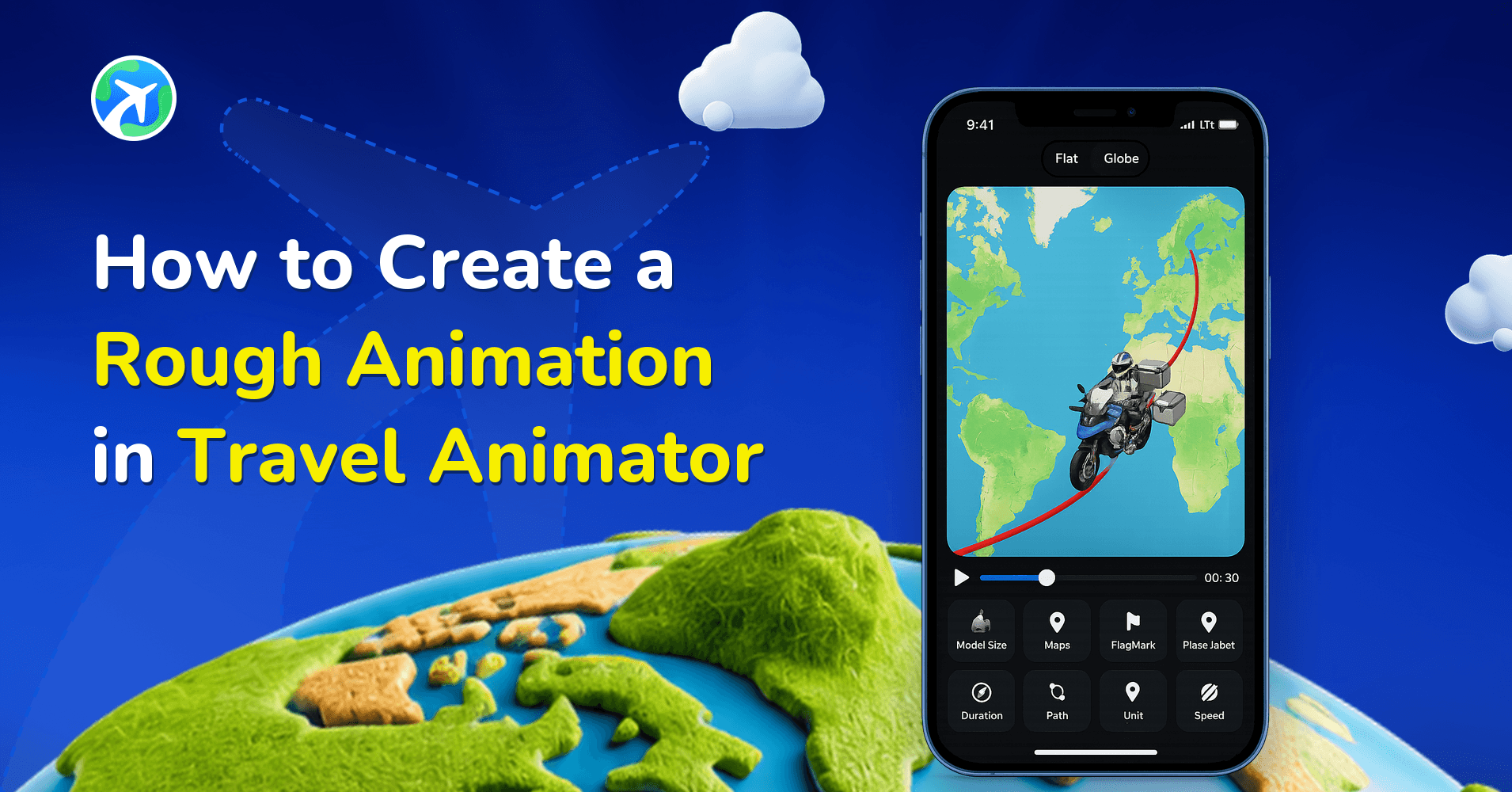
사용 방법
How to Create a Rough Animation in Travel Animator
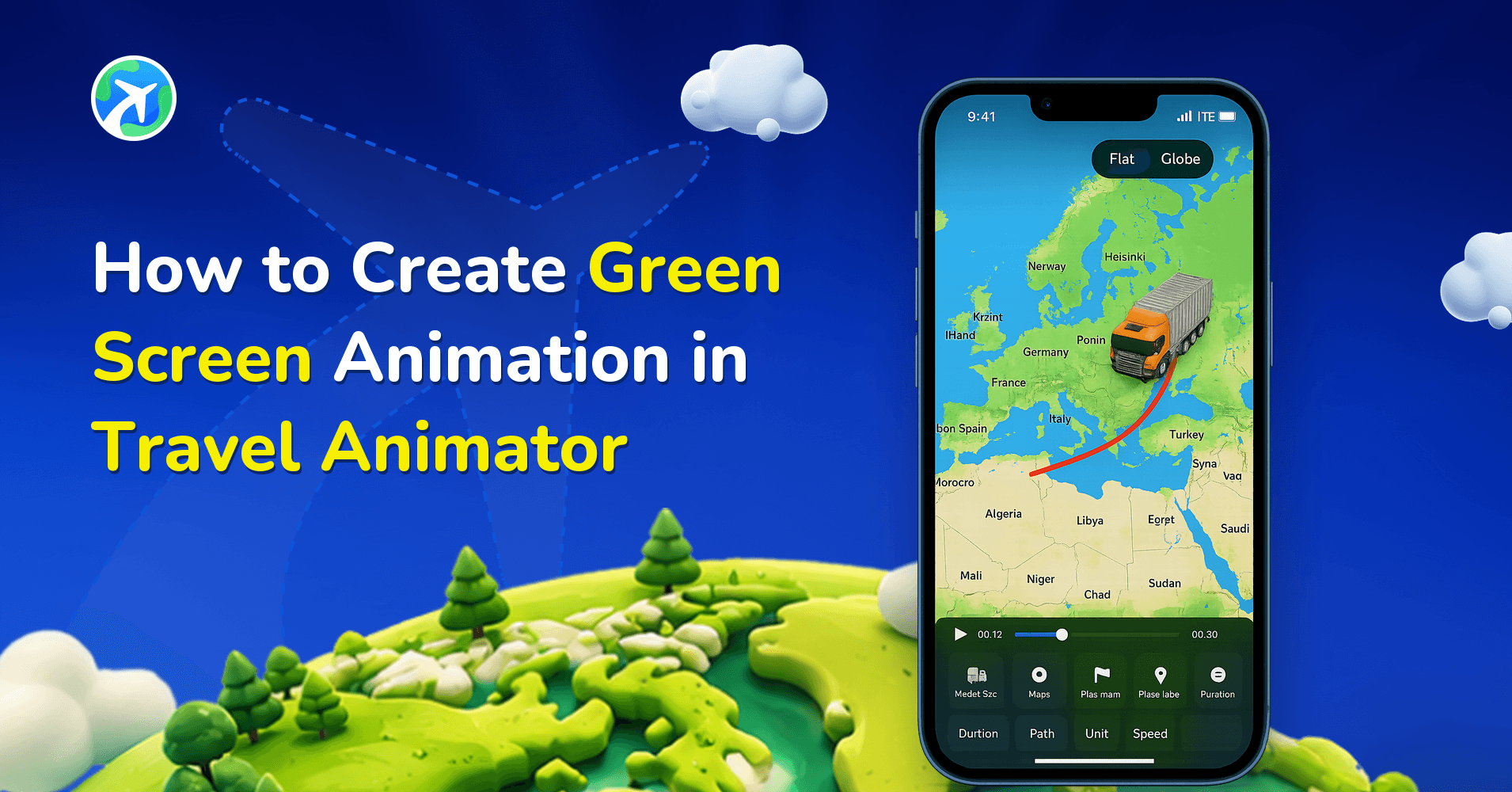
사용 방법
How to Create Green Screen Animation in Travel Animator
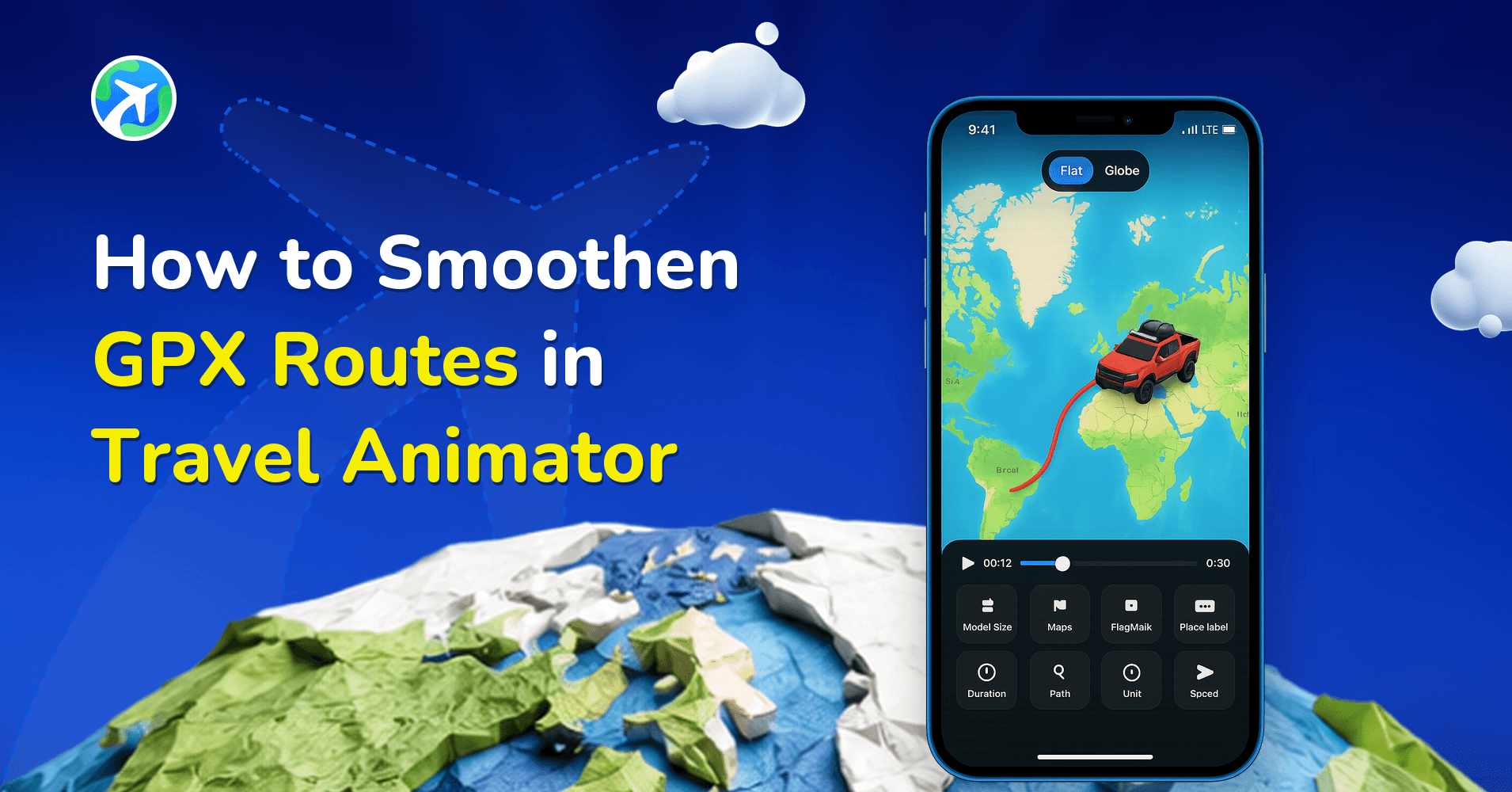
앱 기능
How to Smoothen GPX Routes in Travel Animator
사용 방법
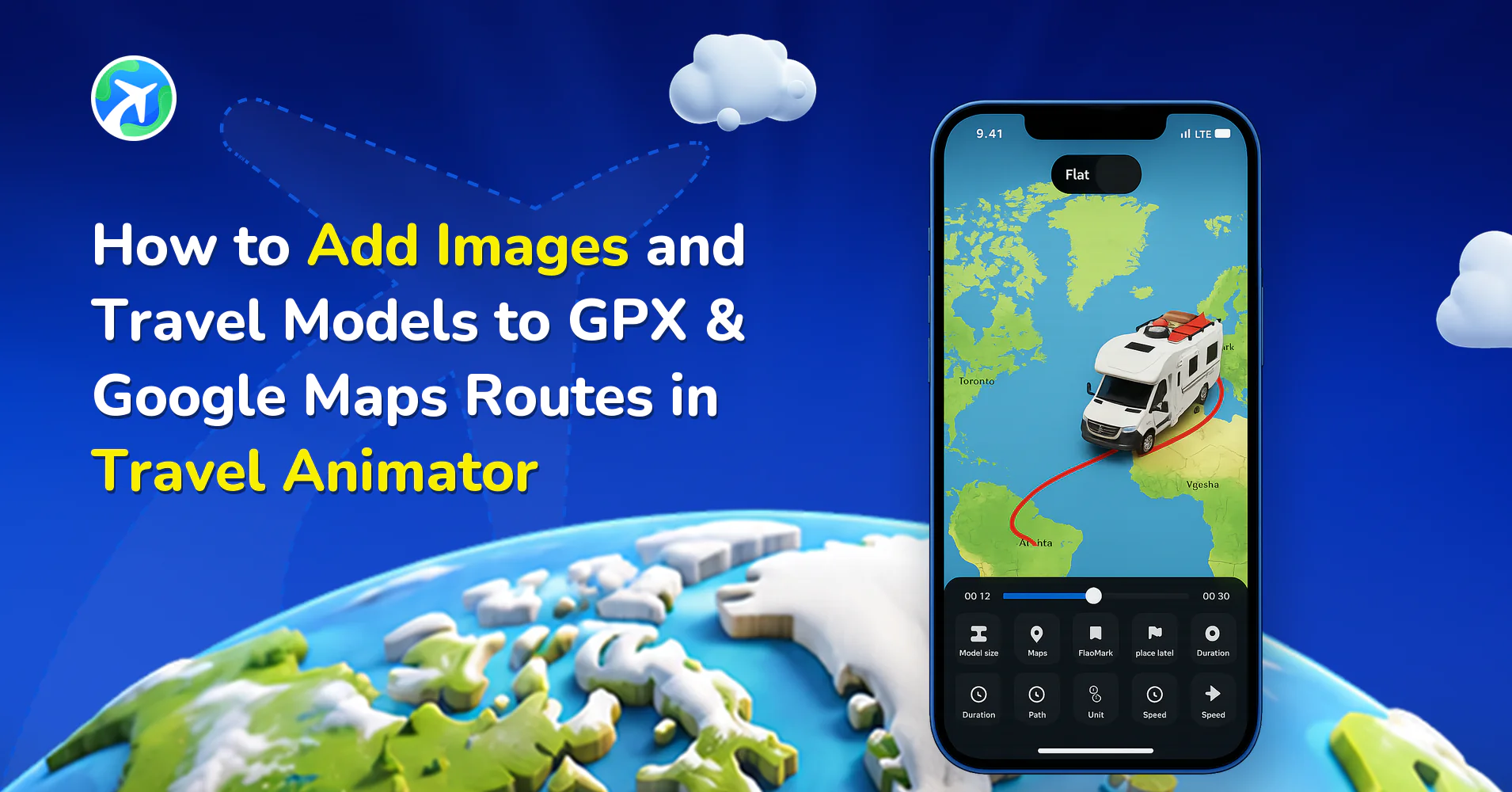
How to Add Images and Travel Models to GPX & Google Maps Routes in Travel Animator
사용 방법
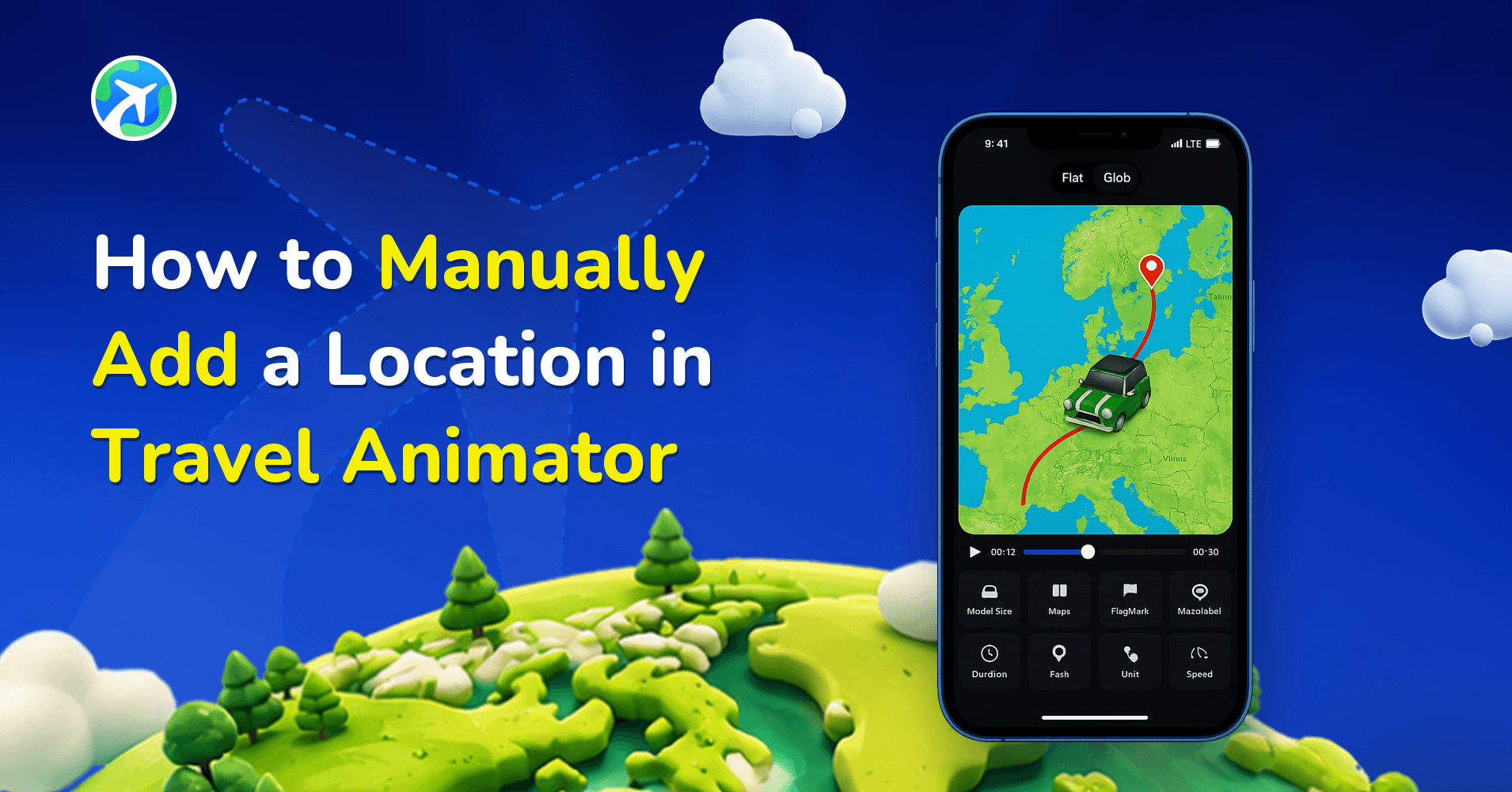
How to Manually Add a Location in Travel Animator
사용 방법
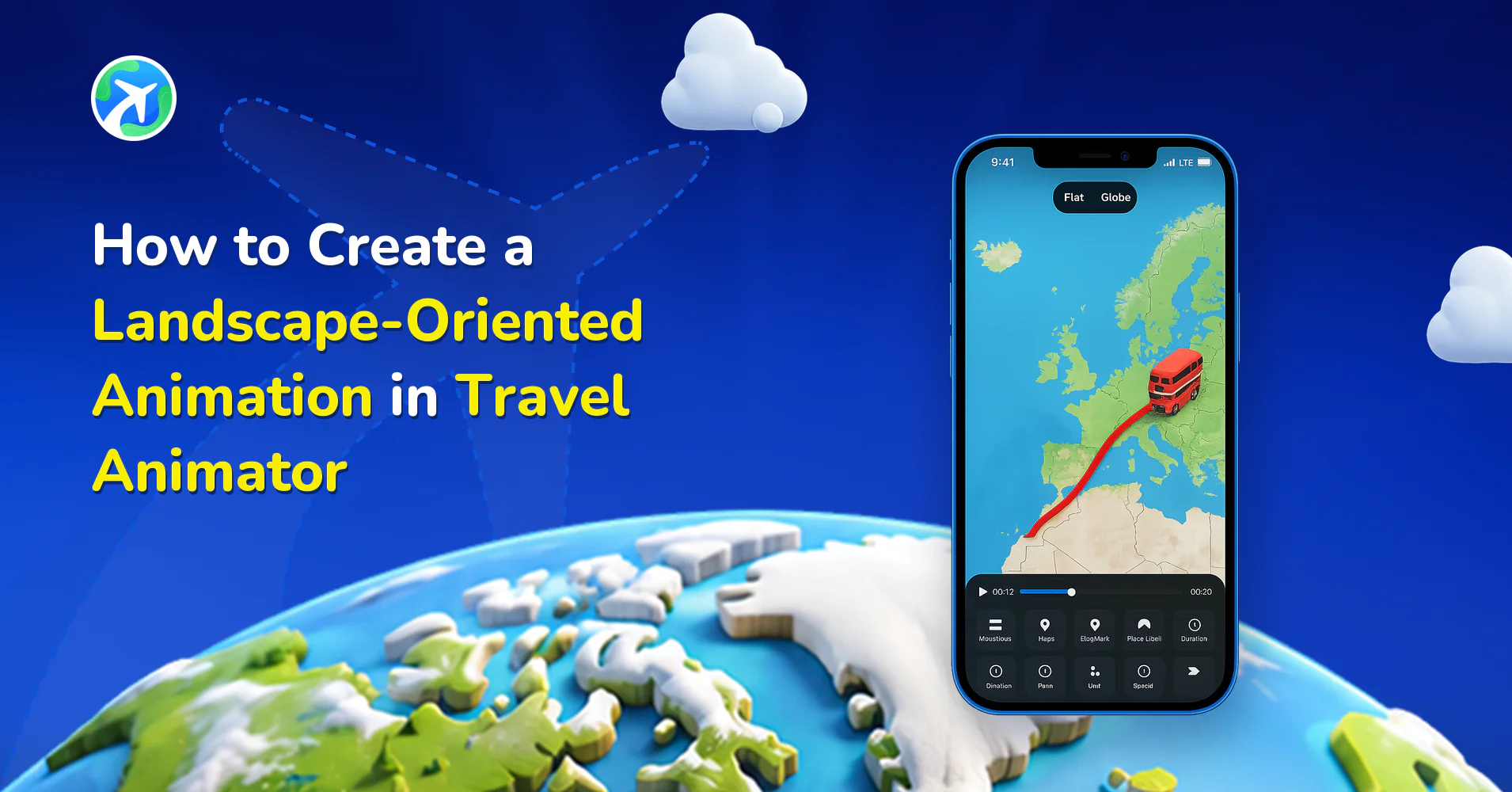
How to Create a Landscape-Oriented Animation in Travel Animator
사용 방법
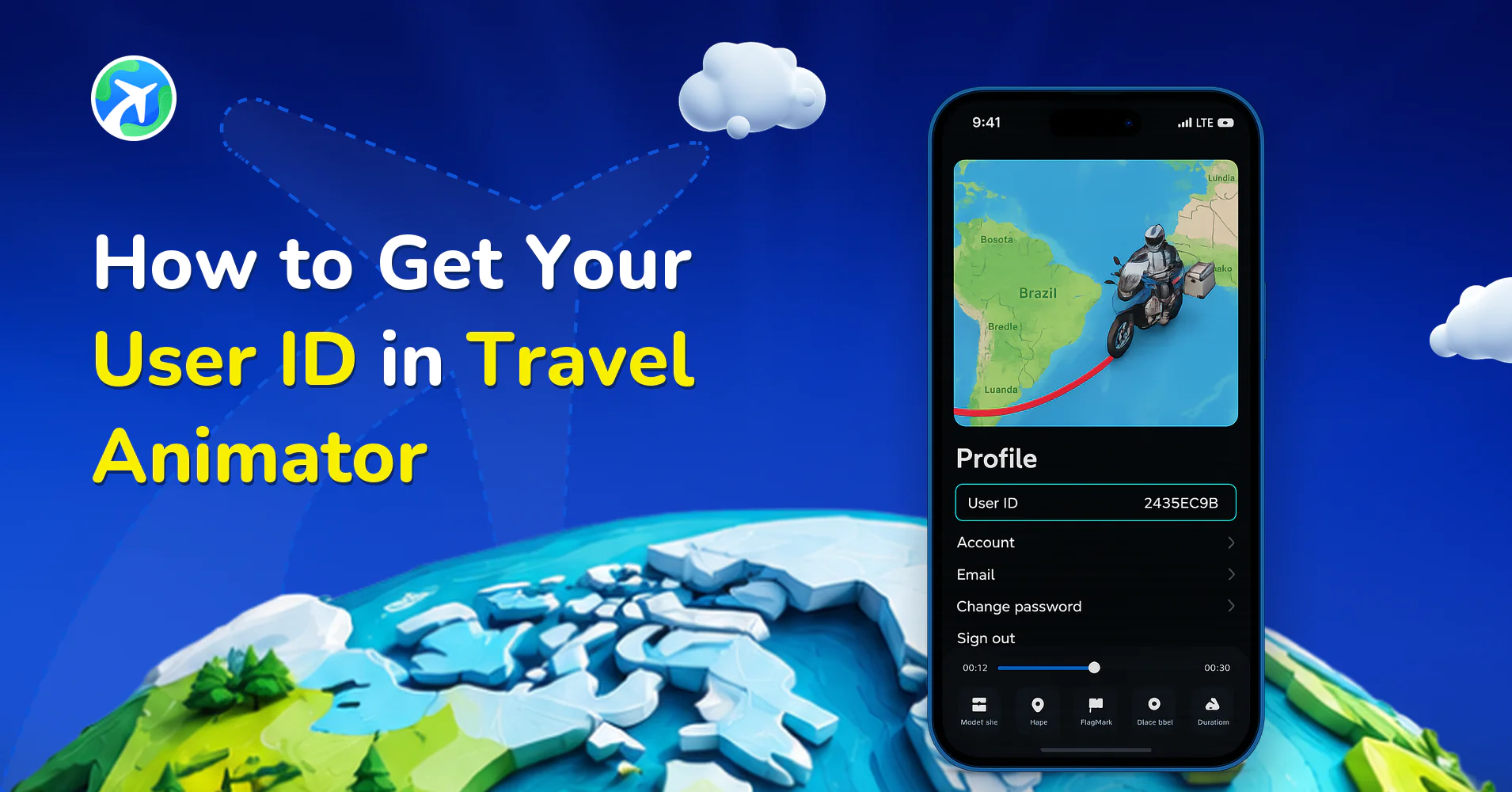
How to Get Your User ID in Travel Animator
사용 방법
How to Request a Feature in Travel Animator
사용 방법
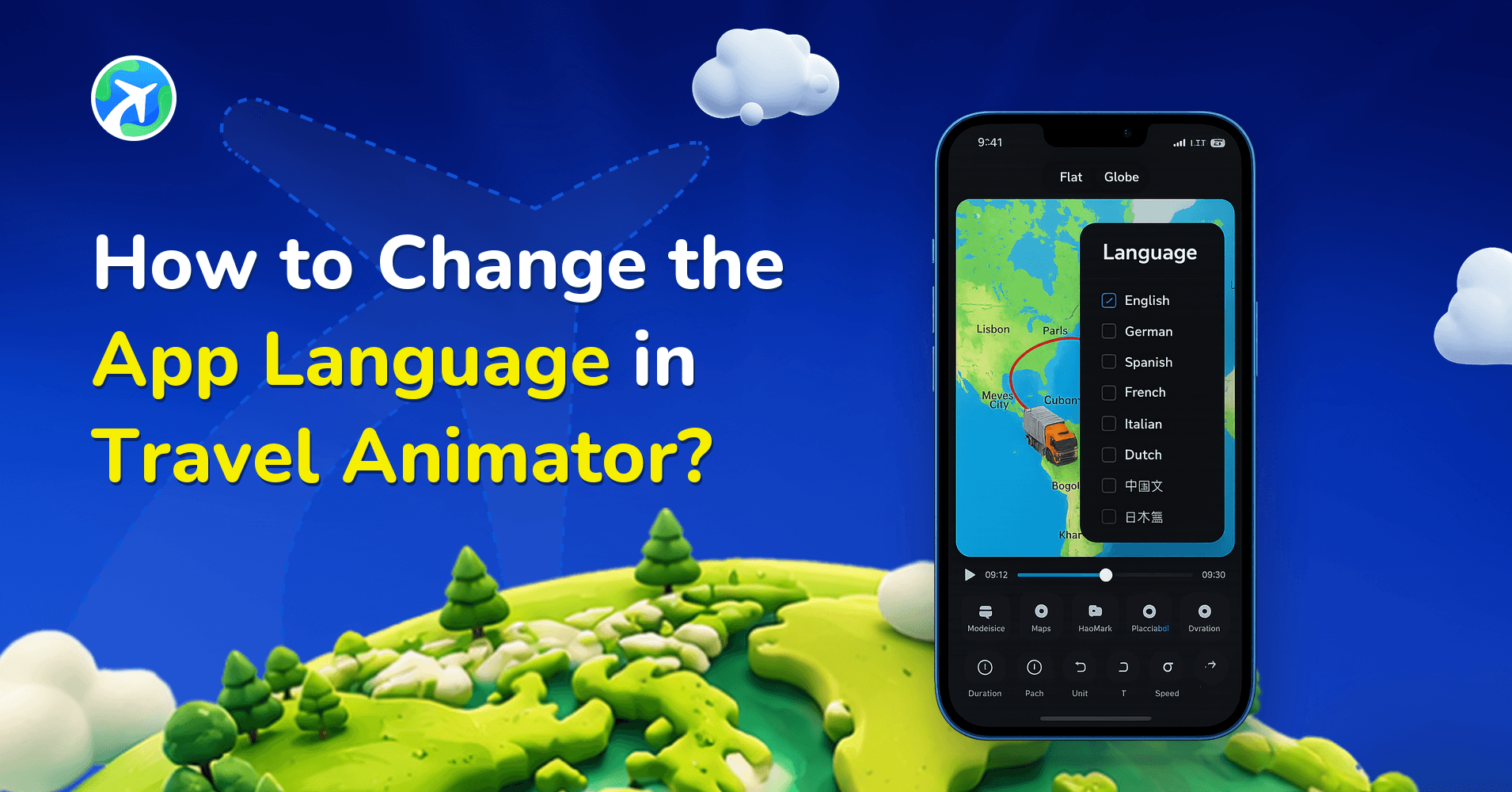
How to Change the App Language in Travel Animator?
사용 방법
Common Mistakes in Travel Animator Videos
사용 방법
How to Screen Record on iPhone for TravelAnimator Support
사용 방법
How to Screen Record on Android for TravelAnimator Support
사용 방법
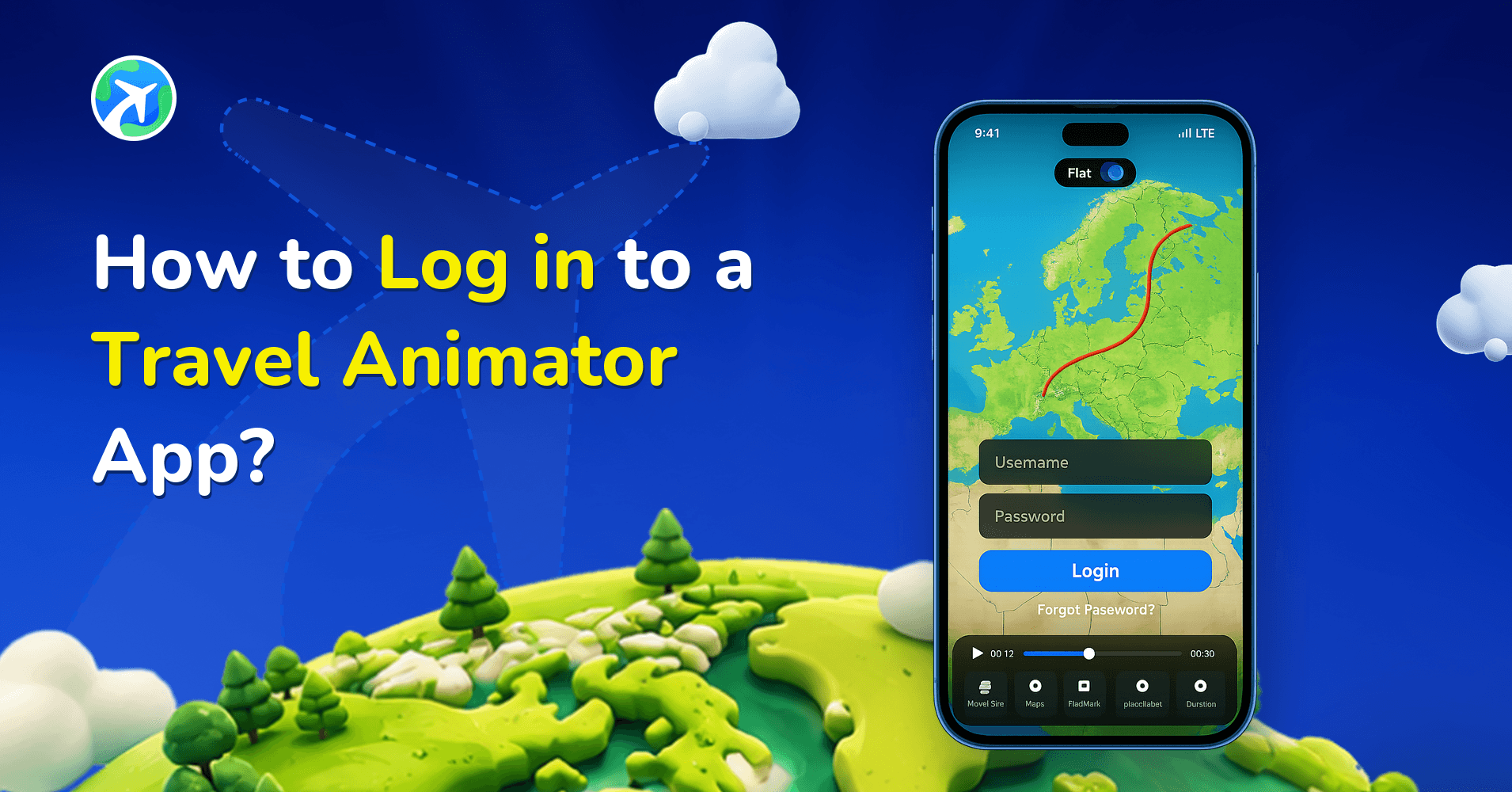
How to Log in to a Travel Animator App?
사용 방법
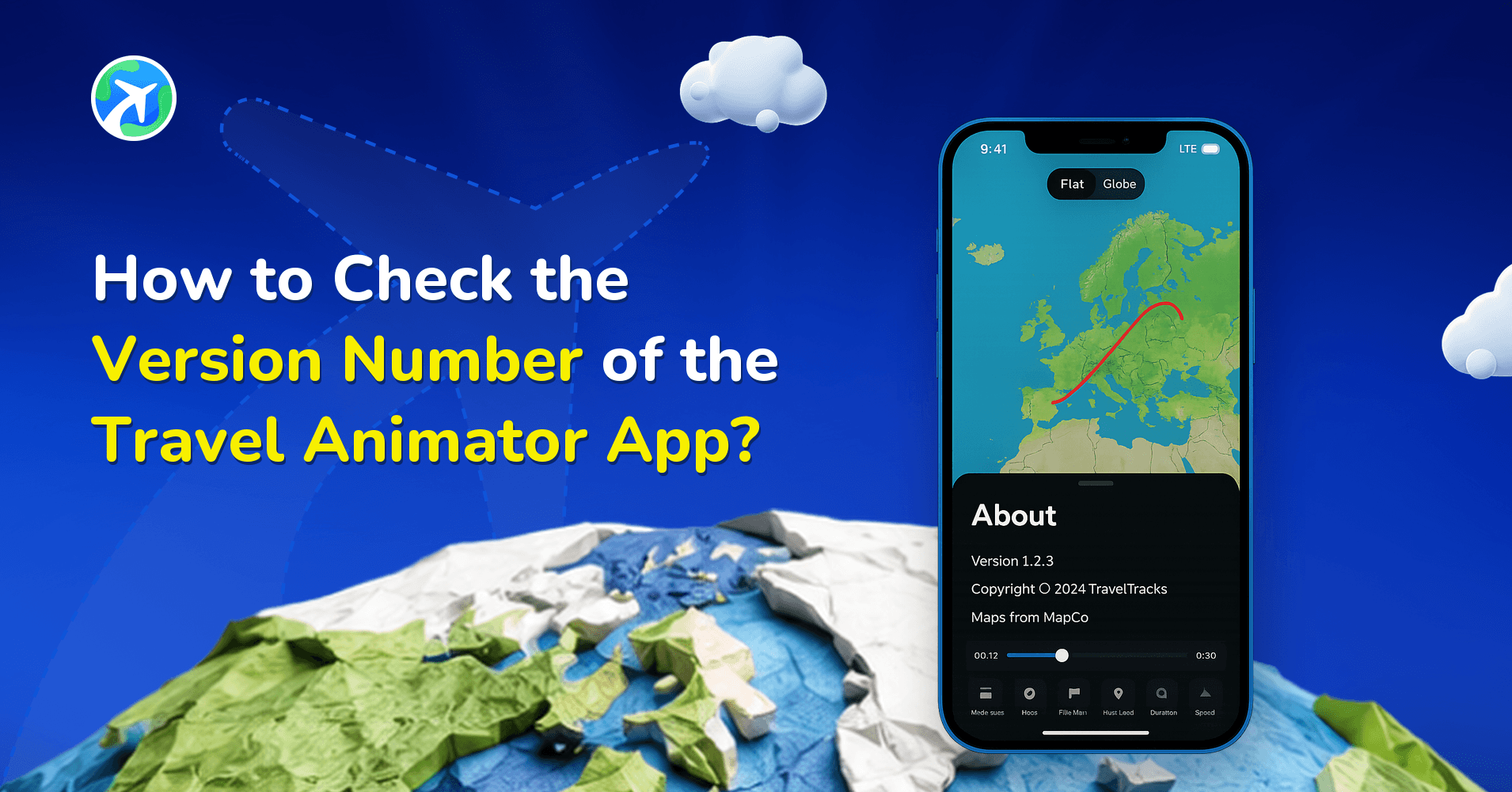
How to Check the Version Number of the Travel Animator App?
사용 방법
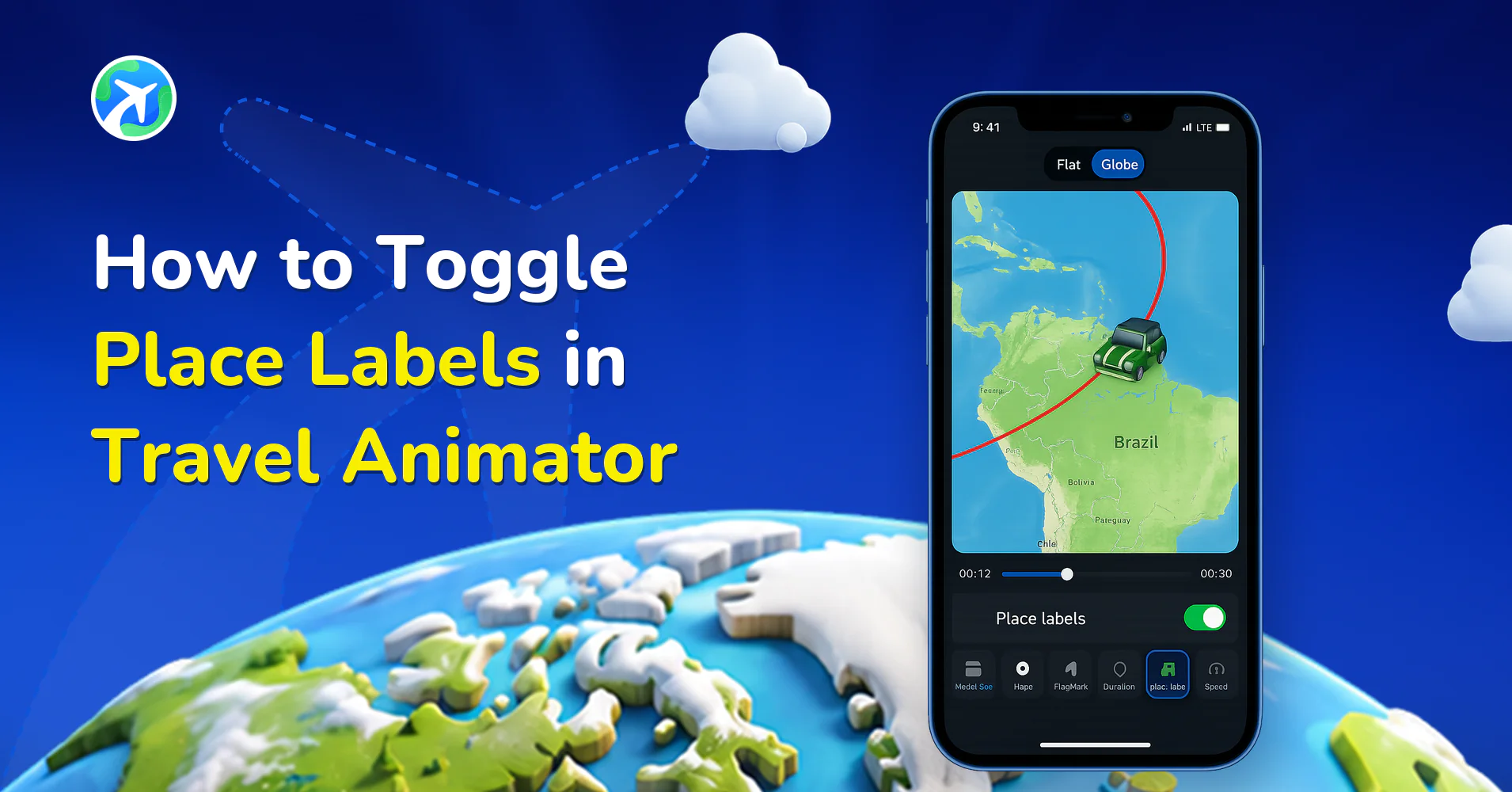
How to Toggle Place Labels in Travel Animator
사용 방법
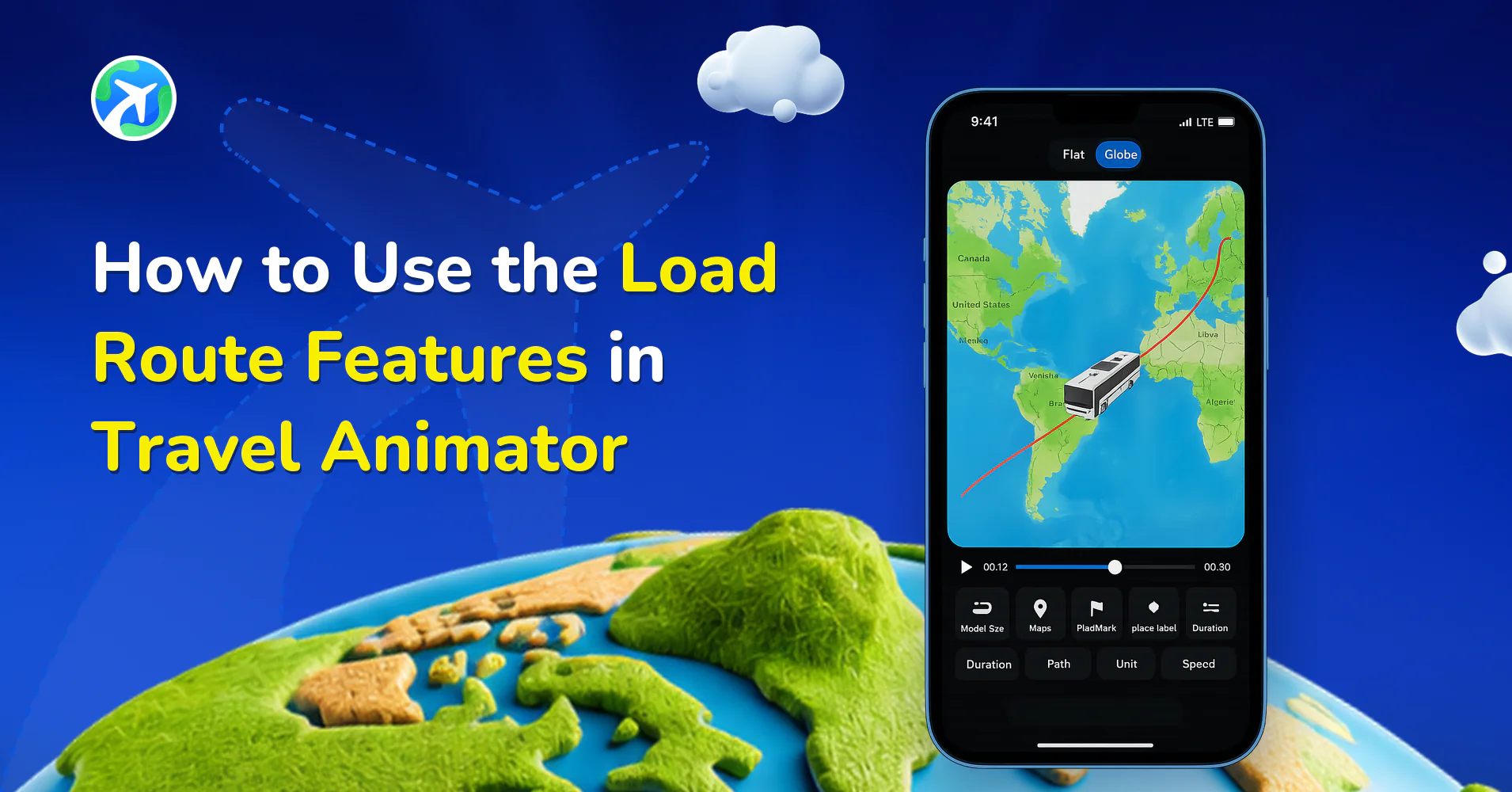
How to Use the Load Route Features in Travel Animator
사용 방법
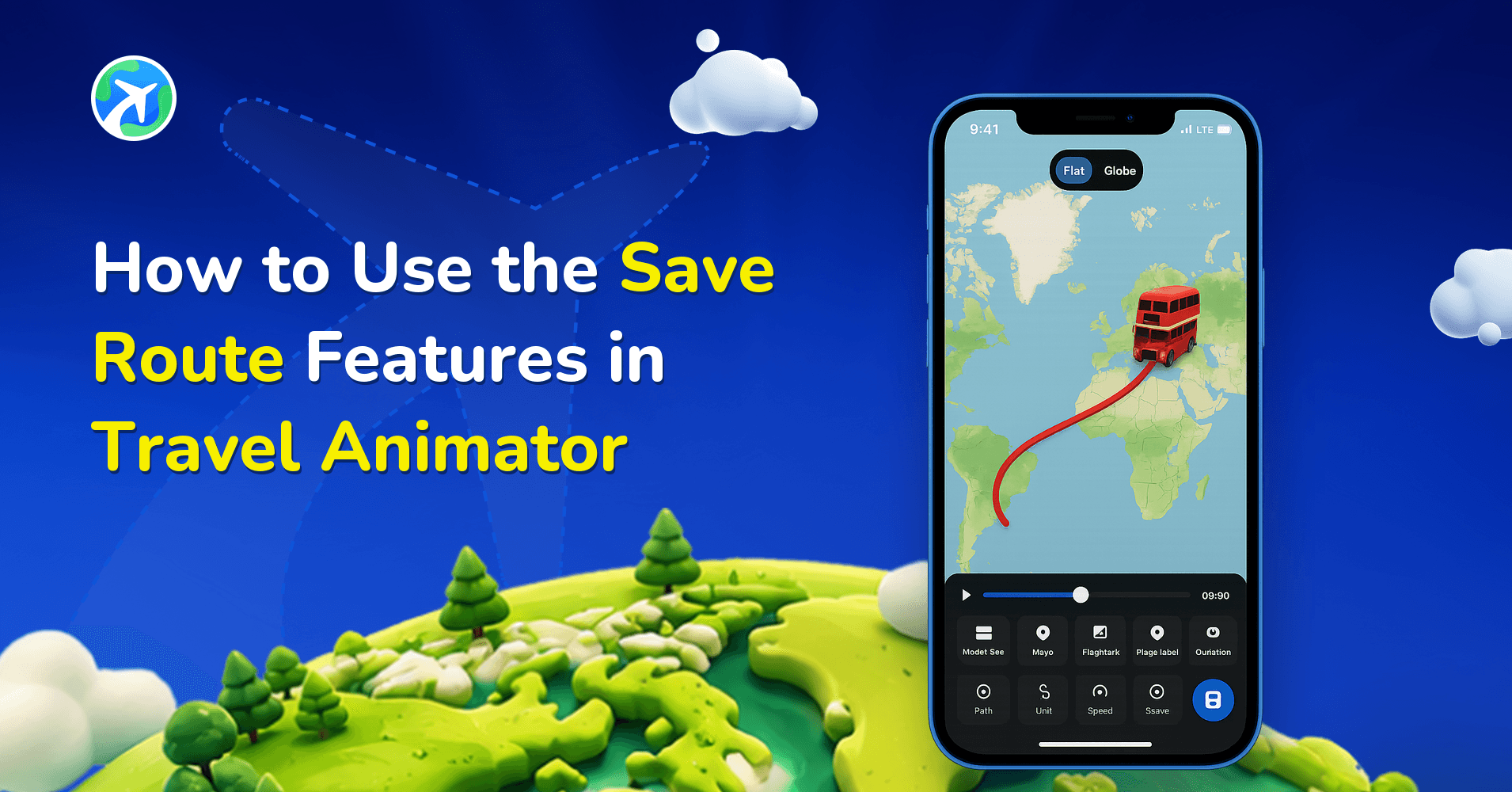
How to Use the Save Route Features in Travel Animator
사용 방법
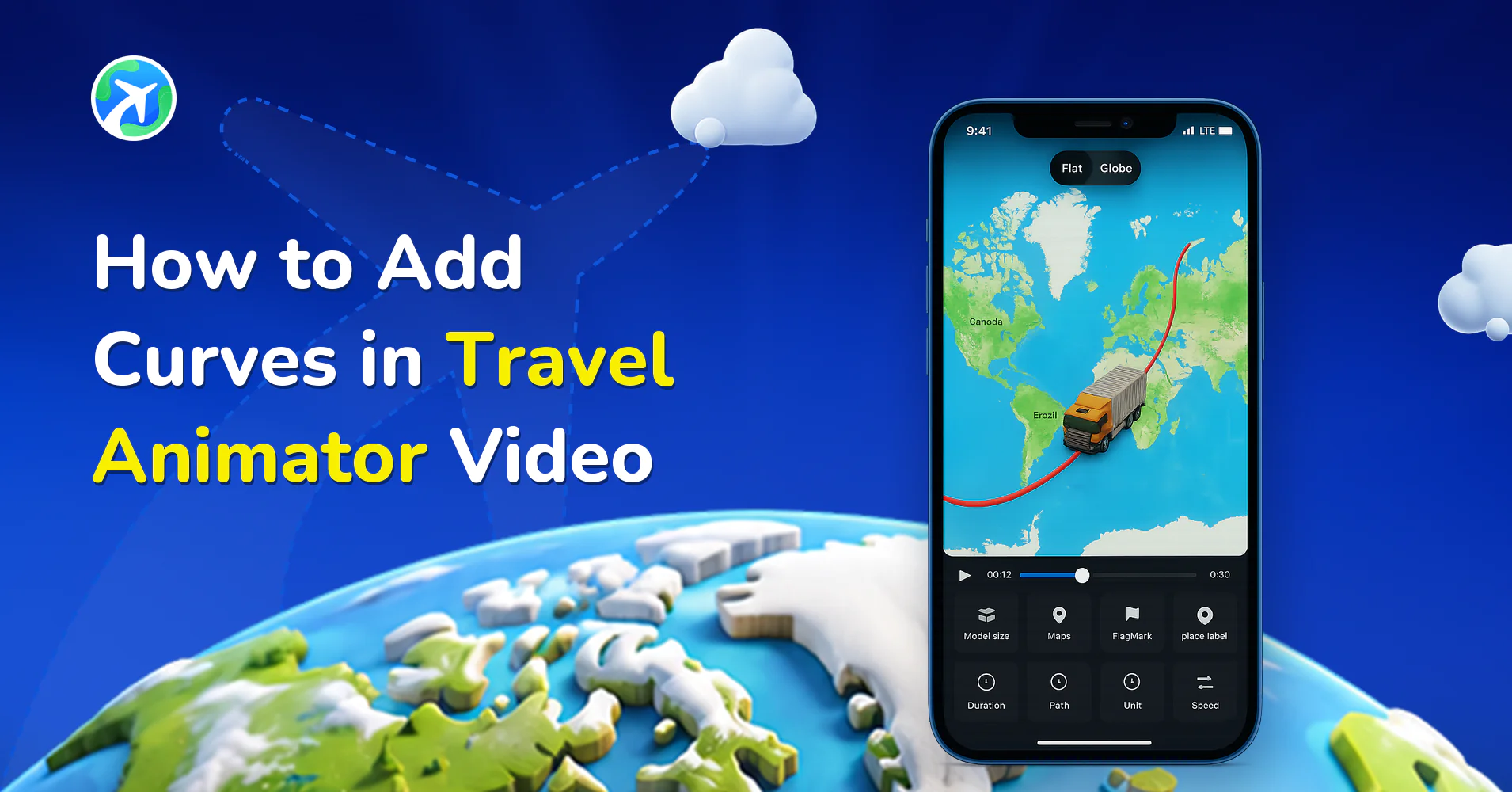
How to Add Curves in Travel Animator Video
사용 방법
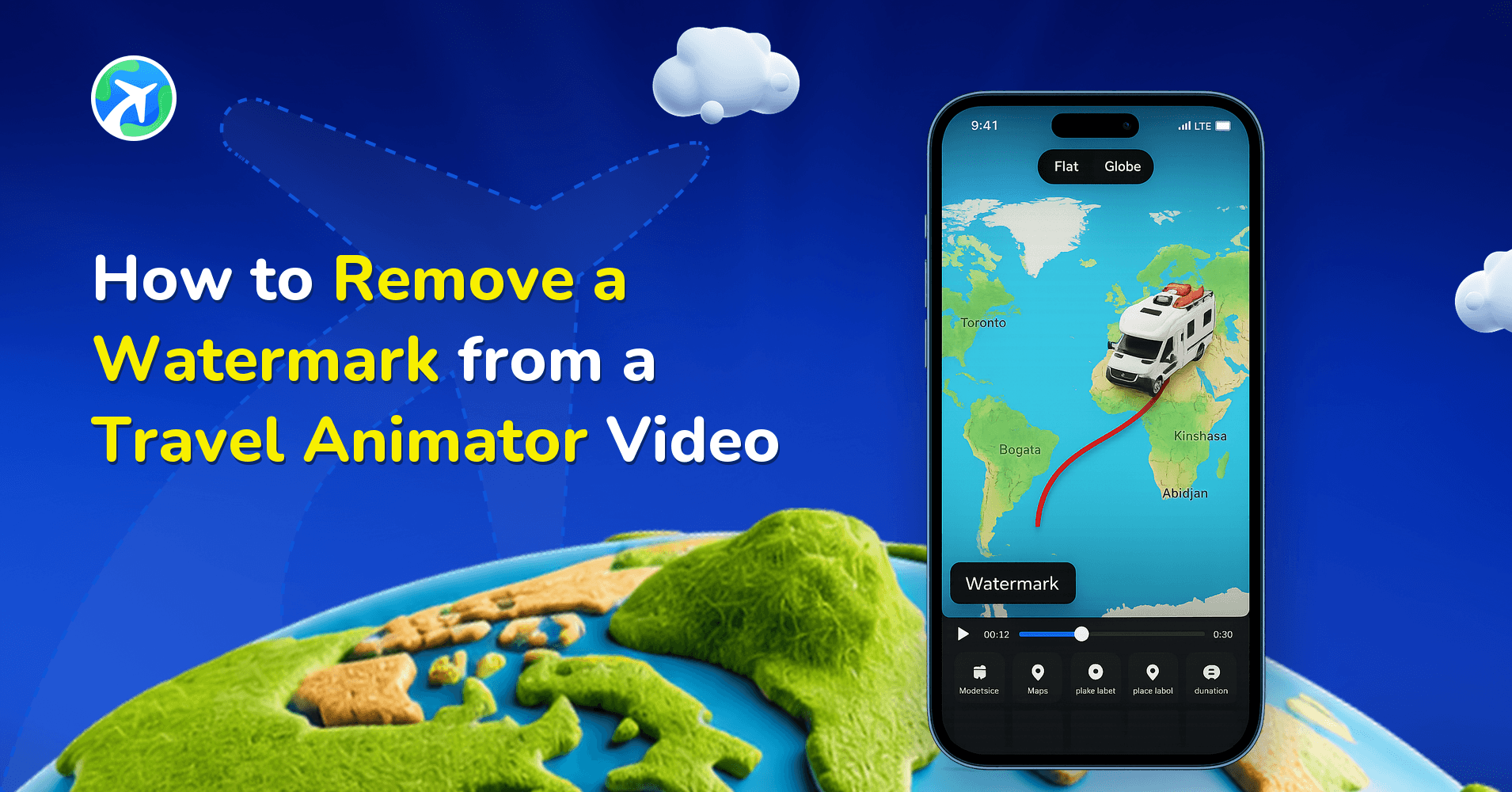
How to Remove a Watermark from a Travel Animator Video
사용 방법
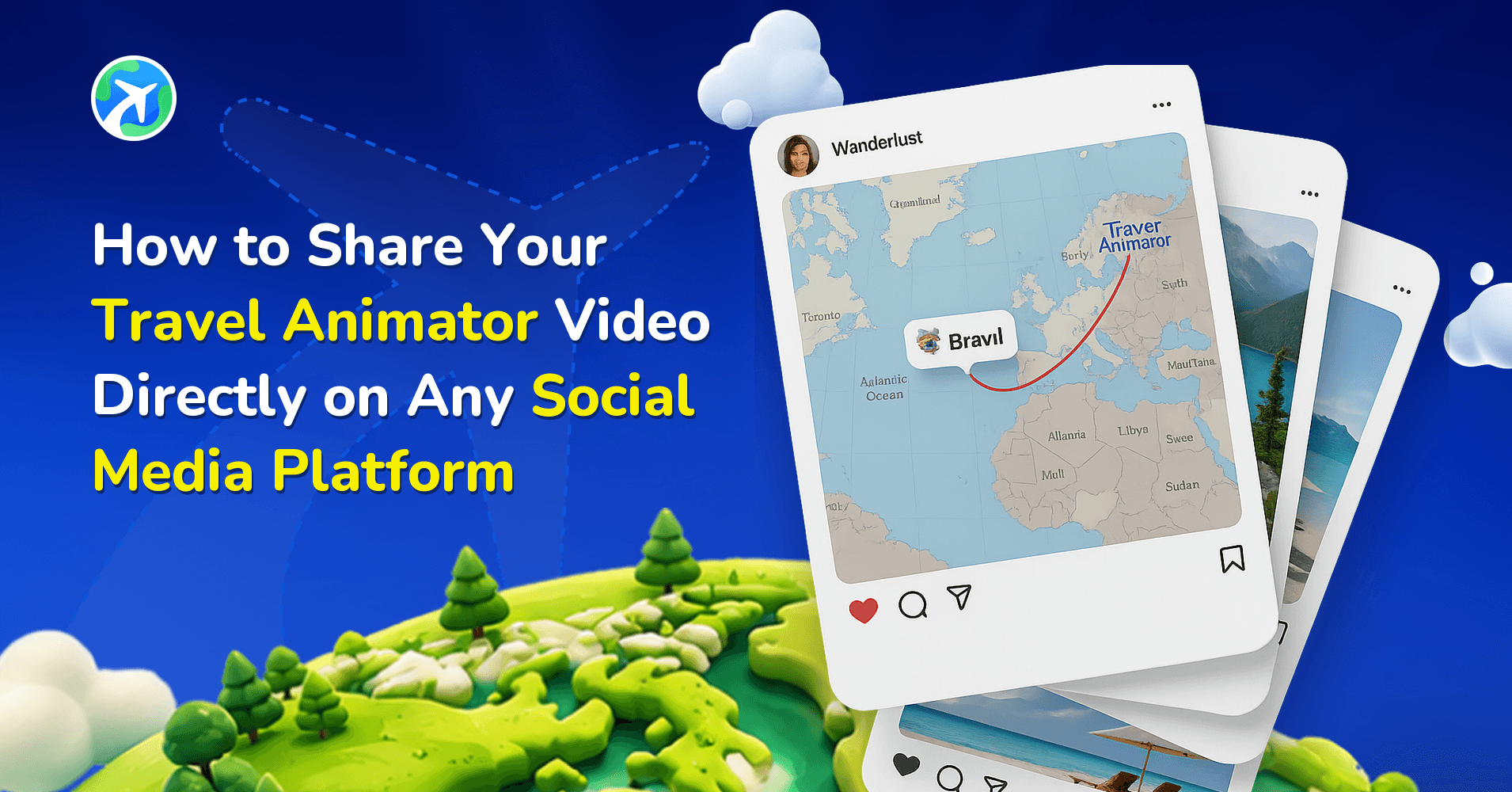
How to Share Your TravelAnimator Video on Social Media
사용 방법
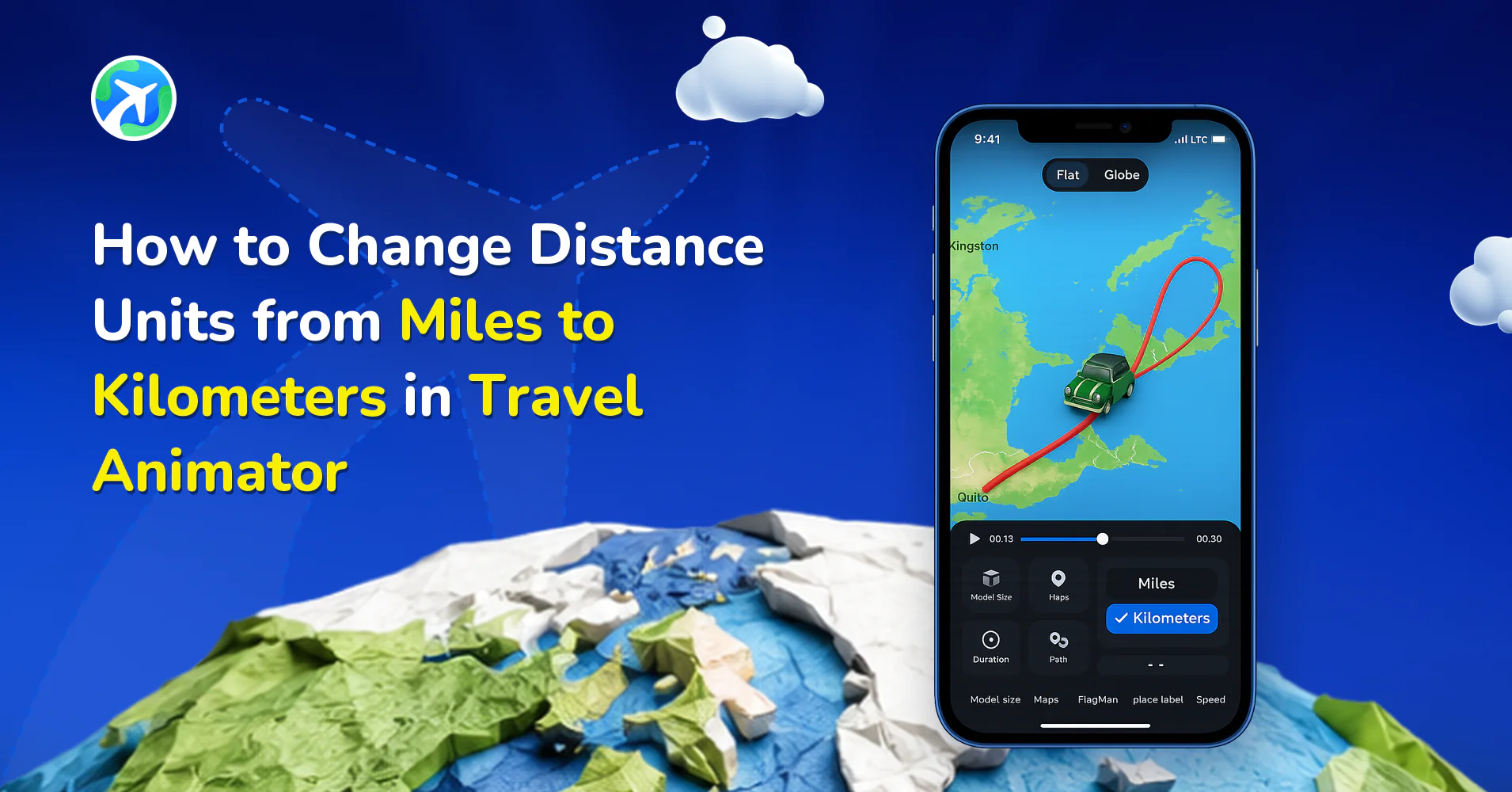
How to Change Distance Units from Miles to Km in TravelAnimator
사용 방법
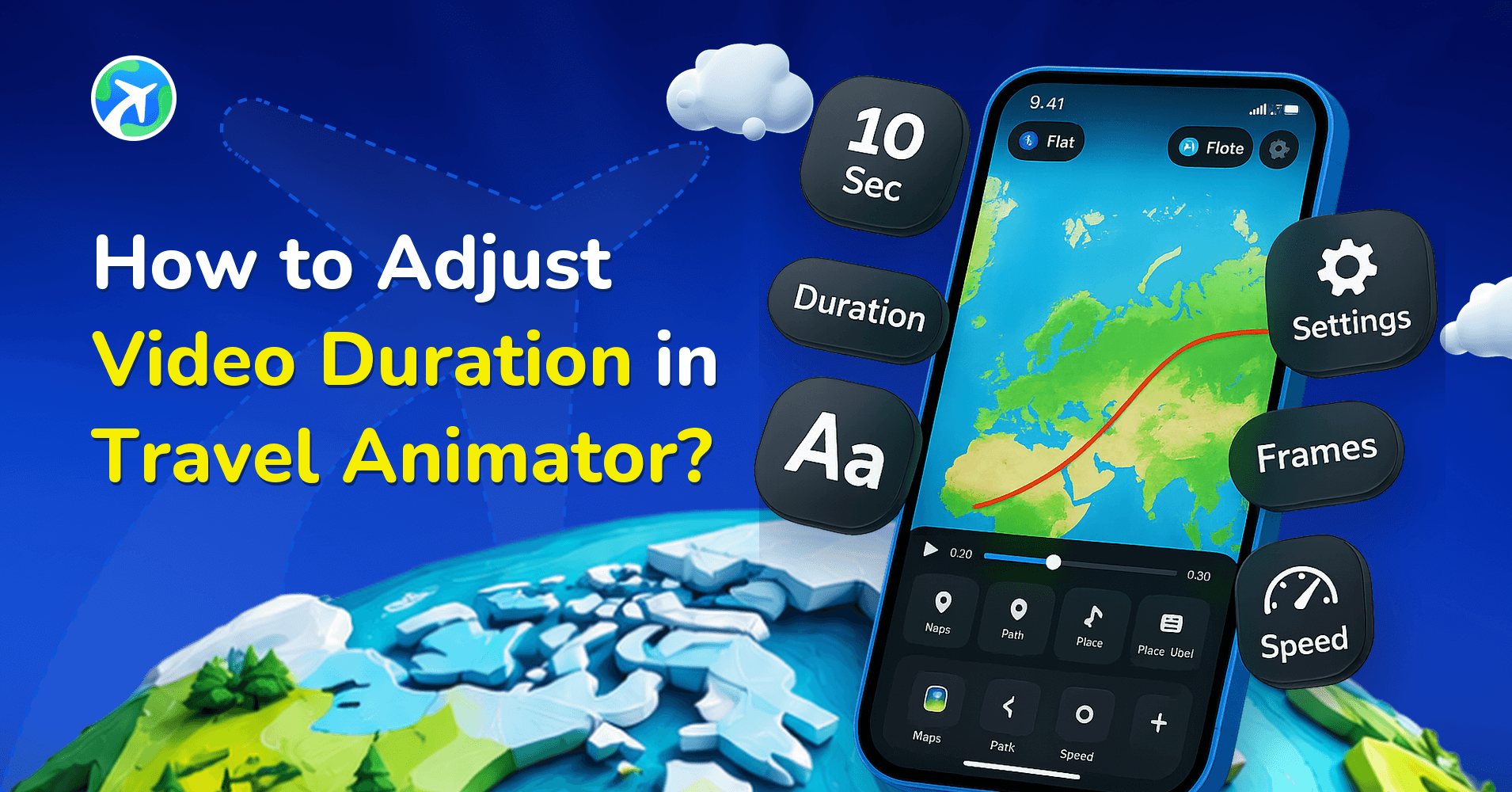
How to Adjust Video Duration in Travel Animator?
사용 방법
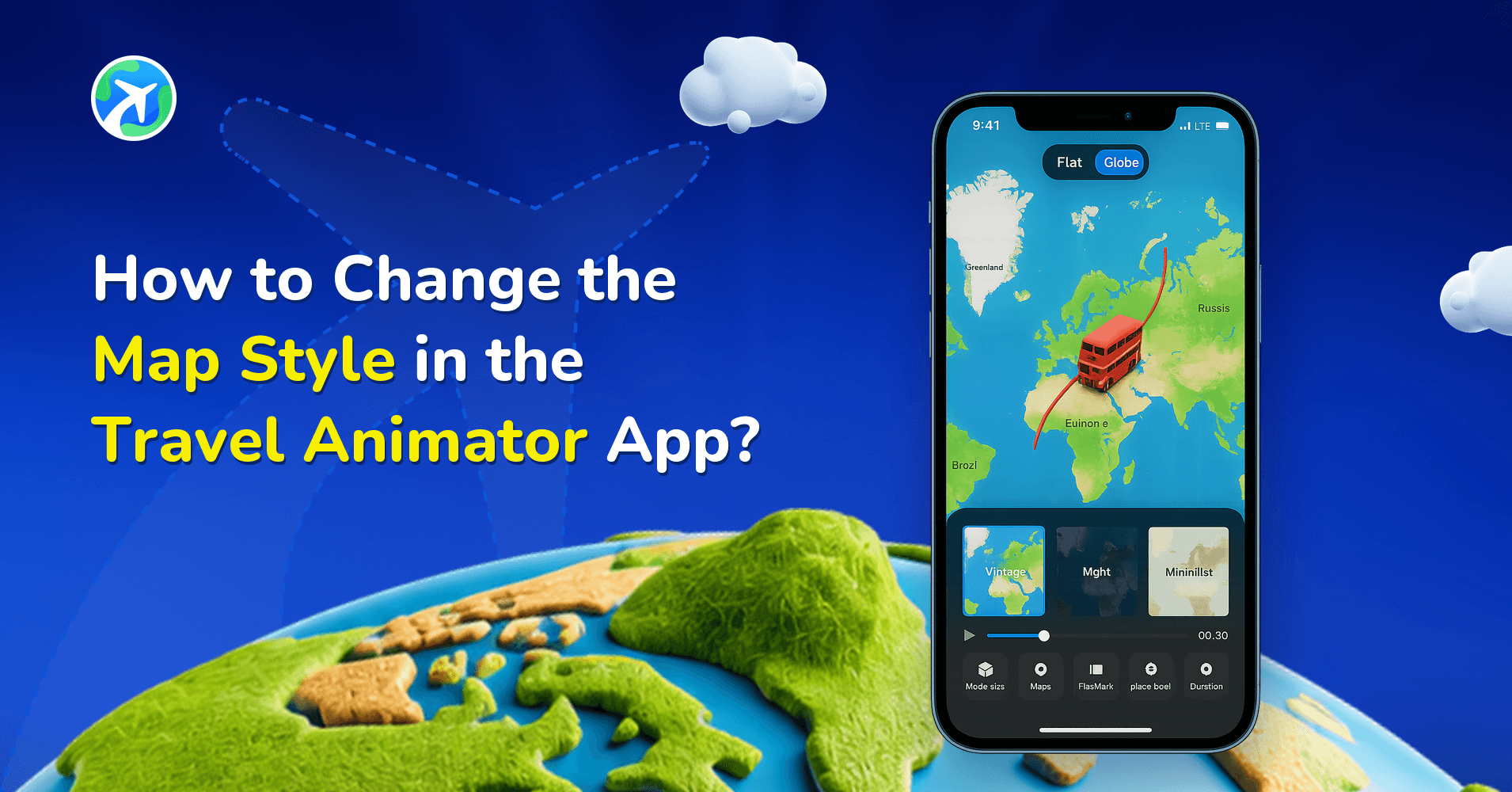
How to Change the Map Style in the Travel Animator App?
사용 방법
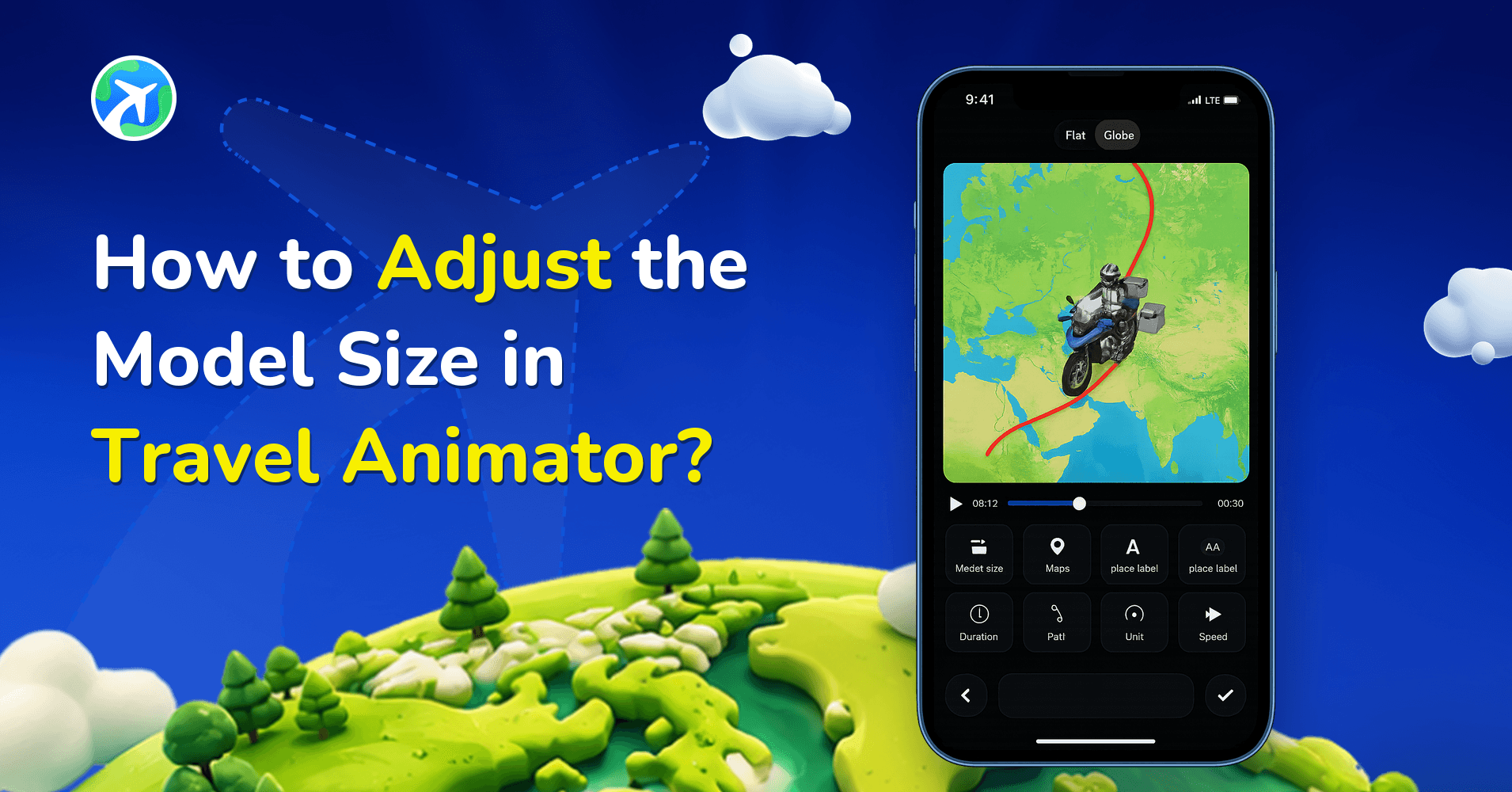
How to Adjust the Model Size in Travel Animator?
사용 방법
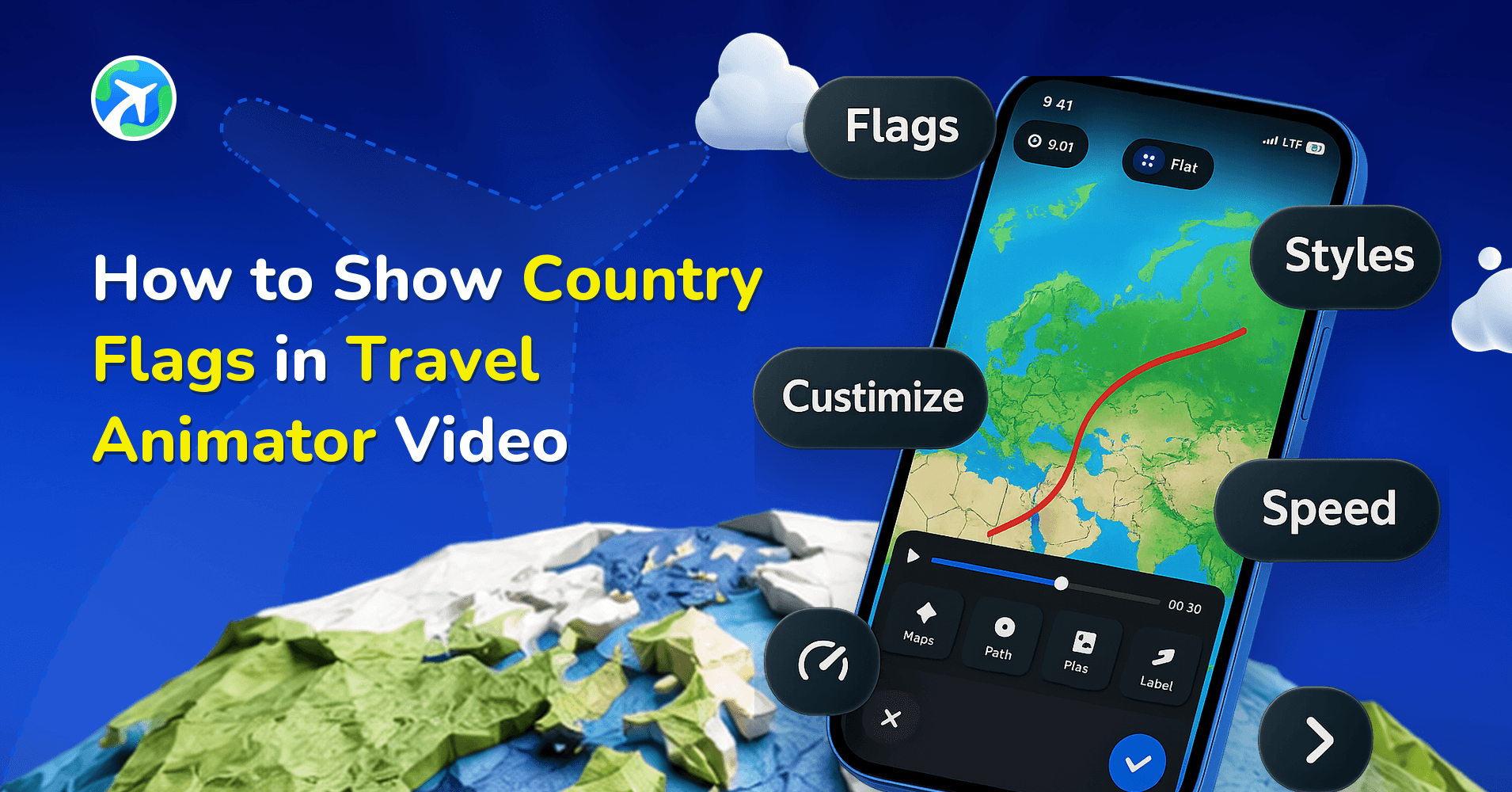
How to Show Country Flags in Travel Animator Video
사용 방법
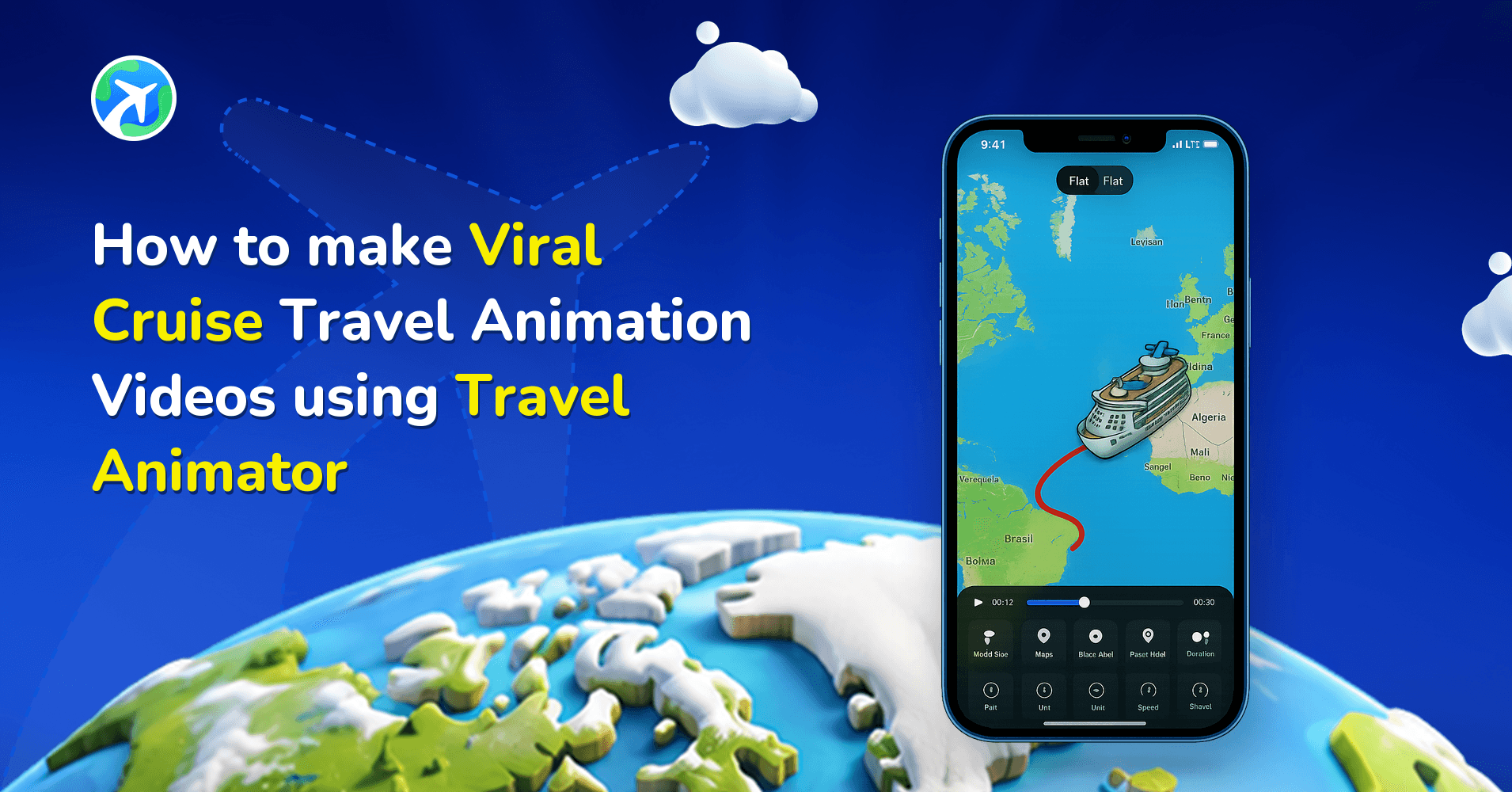
How to make Viral Cruise Travel Animation Video using TravelAnimator
사용 방법
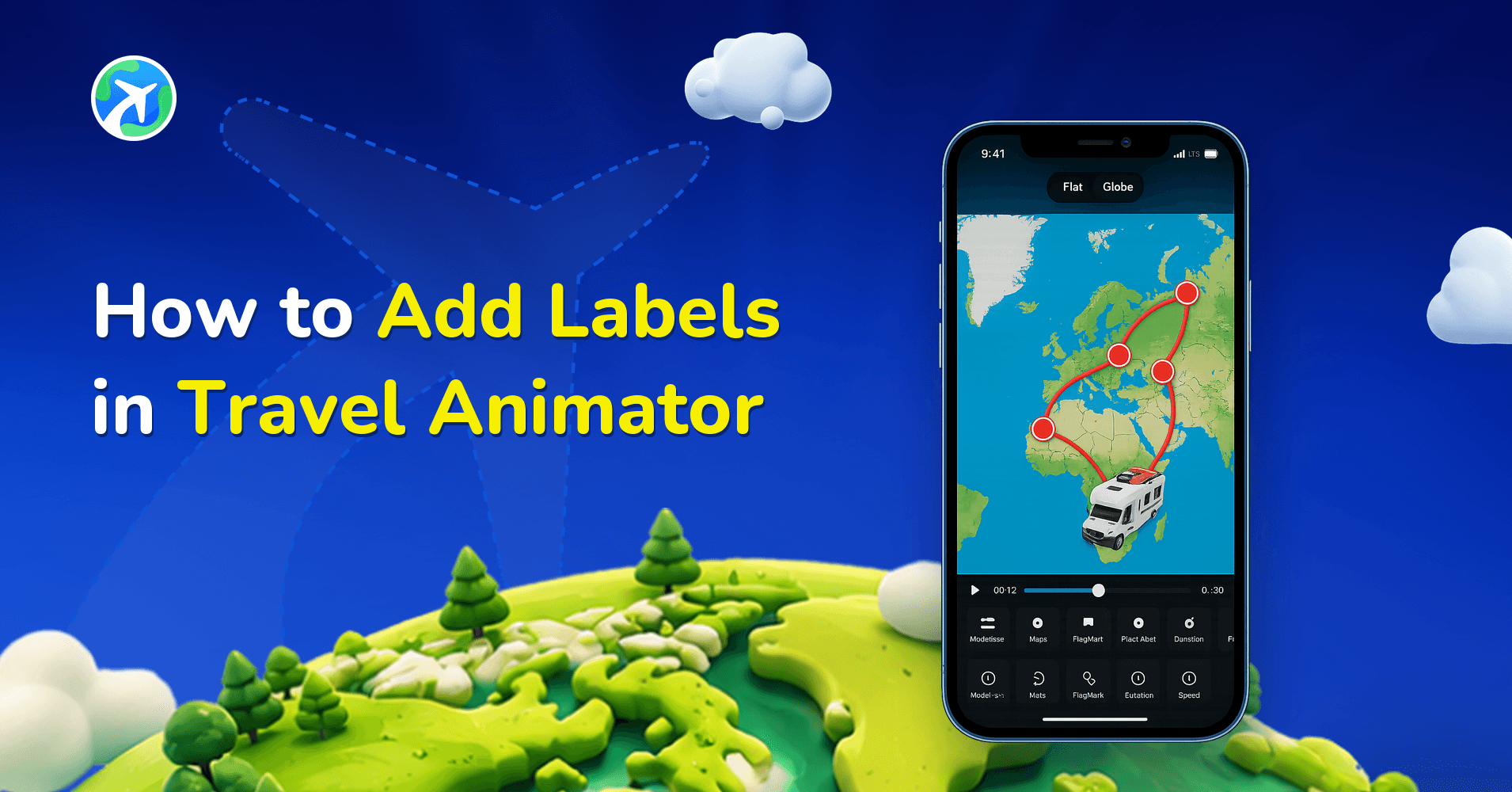
How to Add Labels in Travel Animator
사용 방법
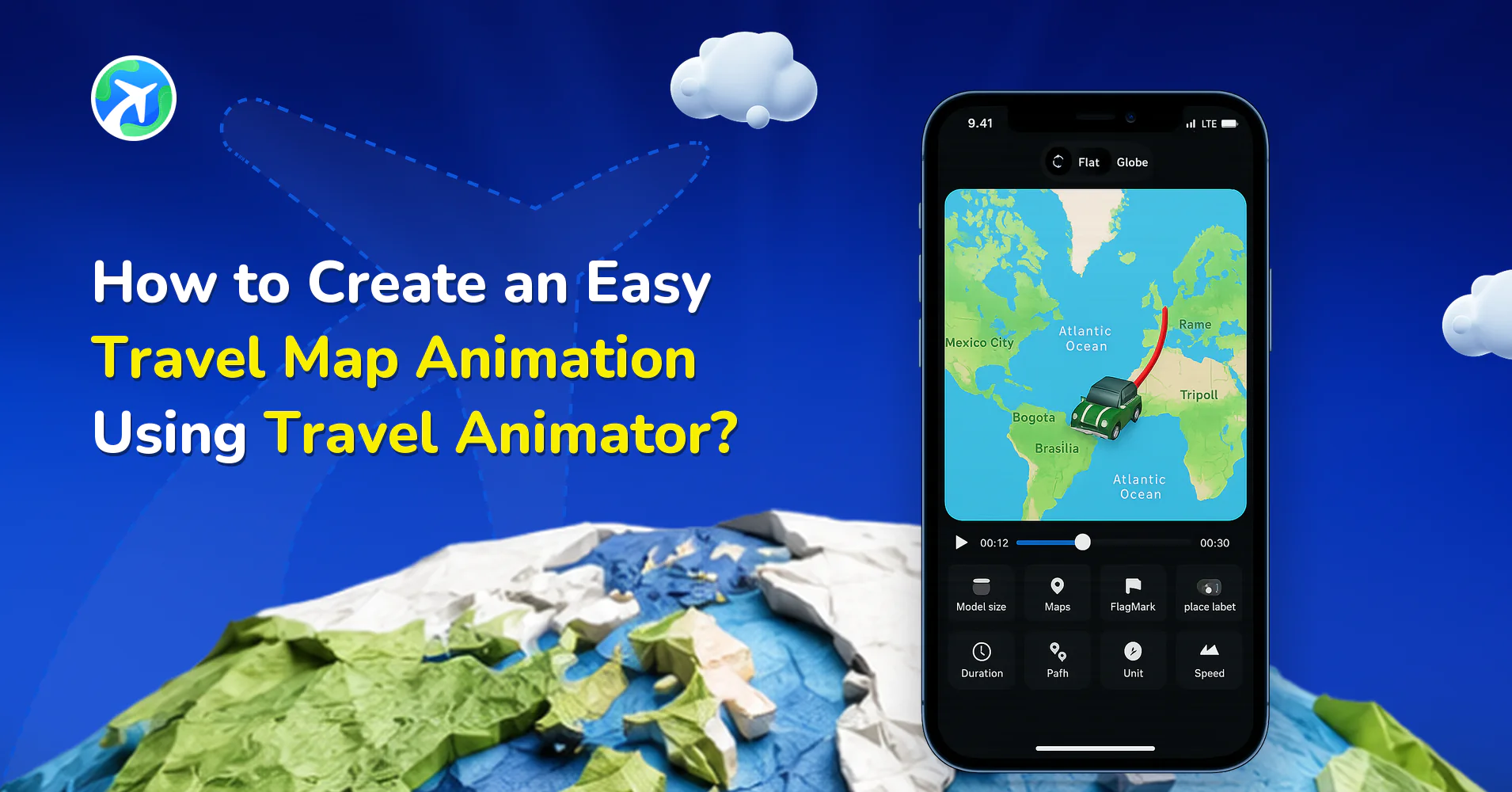
How to Create an Easy Travel Map Animation Using Travel Animator?
사용 방법
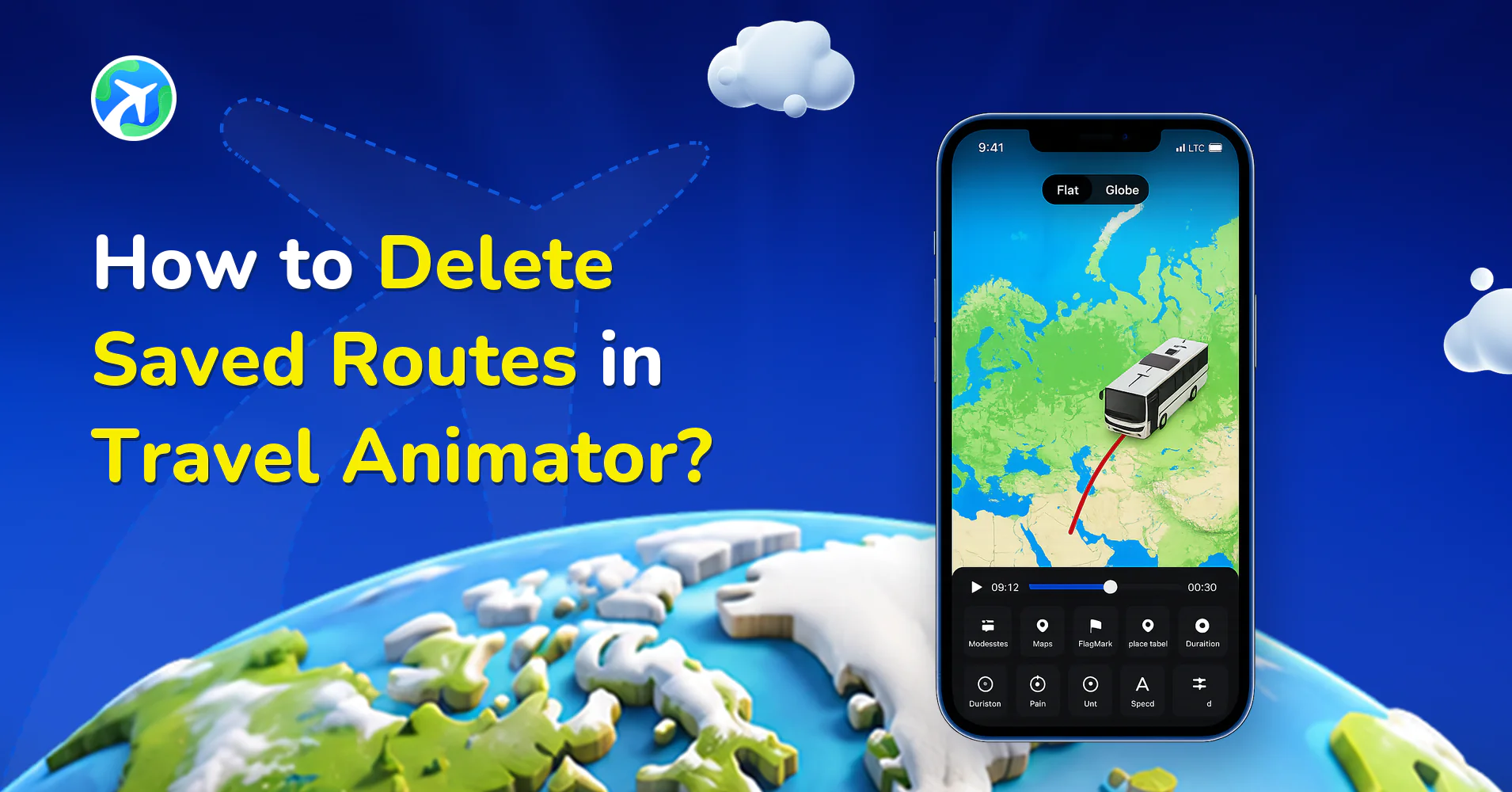
How to Delete Saved Routes in Travel Animator?
사용 방법
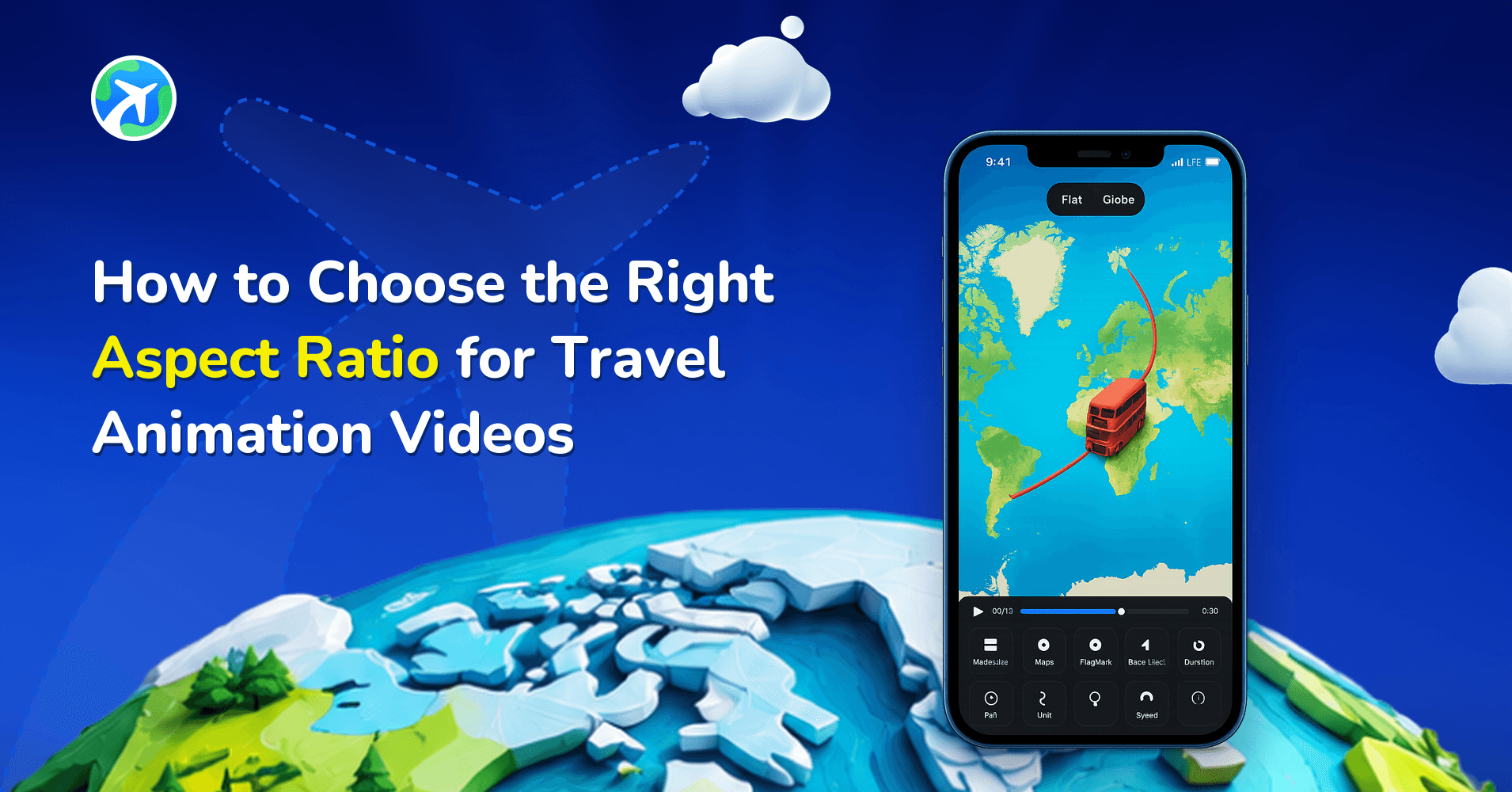
How to Choose the Right Aspect Ratio for Travel Animation Videos
사용 방법
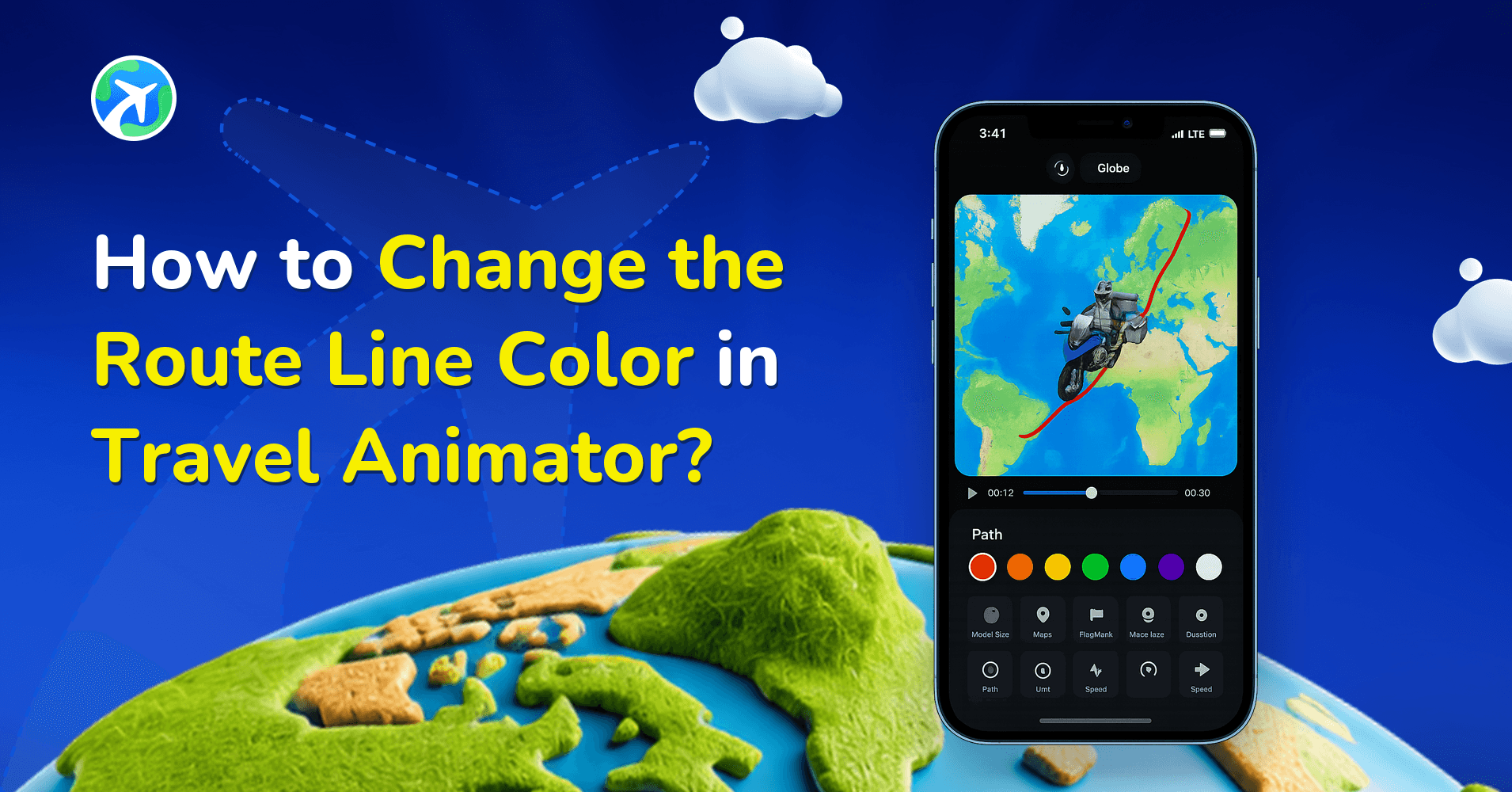
How to Change the Route Line Color in Travel Animator?
사용 방법
How to Delete a Route in Travel Animator?
사용 방법
How Do You Generate GPX Files From Google Maps?
사용 방법
How Do You Generate GPX Files from Apple Maps?
사용 방법
What Does The Purple Line Around Land Mean in Travel Animator?
사용 방법
How to Get an Invoice for Your TravelAnimator Subscription
사용 방법
How to Add Location Names to Each Destination in TravelAnimator
사용 방법
How to Upload and Use GPX Files in Travel Animator?
사용 방법
How Can I Add Multiple Models in Travel Animator?
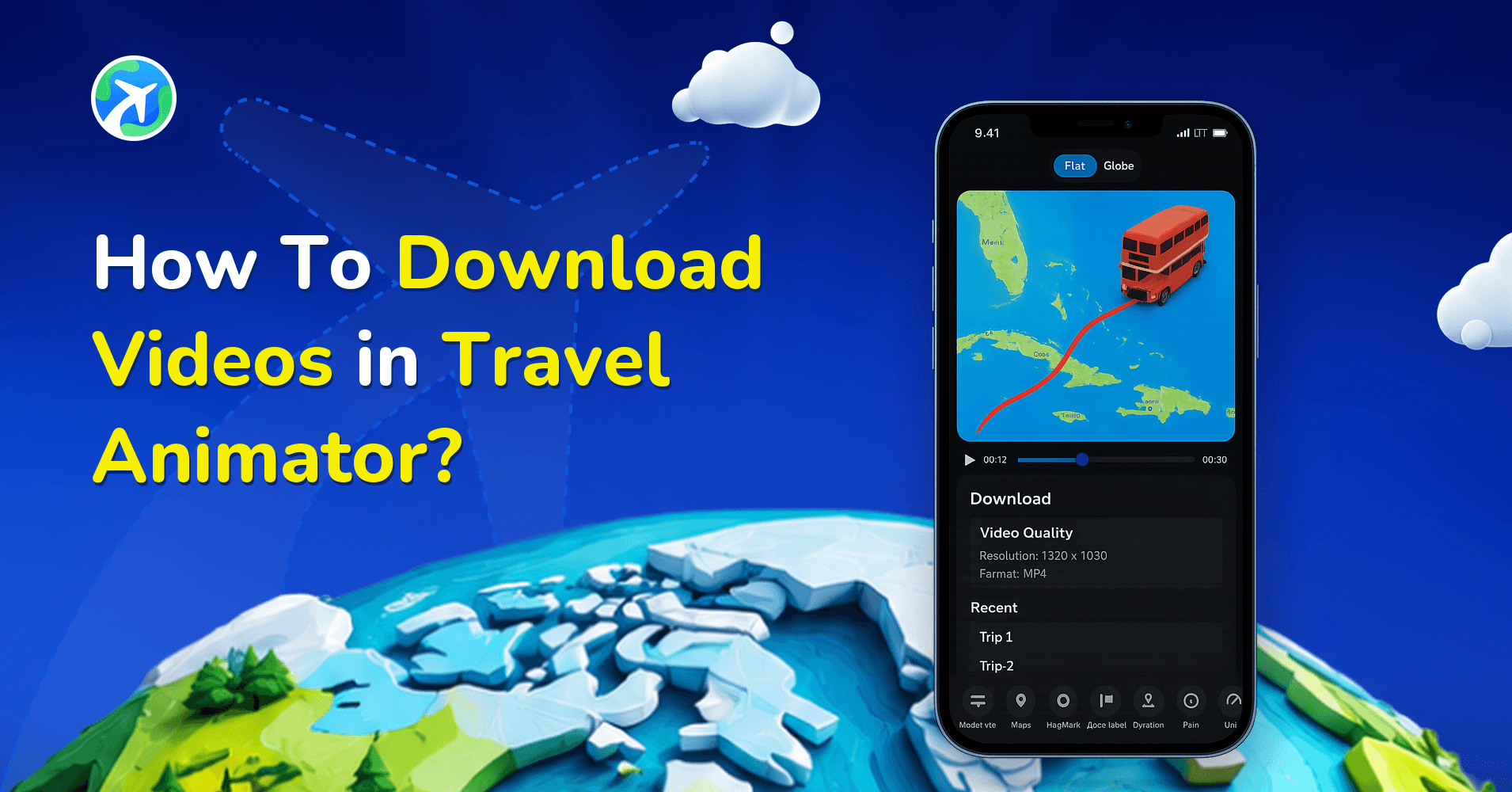
사용 방법
How To Download Videos in Travel Animator?
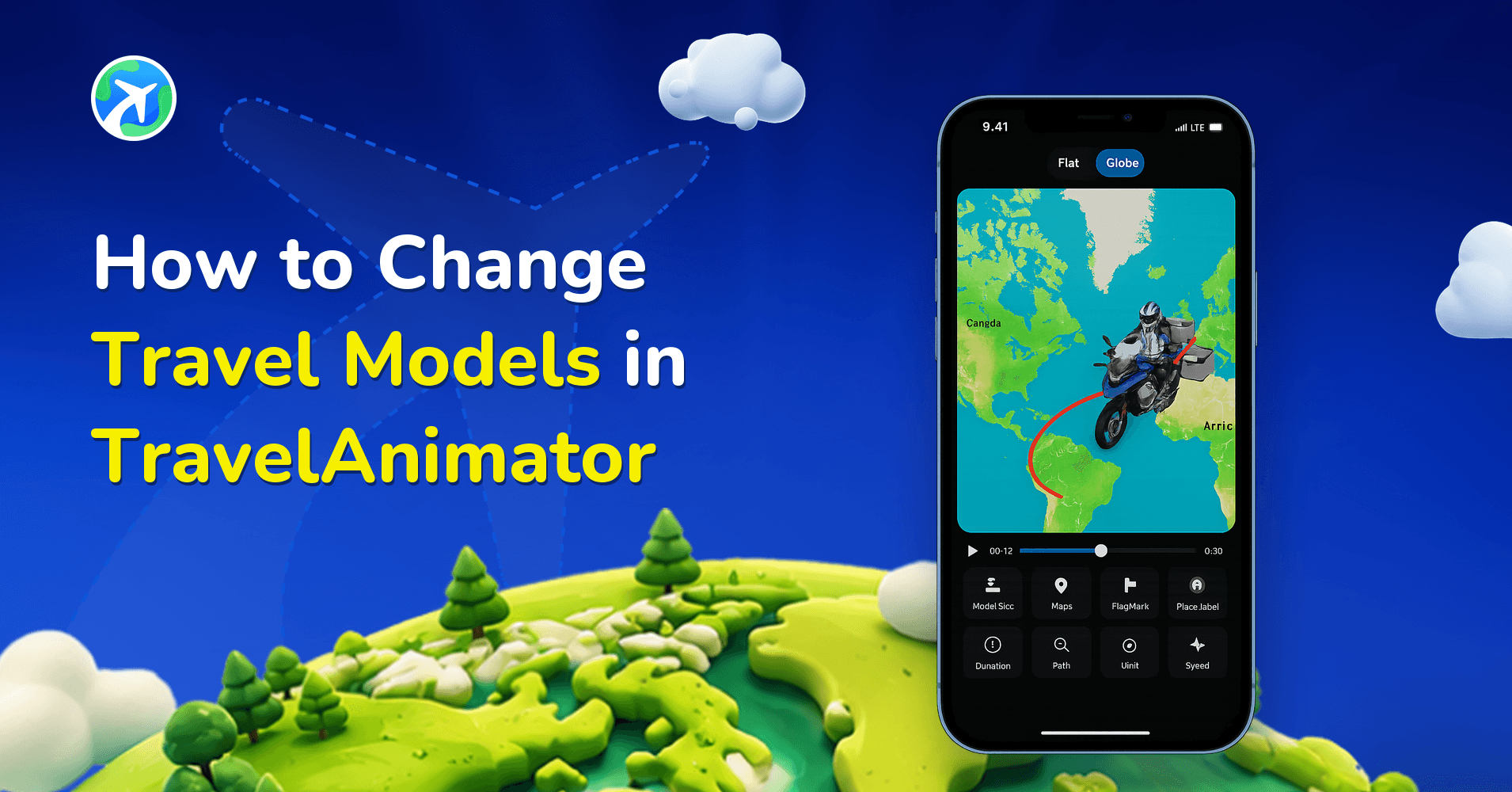
사용 방법
How to Change Travel Models in TravelAnimator
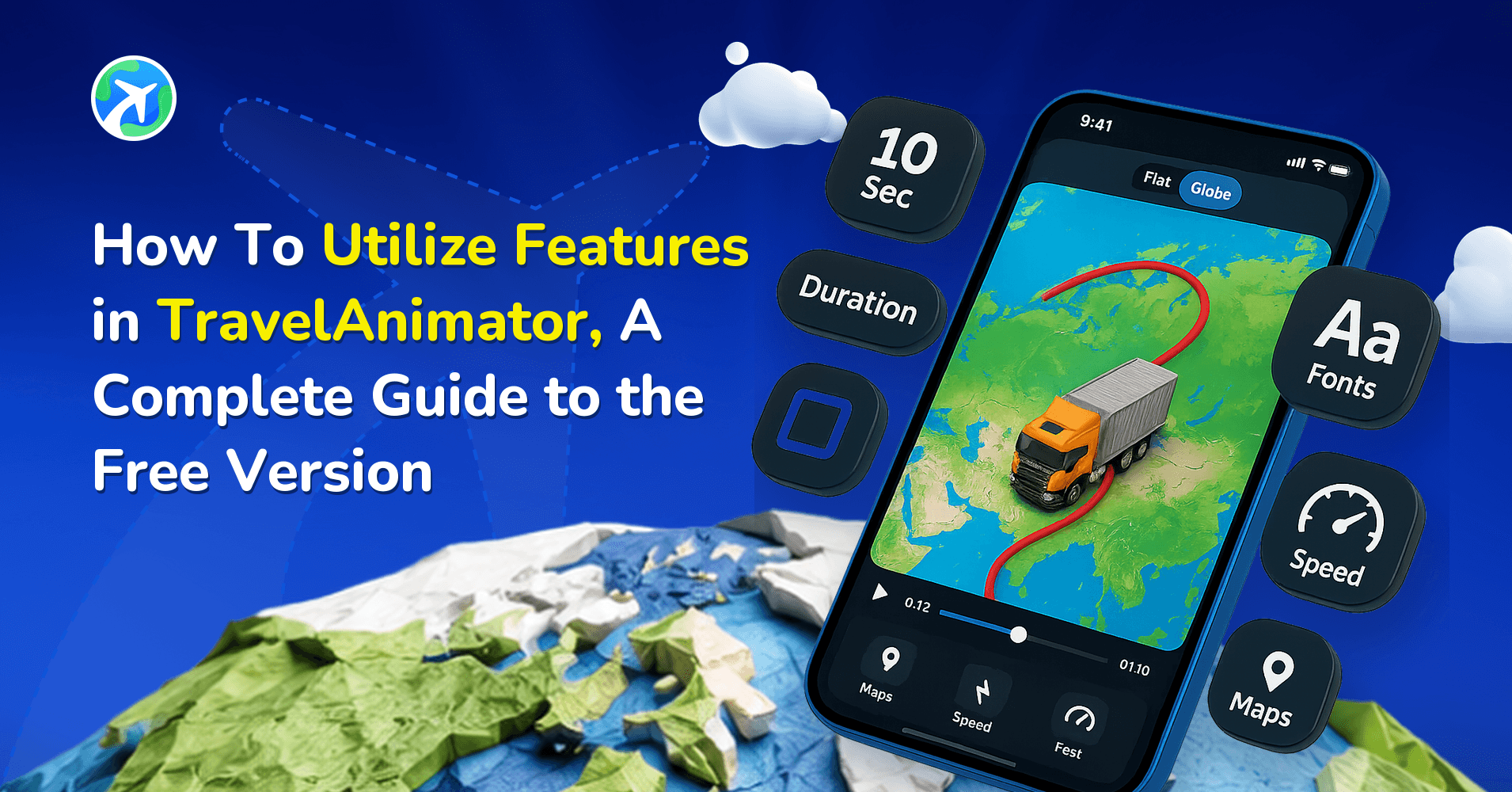
사용 방법
How to Utilize Free Features in TravelAnimator: Full Guide
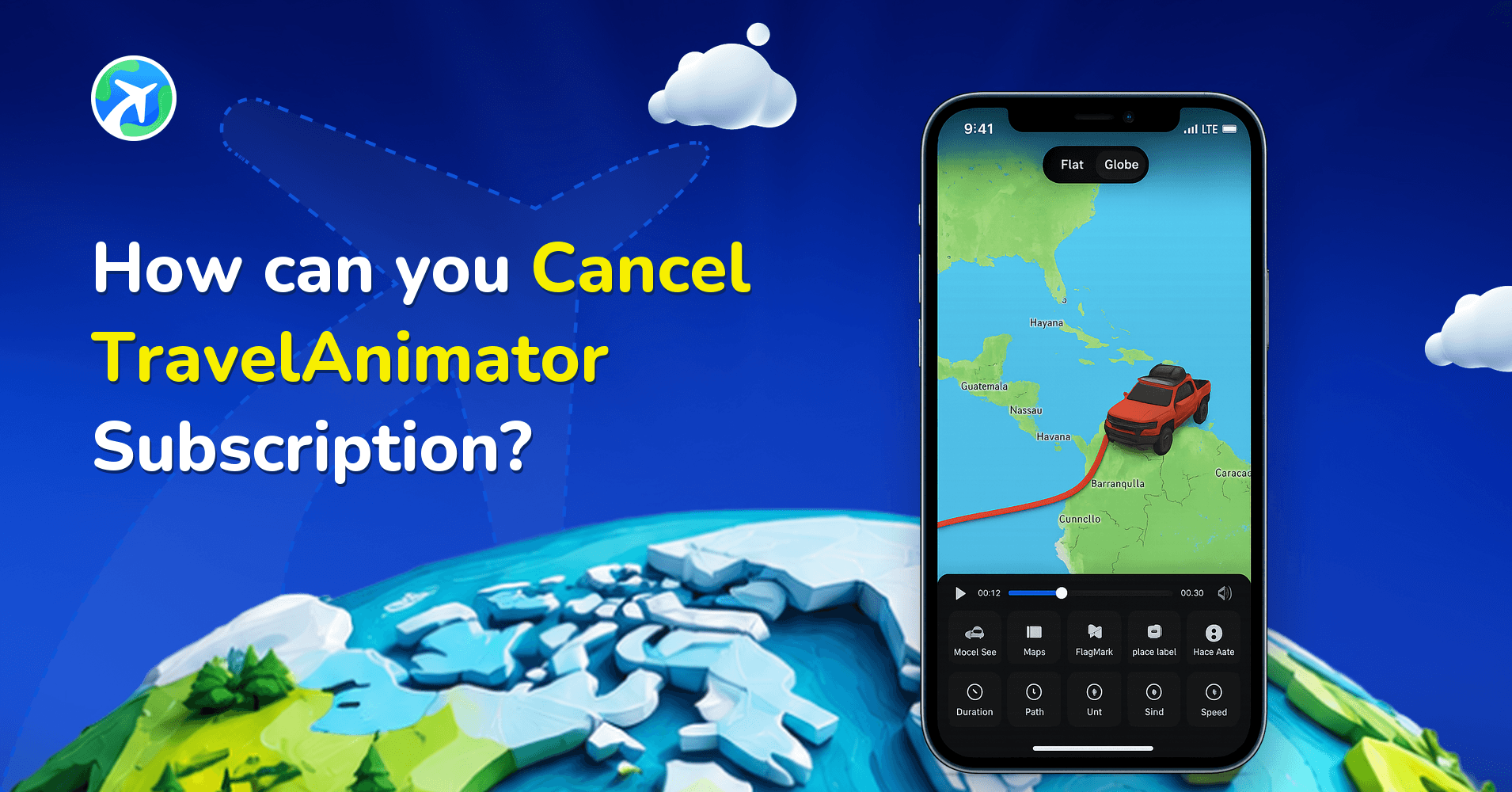
사용 방법
How can you Cancel TravelAnimator Subscription?
사용 방법
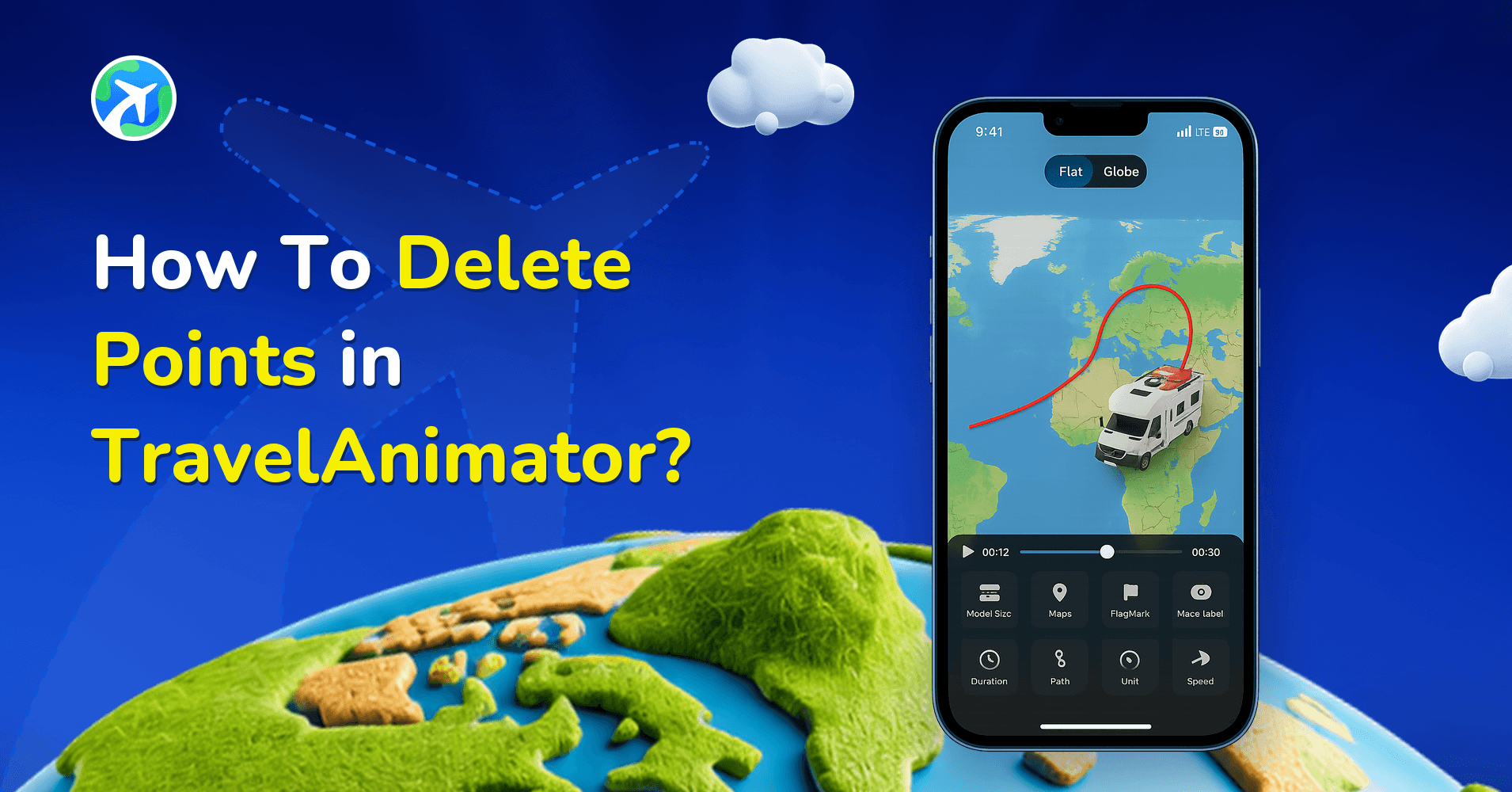
How To Delete Points in TravelAnimator?
사용 방법
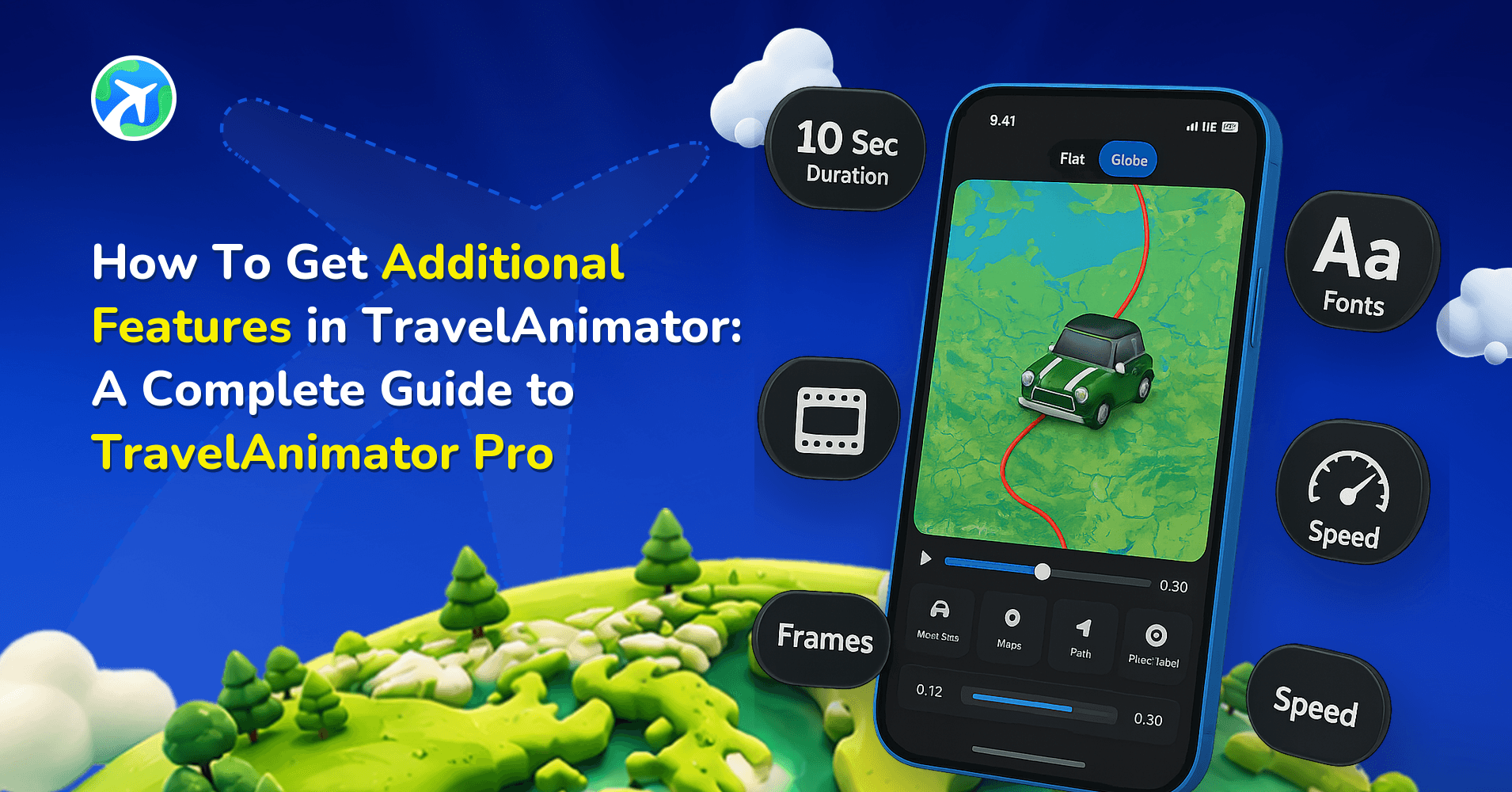
How to Unlock Pro Features in TravelAnimator: Full Guide
사용 방법
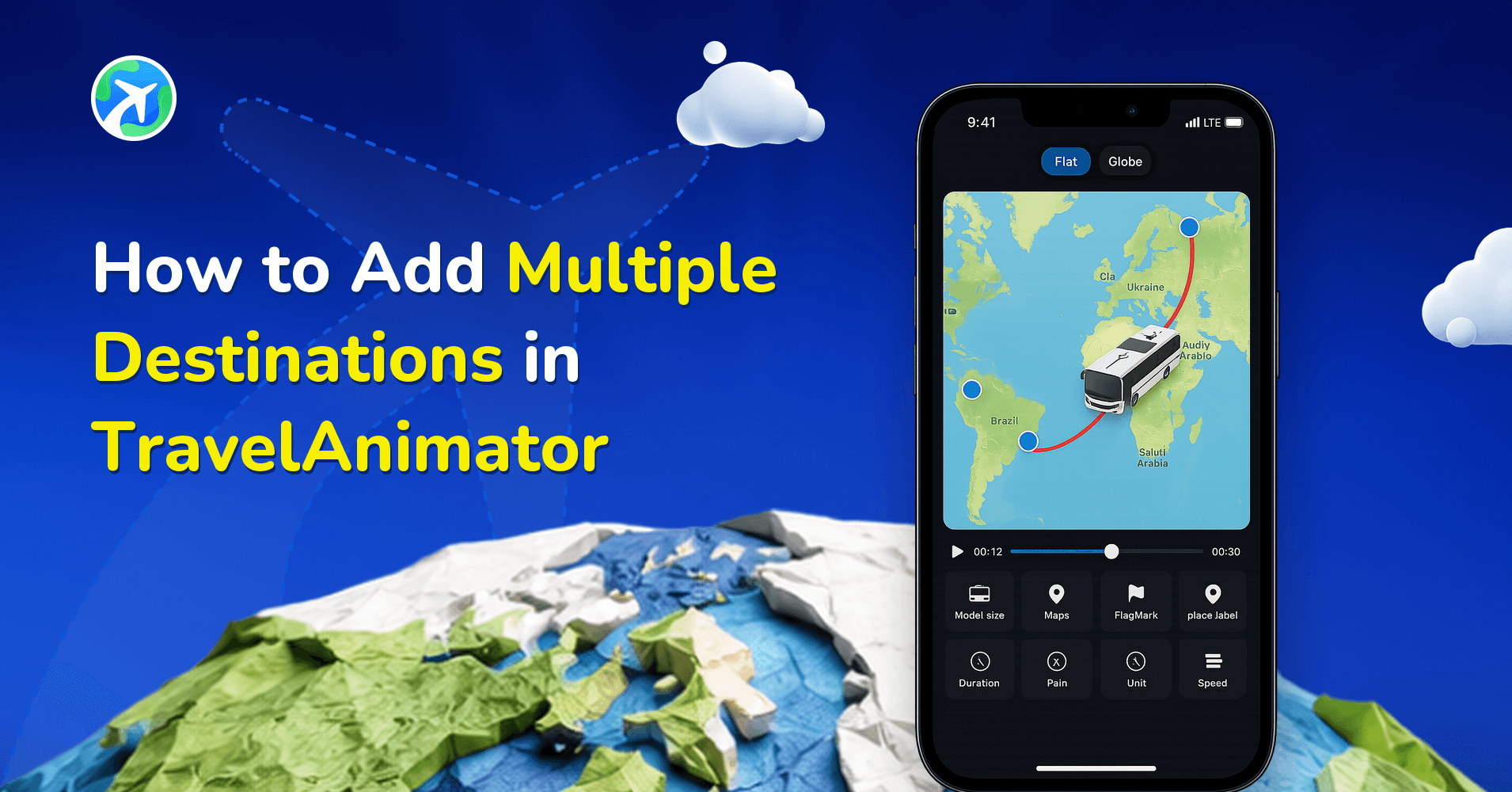
How to Add Multiple Destinations in TravelAnimator
사용 방법
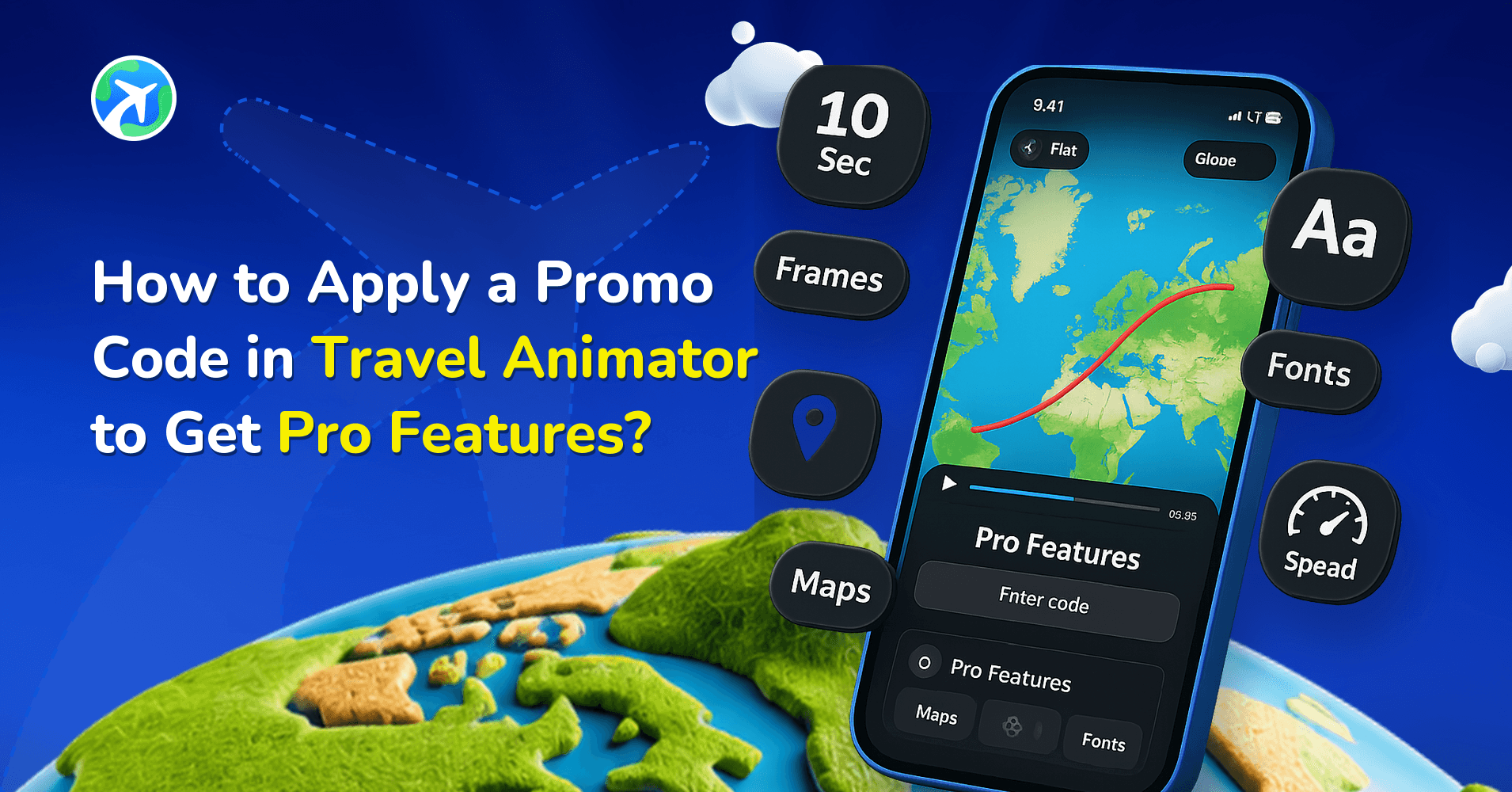
How to Apply a Promo Code in Travel Animator to Get Pro Features?
사용 방법
How to Add Photos in Travel Animation Videos
사용 방법
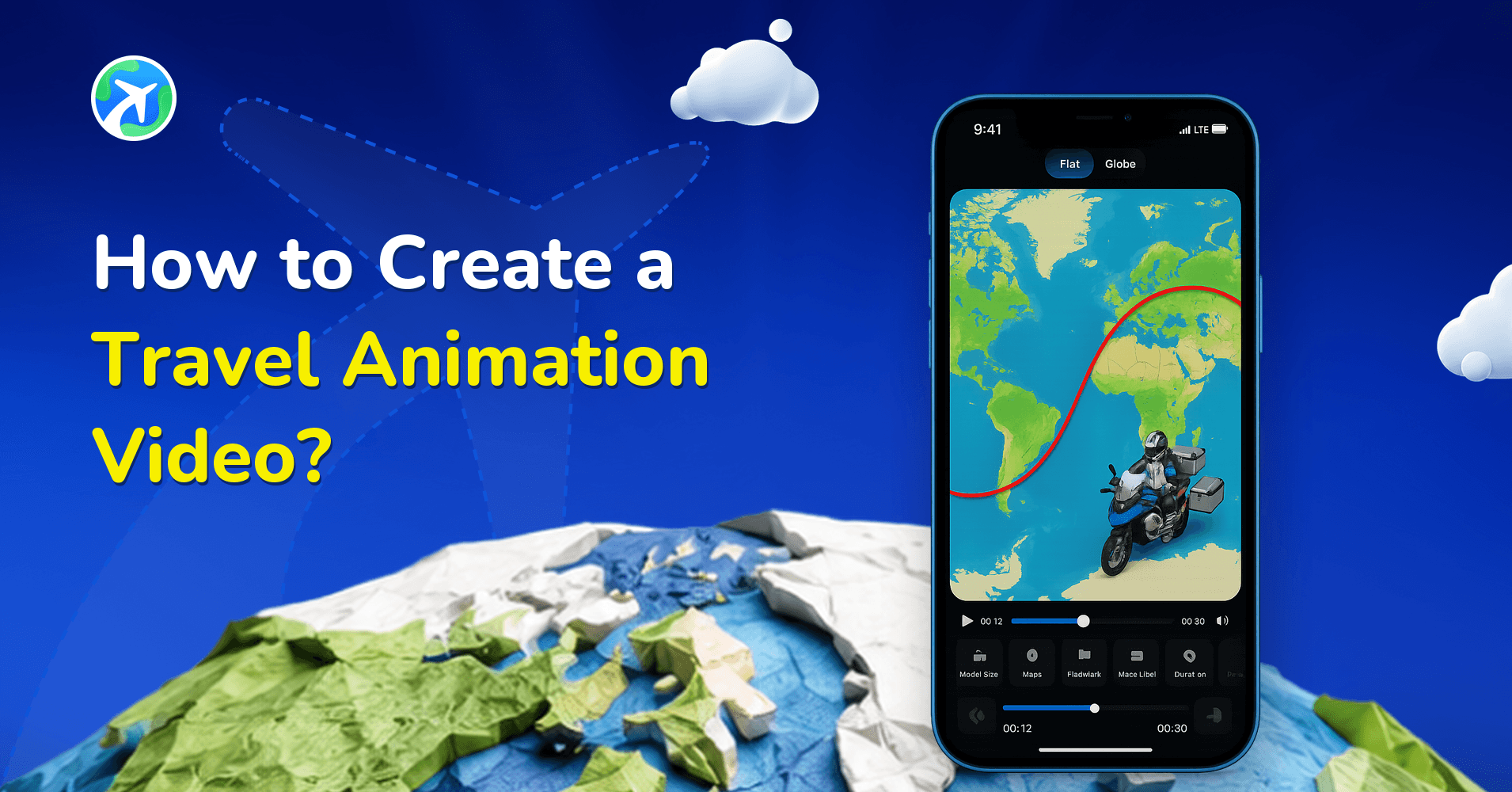
How to Create a Travel Animation Video?
따라 하기 가이드: 자주 묻는 질문
따라 하기 가이드는 무엇을 다루나요?
하나의 작업에 대한 정확한 단계를 다룹니다. 애니메이션 경로 그리기, 그린 경로를 나중에 수정하기, GPX 파일이나 Google Maps 경로 불러오기, 3D 이동수단과 지도 스타일 고르기, 플랫폼별로 요구하는 형식으로 내보내기 같은 내용입니다.
따라 하려면 경험이 있어야 하나요?
아닙니다. 각 가이드는 지금 보고 있는 화면에서 시작하고, 버튼 이름도 실제 표시되는 그대로 씁니다. iPhone과 Android 모두 마찬가지입니다. 앱을 한 번도 열어 본 적이 없다면 튜토리얼 카테고리가 첫 실행부터 안내합니다.
단계가 제 앱 버전과 맞나요?
가이드는 App Store와 Google Play의 현재 릴리스를 기준으로 쓰이고, 인터페이스가 바뀌면 손질합니다. 각 글에 마지막 업데이트 날짜가 표시되니, 어떤 단계가 화면과 다르면 먼저 앱을 업데이트해 주세요.

